
Website UX for Conversions: Design Decisions That Increase Revenue
Table of Contents
Why UX Matters for Revenue Growth
Every design decision on your website either moves visitors closer to a conversion or pushes them away. Website UX conversions are directly linked — research from Forrester shows that a well-designed user interface can raise conversion rates by up to 200 percent, while better UX design can yield rates up to 400 percent higher.
For Singapore businesses operating in a competitive digital landscape, a beautiful website is not enough. Your site must guide visitors smoothly from landing page to checkout, enquiry form, or phone call. When users encounter confusion, slow loads, or unclear navigation, they leave — and they rarely come back.
The relationship between UX and revenue is not theoretical. It shows up in your analytics as bounce rates, time on page, and conversion funnels. Investing in UX is investing in your bottom line, and the returns are measurable within weeks of implementation.
Key UX Principles That Drive Conversions
Effective conversion-focused UX is built on several foundational principles. These are not trends — they are evidence-based guidelines that consistently produce results across industries and markets.
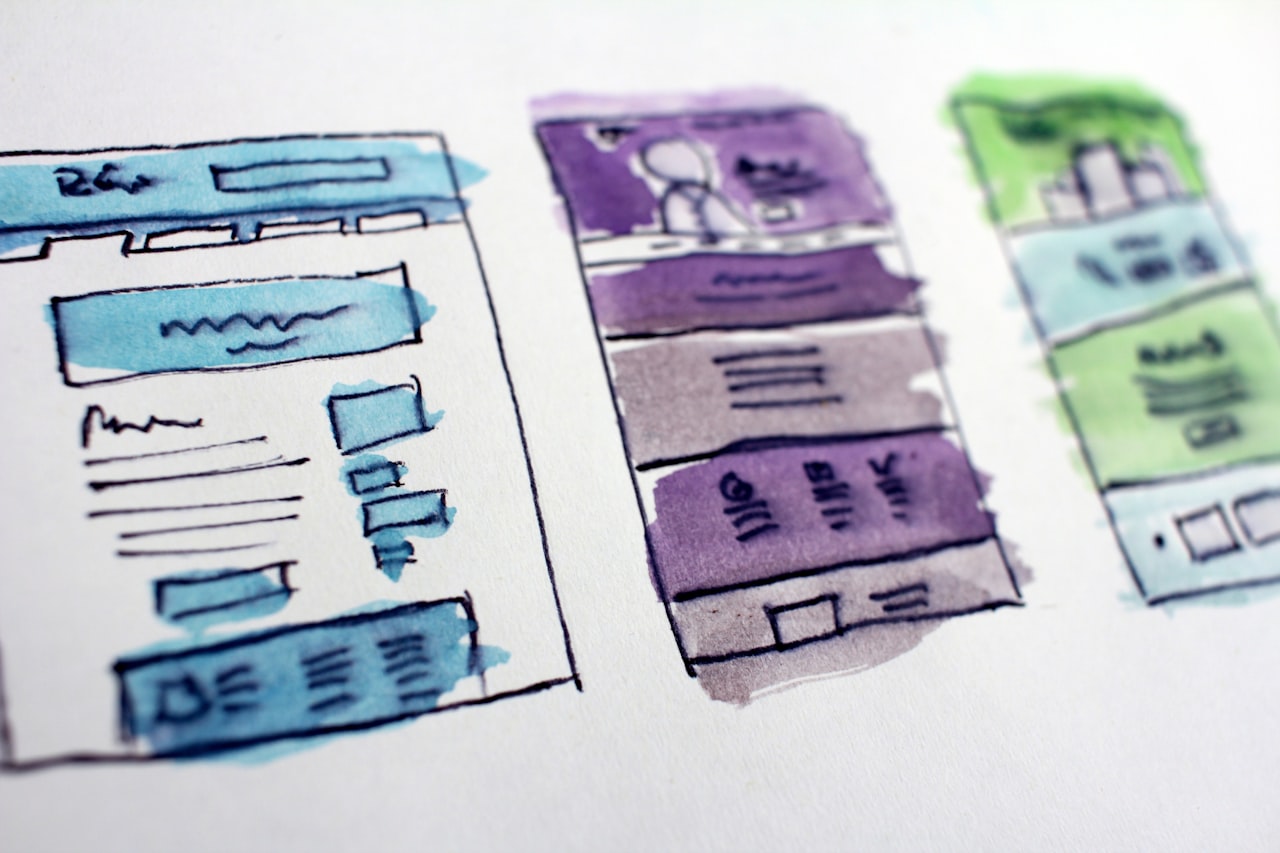
Clarity over cleverness. Users should understand what your business does and what action to take within five seconds of landing on any page. Avoid jargon, abstract imagery, and ambiguous calls to action. A clear value proposition beats a creative one every time.
Consistency builds trust. Your typography, colour palette, button styles, and spacing should remain consistent across every page. Inconsistency signals unprofessionalism and makes users question whether they can trust your brand with their money or data.
Progressive disclosure. Do not overwhelm visitors with every piece of information at once. Reveal details as they become relevant in the user journey. This principle is especially important for service businesses offering complex packages — present the essentials first and let users drill deeper at their own pace.
If you are planning a redesign, working with a professional web design team ensures these principles are baked into the foundation rather than bolted on later.
Layout and Visual Hierarchy
Visual hierarchy determines what users see first, second, and third on every page. Without a deliberate hierarchy, visitors scan aimlessly and leave without taking action.
The most effective conversion-focused layouts follow the F-pattern or Z-pattern reading models. Place your most important headline and value proposition in the top-left quadrant. Position primary calls to action along the natural eye-tracking path.
White space is not wasted space — it is a powerful design tool. Generous margins and padding around key elements draw attention and reduce cognitive load. Studies show that white space around text increases comprehension by up to 20 percent.
Use size, colour, and contrast to create clear distinctions between primary actions, secondary actions, and informational content. Your main CTA button should be visually dominant on every page. Learn more about effective CTA design and placement to maximise click-through rates.
Group related content using proximity and visual containers. When information is logically organised, users process it faster and feel more confident about their decisions. This is especially critical for pricing page design where clarity directly impacts purchase decisions.
Trust Signals and Credibility Cues
Trust is the currency of online conversions. Users will not fill in a form, make a purchase, or call your business unless they believe you are legitimate, competent, and reliable.

Effective trust signals include client logos, testimonials with full names and photos, case study results with specific numbers, industry certifications, and security badges. The placement of these elements matters as much as their existence — position them near decision points such as forms, checkout pages, and pricing tables. Read our guide on social proof placement for detailed strategies.
For Singapore businesses, local trust signals carry extra weight. Mention your Singapore registration, display your office address, include a local phone number with the +65 prefix, and reference work with recognisable local brands. These details reassure visitors that they are dealing with a real, established company.
Social proof should appear throughout the user journey, not just on a dedicated testimonials page. Place relevant quotes next to service descriptions, embed Google review ratings on your homepage, and include client counts or project numbers in your header or footer.
Reducing Friction in the User Journey
Every extra click, confusing label, or unnecessary field between a visitor and their goal is friction. Friction kills conversions. The most impactful UX improvements often come from removing obstacles rather than adding features.
Start by mapping your primary conversion paths. How many steps does it take for a visitor to complete your most important goal? Each step is an opportunity for drop-off. Reduce the number of steps wherever possible.
Forms are one of the biggest friction points on most websites. Long forms with unnecessary fields discourage completion. Our form optimisation guide covers proven techniques to improve submission rates without sacrificing data quality.
Page speed is another critical friction factor. When pages load slowly, users abandon them — often before they even see your content. Every second of delay reduces conversions measurably. Explore the direct relationship between page speed and conversions in our detailed analysis.
Navigation friction is equally damaging. If users cannot find what they are looking for within two or three clicks, they will leave. Ensure your website navigation is intuitive and tested with real users.
Testing and Iteration for Continuous Improvement
UX optimisation is not a one-time project — it is an ongoing process. The highest-converting websites are those that continuously test, learn, and refine their user experience based on real data.
A/B testing is the most reliable method for validating UX changes. Test one element at a time — headline copy, button colour, form length, page layout — and let the data tell you which version performs better. Tools like Google Optimize, VWO, or Optimizely make this accessible to businesses of all sizes.
Heatmaps and session recordings reveal how users actually interact with your pages. You might discover that visitors are clicking on non-clickable elements, ignoring your main CTA, or scrolling past important content. Tools like Hotjar and Microsoft Clarity provide these insights for free or at low cost.
User testing with real people is invaluable. Recruit five to eight participants from your target audience and watch them complete key tasks on your site. The usability issues they uncover will surprise you, no matter how experienced your design team is.
A comprehensive digital marketing strategy integrates UX testing with broader analytics to ensure every improvement contributes to business goals.
UX Considerations for Singapore Audiences
Singapore users have specific expectations and behaviours that should inform your UX decisions. Understanding these nuances gives local businesses a competitive advantage over international competitors.

Mobile-first is non-negotiable in Singapore, where smartphone penetration exceeds 90 percent. Your site must deliver a flawless mobile UX — not just a responsive layout, but a genuinely mobile-optimised experience with touch-friendly targets and streamlined content.
Singaporeans are highly connected and digitally savvy. They compare options quickly, read reviews carefully, and expect fast responses. Your UX should facilitate rapid comparison and decision-making with clear pricing, benefit statements, and readily available contact options.
Multilingual considerations matter in Singapore. While English is the primary business language, offering content or support in Mandarin, Malay, or Tamil can broaden your reach. Ensure that any multilingual features are seamlessly integrated into your UX rather than treated as an afterthought.
WhatsApp is widely used in Singapore for business communication. Including a WhatsApp chat button or click-to-chat link reduces friction for users who prefer messaging over forms or phone calls. This small UX addition can measurably increase your enquiry rate.
Frequently Asked Questions
What is website UX and how does it affect conversions?
Website UX (user experience) encompasses every aspect of how visitors interact with your site — from navigation and layout to content and load speed. Good UX reduces friction, builds trust, and guides visitors toward conversion actions like purchases, form submissions, or phone calls. Poor UX causes confusion, frustration, and abandonment.
How do I know if my website has UX problems?
Check your analytics for high bounce rates, low time on page, and drop-offs in conversion funnels. Use heatmap tools to see where users click and scroll. Run user testing sessions with people from your target audience. A professional SEO audit can also reveal technical UX issues affecting performance.
What is the most impactful UX change for conversions?
Simplifying your primary conversion path typically delivers the biggest gains. This might mean reducing form fields, clarifying your value proposition, making your CTA more prominent, or improving page speed. The specific change depends on where the biggest friction points exist in your current user journey.
How long does it take to see results from UX improvements?
Most UX improvements show measurable results within two to four weeks, provided your site has sufficient traffic to generate statistically significant data. Larger changes like full redesigns may take longer to evaluate as users adjust to the new experience.
Should I redesign my entire website or make incremental UX changes?
Start with incremental changes guided by data. Test specific elements, measure results, and build on what works. A full redesign is warranted when the underlying structure, code, or content management system prevents you from making the incremental improvements you need.
How much does UX optimisation cost in Singapore?
UX optimisation costs vary widely depending on scope. Basic audits and recommendations start from a few hundred dollars. Comprehensive testing and implementation projects for SMEs typically range from SGD 3,000 to SGD 15,000. The ROI from improved conversions usually pays for the investment within months.
Can I improve UX without hiring a designer?
Yes, many impactful UX improvements can be made without professional design skills. Simplifying forms, improving page speed, clarifying headlines, and adding trust signals are all achievable with basic website management skills. However, for structural changes or visual redesigns, working with a professional branding and design team ensures a cohesive result.
What tools should I use to analyse my website UX?
Google Analytics for traffic and conversion data, Hotjar or Microsoft Clarity for heatmaps and session recordings, Google PageSpeed Insights for performance analysis, and Google Search Console for search-related UX issues. These tools provide a comprehensive view of your UX performance at minimal cost.