Pricing Page Design: Layout, Psychology and Best Practices
Table of Contents
Why Pricing Page Design Matters
Your pricing page is one of the highest-intent pages on your entire website. Visitors who land here are actively evaluating whether to buy from you. Yet many businesses treat pricing page design as an afterthought — a simple table of numbers thrown together without strategic thought.
A well-designed pricing page does more than display costs. It frames value, reduces anxiety, guides visitors toward the right plan, and makes the purchase decision feel easy and confident. Conversely, a confusing or poorly structured pricing page sends high-intent visitors to your competitors.
For Singapore businesses — whether SaaS companies, service providers, or e-commerce stores — the pricing page is often the last stop before conversion. Getting it right means capturing revenue that would otherwise be lost. Getting it wrong means wasting the traffic your SEO efforts and paid campaigns worked hard to generate.
Layout Fundamentals for Pricing Pages
The most effective pricing page layouts share common structural elements that make comparison and decision-making easy for visitors.
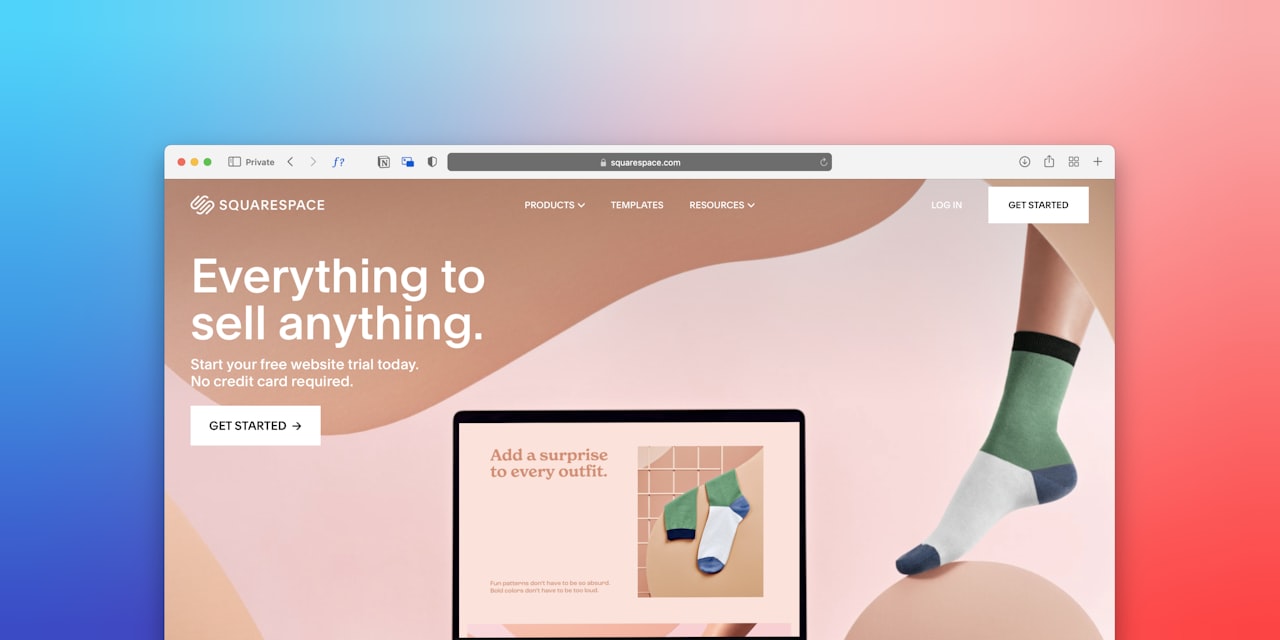
Present pricing plans side by side in a horizontal layout on desktop. Three plans is the most common and effective configuration — it allows you to use the decoy effect (covered in the psychology section) and gives users a clear low, middle, and high option. Two plans work for simple offerings, while four can work if the distinctions are genuinely clear.
Highlight your recommended plan visually. Make it slightly larger, add a “Most Popular” or “Best Value” badge, use a different background colour, or elevate it above the others. This visual emphasis leverages the anchoring effect and guides undecided visitors toward the option that works best for most customers.
Place your pricing section high on the page. Do not make visitors scroll through paragraphs of copy before they can see your prices. If you want to build value before revealing pricing, keep that content concise — a short headline, a few benefit statements, and then the pricing table.
Each plan should have a clear, descriptive name, the price displayed prominently, a concise list of included features, and a distinct CTA button. Follow our CTA design best practices to ensure each button drives action effectively.
Pricing Psychology That Influences Decisions
Pricing perception is not purely rational. Several well-documented psychological principles can ethically influence how visitors perceive your pricing and which plan they choose.
The decoy effect. When you offer three plans, the middle option typically becomes the most popular — especially when the highest plan is priced significantly above the middle. The expensive plan makes the middle plan feel like a good deal, even if the middle plan was your target all along.
Anchoring. The first price a visitor sees becomes their reference point. If you show your premium plan first (left to right), the standard plan feels affordable by comparison. If you show the cheapest plan first, each subsequent plan feels expensive. Test both arrangements with your audience.
Charm pricing. Prices ending in 9 (SGD 49, SGD 199, SGD 999) outperform round numbers in most consumer contexts. For premium or luxury positioning, round numbers (SGD 50, SGD 200, SGD 1,000) can signal quality and simplicity. Choose based on your brand positioning and your brand strategy.
Price framing. “SGD 10 per day” feels more affordable than “SGD 300 per month,” even though the daily price is actually higher. Frame your pricing in the smallest meaningful unit to reduce sticker shock. Monthly pricing feels more accessible than annual pricing, even when annual pricing offers a discount.
Loss aversion. People feel losses more strongly than equivalent gains. Framing features as “included” rather than listing what each plan lacks taps into this principle. When you must show feature limitations, use neutral language rather than negative framing.
Feature Comparison and Plan Presentation
How you present features and differences between plans significantly impacts which plan visitors choose — and whether they choose at all.
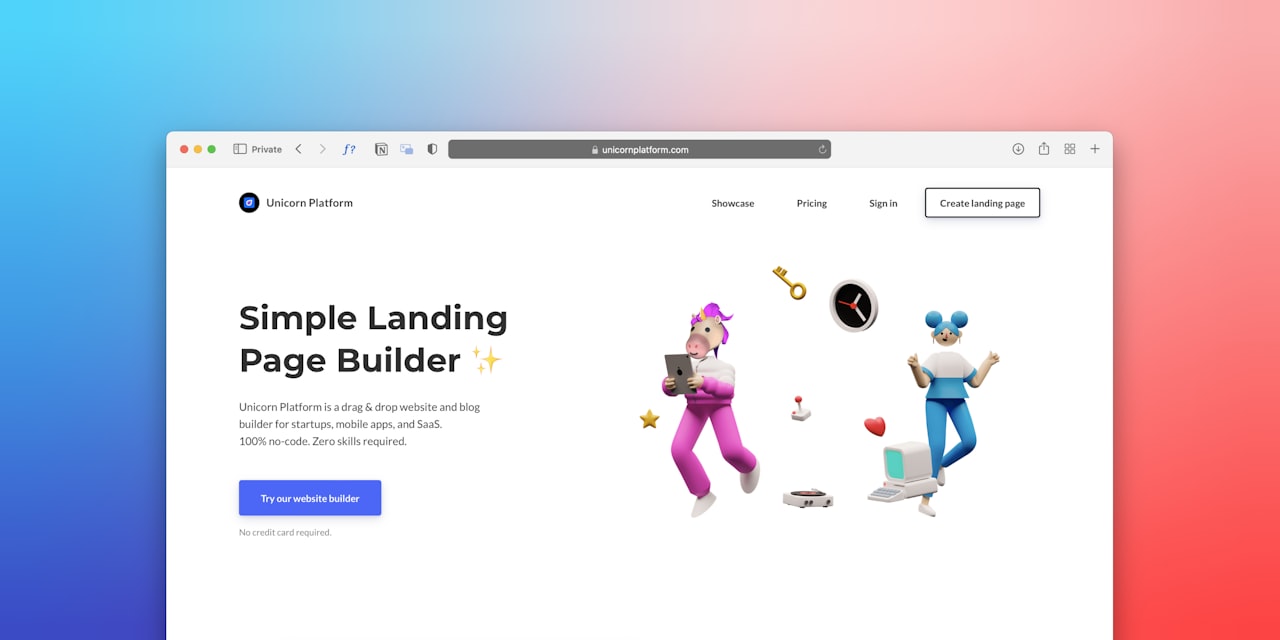
Lead with benefits, not features. Instead of listing “5 GB storage,” say “Enough storage for 10,000 documents.” Instead of “24/7 support,” say “Help whenever you need it.” Benefits resonate emotionally while features appeal only to those who already understand your product.
Use checkmarks and crosses sparingly. A long list of crosses (features not included) on lower-tier plans creates negative feelings. Instead, list only what is included in each plan. If you must show a comparison matrix, use checkmarks for included features and leave cells empty rather than using red crosses for excluded features.
Keep feature lists manageable. Five to eight features per plan is sufficient for comparison. If your product has dozens of features, provide a “See full comparison” link to a detailed matrix below the pricing section. The initial view should enable quick decision-making, not overwhelm visitors.
Group features by category in comparison tables. When users can quickly scan categories relevant to their needs, they make faster and more confident decisions. Categories like “Core Features,” “Support,” “Integrations,” and “Analytics” help users find what matters to them.
For service businesses, consider presenting pricing as starting-from figures with a clear CTA to “Get Your Custom Quote.” This approach works well when services are genuinely tailored to each client. Pair this with an optimised quote request form to capture leads effectively.
Trust Elements on Pricing Pages
The pricing page is where purchase anxiety peaks. Visitors are about to part with money, and they need reassurance that they are making the right choice. Strategic trust elements reduce this anxiety and increase conversions.
Money-back guarantees are powerful on pricing pages. A clear, prominent guarantee — “30-day money-back guarantee, no questions asked” — reduces the perceived risk of purchasing. Position the guarantee near your pricing table and CTA buttons.
Client testimonials on pricing pages should specifically address value for money. A testimonial saying “The ROI was evident within the first month” is far more effective on a pricing page than a generic “Great service.” Choose testimonials that counter the objection “Is this worth the price?” For placement strategies, consult our social proof placement guide.
Display the number of customers or clients you serve. “Trusted by 500+ Singapore businesses” or “10,000 active users” provides social validation that others have found your pricing acceptable and your service valuable.
Security badges and payment method logos near the checkout or CTA area reassure visitors that their financial information is safe. For Singapore audiences, displaying local payment options like PayNow alongside credit cards increases confidence.
Pricing Pages for Singapore Service Businesses
Service businesses face unique pricing page challenges. Services are intangible, often customised, and harder to compare than products. These strategies address those challenges specifically for the Singapore market.
Use package-based pricing where possible. Instead of vague “contact us for pricing” pages, offer structured packages with clear deliverables and prices. Packages make services tangible and comparable, which accelerates decision-making.
Include scope and deliverables in each package. For a digital marketing service, this might mean specifying the number of blog posts, social media updates, or ad campaigns included per month. Clarity about what is included prevents scope confusion and builds trust.
Show pricing in SGD with GST transparency. Singapore consumers expect to know the final price they will pay. Display prices inclusive of GST or clearly state “prices exclude 9% GST” near the pricing table. Unexpected additions at checkout cause abandonment.
Consider a comparison with DIY or competitor alternatives. A simple section showing “Hiring a full-time marketer: SGD 5,000/month vs Our Premium Plan: SGD 2,500/month” frames your pricing as good value by comparison.
Add a “Not sure which plan?” section below the pricing table with a short questionnaire or a link to contact your team. This captures visitors who are interested but need guidance — and prevents them from leaving to research alternatives. These visitors often have high lifetime value once they convert.
Common Pricing Page Pitfalls
Even well-intentioned pricing pages often suffer from these common mistakes that suppress conversion rates.

Hiding the price. Unless you sell enterprise solutions with genuinely variable pricing, hiding prices behind a “Contact Us” form frustrates visitors and increases bounce rates. Transparency builds trust and pre-qualifies leads.
Too many options. More than four pricing tiers overwhelm visitors. If your product genuinely requires many options, use a configurator or guided selection tool rather than displaying all options simultaneously.
Unclear differences. If visitors cannot quickly understand what distinguishes Plan A from Plan B, they will not choose either. Make the key differentiators between plans immediately obvious.
Burying the CTA. Each pricing plan needs its own prominent CTA button. Do not make users scroll to a shared button at the bottom of the page. Every plan column should have a clear action button.
Ignoring mobile layout. Side-by-side pricing columns that work on desktop often stack poorly on mobile. Plan your mobile layout deliberately — consider tabs, swipeable cards, or an accordion layout rather than simply stacking columns. Ensure the mobile experience supports conversions as outlined in our mobile UX guide.
No social proof. A pricing page without testimonials, client logos, or usage numbers feels isolated from the rest of your marketing. Integrate proof elements naturally throughout the page, reinforcing value at the decision point. Complement your pricing page with strong overall website UX to support the entire conversion journey.
Frequently Asked Questions
Should I display pricing on my website?
Yes, for most businesses. Displaying pricing builds trust, pre-qualifies leads, and saves time for both you and your potential customers. The exception is highly customised enterprise services where pricing genuinely varies significantly based on requirements.
How many pricing plans should I offer?
Three plans is optimal for most businesses. This allows you to leverage the decoy effect, cater to different budget levels, and guide most visitors toward the middle option. Two plans can work for simple offerings, and four is acceptable if the distinctions are clear.
Should I show annual and monthly pricing?
If you offer both billing cycles, show them with a clear toggle. Default to the option that offers better value for the customer — usually annual pricing with a visible discount. Highlight the savings amount to incentivise annual commitments.
How do I handle pricing in multiple currencies?
For Singapore-focused businesses, display prices in SGD. If you serve international clients, use a currency selector that detects the visitor’s location automatically and allows manual override. Always ensure converted prices feel natural — use local charm pricing conventions rather than exact currency conversions.
What is the best way to present a free tier or free trial?
Position the free option at the left as the starting point, but give it less visual weight than your paid plans. Clearly communicate the limitations of the free tier and what users gain by upgrading. Use CTA text like “Start Free” rather than “Sign Up” to emphasise the no-cost entry point.
Should I include a FAQ section on my pricing page?
Absolutely. A FAQ section directly on the pricing page addresses common objections and reduces the need for visitors to leave the page seeking answers. Cover questions about refunds, contract terms, setup fees, and what happens when they outgrow their plan. This supports your wider content marketing strategy.
How often should I update my pricing page?
Review your pricing page quarterly. Update pricing when costs change, add new plans when customer feedback indicates gaps, and refresh testimonials regularly. A/B test design changes continuously rather than doing infrequent overhauls.
How do I handle price increases on my pricing page?
Announce increases transparently. Consider grandfathering existing customers at their current rate for a defined period. On the pricing page itself, frame increases positively by highlighting new features or improvements that justify the change. Honest communication preserves the trust your social media presence has built.