Table of Contents
- Why Heatmaps Matter for Conversion Optimisation
- Free Heatmap Tools That Deliver Real Value
- Mid-Range Behaviour Analytics Platforms
- Enterprise Digital Experience Platforms
- Combining Heatmaps with A/B Testing
- Practical Implementation and Privacy
- How to Interpret Heatmap Data Effectively
- Frequently Asked Questions
Why Heatmaps Matter for Conversion Optimisation
Google Analytics tells you what happened — best heatmap tools tell you why. When your bounce rate spikes on a particular page, analytics shows you the number, but heatmaps show the specific element causing visitors to leave. This distinction is crucial for conversion optimisation, where identifying specific friction points is the first step toward fixing them.
Click heatmaps reveal where users click and tap, highlighting which elements attract attention and which are ignored. Scroll heatmaps show how far visitors scroll before leaving — if 70 per cent never reach your pricing section, you know to move it higher. Session recordings capture individual user journeys as video replays, revealing unexpected usability issues that quantitative data alone would miss.
For Singapore businesses investing in website design and paid advertising, heatmap data bridges the gap between what you think users do and what they actually do. Evidence-based design decisions consistently outperform assumptions.
Free Heatmap Tools That Deliver Real Value
Microsoft Clarity is a completely free heatmap and session recording tool with no traffic limits, no data caps, and no paywalls. It provides unlimited heatmaps and recordings, automatic frustration detection (dead clicks, rage clicks, excessive scrolling), Google Analytics 4 integration, and Copilot AI summaries — all at zero cost. There is genuinely no reason not to install Clarity on every website you manage.

Clarity’s automatic frustration signals draw attention to the most problematic areas without manual review. Integration with GA4 lets you filter recordings by specific analytics segments. The “free” model raises fair questions about data usage for Microsoft’s advertising business, but the analytical value is undeniable.
Hotjar’s free Basic plan includes 35 daily sessions and unlimited heatmaps alongside surveys and feedback widgets. While the session limit is restrictive for high-traffic sites, it provides a useful starting point. The paid Plus plan at USD 32 per month expands to 100 daily sessions.
Mid-Range Behaviour Analytics Platforms
Hotjar remains the most widely used best heatmap tools platform, combining heatmaps, session recordings, surveys, and feedback widgets in an intuitive interface accessible to non-technical marketers. Its AI summarises findings from recordings and identifies patterns without manual review. GDPR and PDPA compliance tools are built in. The Business plan at USD 80 per month offers 500 daily sessions with advanced filters.
Mouseflow goes deeper with six heatmap types, automatic friction scoring on each session, and detailed form analytics tracking field-level interactions. If your Singapore business relies on lead generation forms, Mouseflow’s form analytics reveal which fields cause abandonment, how long users spend on each field, and where errors occur. Plans start at USD 31 per month for 5,000 recordings.
Lucky Orange uniquely combines heatmaps and session recordings with real-time visitor monitoring and live chat. You can watch live sessions and initiate chat with visitors you are observing. For small e-commerce businesses wanting behaviour analytics and engagement in one tool, Lucky Orange at USD 32 per month is a practical all-in-one solution.
Enterprise Digital Experience Platforms
FullStory captures every user interaction automatically without requiring pre-defined event tracking. This “capture everything” approach means you can retroactively analyse any interaction and answer questions you had not thought to ask. Frustration detection, powerful session search, and integration with analytics platforms make it invaluable for complex web applications. Enterprise pricing typically starts at USD 500-1,000 per month.

Contentsquare (which acquired Hotjar) is the enterprise leader, providing zone-based analytics with precise metrics for every page element — exposure, attractiveness, click rate, engagement — plus revenue attribution connecting user interactions to actual sales. Pricing starts at several thousand dollars per month, justified only for businesses where even small conversion improvements translate to substantial revenue.
Combining Heatmaps with A/B Testing
Crazy Egg uniquely combines heatmaps with built-in A/B testing, letting you identify issues and test solutions in the same tool. Its confetti report shows individual clicks colour-coded by source, device, or segment — revealing how different audiences interact with the same page. Plans start at USD 29 per month. For teams beginning their conversion optimisation journey, the combined insight-to-test workflow reduces tool sprawl.
VWO Insights provides heatmaps and recordings integrated with VWO’s broader testing and personalisation platform. Segments created in Insights carry directly into A/B test setup. This seamless workflow from insight to hypothesis to test makes VWO ideal for teams committed to systematic conversion rate optimisation.
Practical Implementation and Privacy
Modern heatmap tools minimise performance impact. Microsoft Clarity and Hotjar use asynchronous loading scripts adding less than 50 milliseconds to page load — imperceptible to users. If page speed is critical for your SEO performance, test before and after installation using PageSpeed Insights.
Under Singapore’s PDPA, configure heatmap tools to exclude PII collection, display appropriate cookie consent notices, and include tracking in your privacy policy. Hotjar and Clarity automatically mask sensitive data like passwords. Most tools offer suppression settings for sensitive pages.
For traffic requirements, click heatmaps need at least 1,000 visits per page for meaningful patterns. Scroll heatmaps work with 200-300 visits. Session recordings are valuable from the very first visit — even individual recordings reveal usability issues.
How to Interpret Heatmap Data Effectively
The most common mistake with heatmap tools is collecting data without acting on it. Establish a regular review cadence — weekly for high-traffic pages, monthly for others. Focus on three questions: where do users click that is not interactive (indicating confusion), how far do they scroll (is key content visible), and where do they exhibit frustration signals?
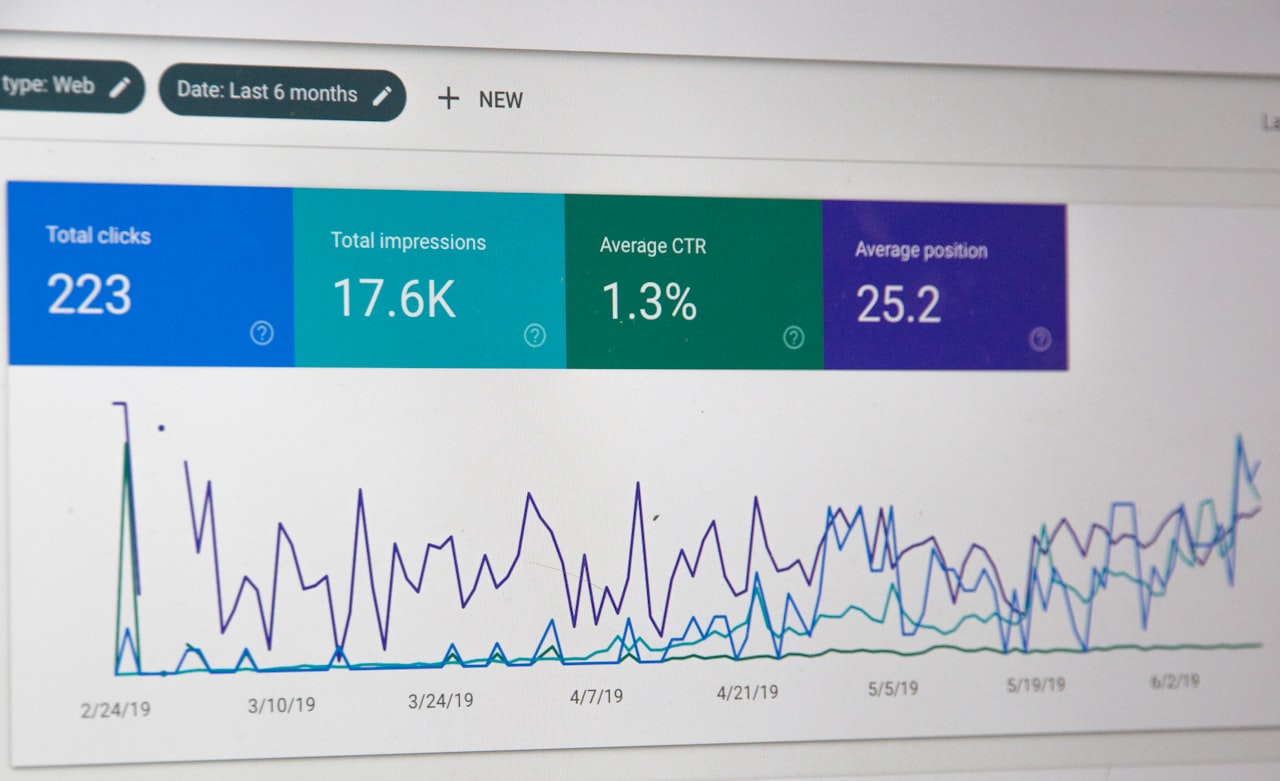
Use heatmap findings to inform specific design changes, then validate those changes with A/B testing. Heatmaps reveal problems; testing confirms solutions. For landing pages supporting Google Ads campaigns, this insight-to-test cycle produces measurable improvements in conversion rates and quality score.
Frequently Asked Questions
What is the best free heatmap tool?
Microsoft Clarity by a significant margin. It offers unlimited heatmaps, unlimited recordings, frustration detection, GA4 integration, and AI insights — completely free with no traffic limits. Install it on every website regardless of what other tools you use.
Do heatmap tools slow down my website?
Modern tools add less than 50 milliseconds to page load using asynchronous scripts. Enterprise tools like FullStory may have slightly higher overhead. Test with PageSpeed Insights before and after installation to confirm minimal impact.
How much traffic do I need for useful heatmaps?
Click heatmaps need approximately 1,000 visits per page for statistically meaningful patterns. Scroll heatmaps work with 200-300 visits. Session recordings are valuable from the first visit. Low-traffic pages benefit more from recordings than heatmaps.
Are heatmap tools compliant with Singapore’s PDPA?
Reputable tools offer privacy compliance features. Configure them to exclude PII collection, display cookie consent, and include tracking in your privacy policy. Hotjar and Clarity automatically mask sensitive data.
Should I use Hotjar or Microsoft Clarity?
Use both. Clarity provides unlimited free data. Add Hotjar if you need surveys, feedback widgets, and a more polished interface. They complement each other — Clarity for unlimited recordings, Hotjar for qualitative feedback collection.
How often should I review heatmap data?
Weekly for high-traffic pages and active campaign landing pages. Monthly for standard site pages. After any significant design change. Set up automatic frustration alerts to catch issues between scheduled reviews.
Can heatmaps help improve my Google Ads landing pages?
Absolutely. Heatmaps reveal whether visitors see and interact with your call-to-action, how far they scroll, and where they get confused. These insights directly inform landing page improvements that boost conversion rates and Google Ads Quality Score.
What is the difference between click heatmaps and session recordings?
Click heatmaps aggregate behaviour across all visitors, showing patterns. Session recordings show individual user journeys. Use heatmaps for identifying broad patterns and recordings for understanding the context behind specific behaviours.
Do I need an enterprise heatmap tool like FullStory?
Only if you have complex web applications, dedicated analytics teams, and significant digital revenue where small conversion improvements justify substantial tool investment. For most Singapore businesses, Hotjar plus Clarity provides sufficient analytical depth.
Can heatmap tools track mobile user behaviour?
Yes. All tools reviewed track both desktop and mobile interactions. Given that over 70 per cent of Singapore web traffic is mobile, always segment heatmap data by device type to understand mobile-specific behaviour patterns.