Table of Contents
Why Marketing Teams Need Dedicated Project Management
Marketing teams juggle more moving parts than almost any other department. Campaigns span multiple channels, involve content creation deadlines, require approvals from various stakeholders and demand tight coordination between designers, copywriters, strategists and clients. Without the best project management tools, even talented teams end up drowning in email chains, missed deadlines and duplicated effort.
The project management tool market in 2026 offers more specialised options than ever before. Several platforms have developed features specifically designed for marketing workflows — from content calendars and creative asset management to campaign tracking and client collaboration. The challenge is no longer finding a tool but finding the right one for your team’s specific needs.
For Singapore marketing teams and agencies, the stakes are particularly high. Tight turnaround times, multi-channel campaigns and client expectations for transparent reporting make efficient project management essential. Whether you run a small in-house marketing team or a full-service digital marketing agency, the right tool streamlines your workflows and protects your margins.
Asana
Asana is one of the most popular project management tools globally, known for its balance of power and usability. For marketing teams, it offers dedicated campaign management templates, creative production workflows and integrations with tools marketers use daily. Its flexibility adapts to various methodologies, from agile sprints to traditional campaign planning.

Asana provides multiple project views (list, board, timeline, calendar), task dependencies, custom fields, project templates, workload management, goals and milestones tracking, forms for intake requests and automation rules. Marketing-specific features include campaign management templates, creative request forms and content calendar views. In 2026, Asana’s AI features help prioritise tasks, draft project briefs and identify workflow bottlenecks.
The free plan supports up to 10 users with basic features. The Starter plan costs USD 13.49 per user per month and adds timeline view, workflow builder and forms. The Advanced plan at USD 30.49 per user per month adds portfolios, workload management and advanced reporting. Asana strikes an excellent balance between power and ease of use — complex enough for sophisticated workflows yet intuitive enough for quick adoption.
Asana is excellent for marketing teams of 5 to 50 people who need structured campaign management with clear task ownership and deadlines in Singapore. It is particularly strong for teams running multiple campaigns simultaneously. The main drawback is per-user pricing that becomes expensive for larger teams.
Monday.com
Monday.com is a highly visual and customisable work management platform popular with marketing teams for its colourful interface and flexibility. Unlike more opinionated tools, Monday.com lets you build almost any workflow from scratch, which is both its greatest strength and potential weakness.
Monday.com provides customisable boards with multiple views (table, Kanban, timeline, calendar, Gantt, chart), automations, integrations, dashboards, collaborative documents, time tracking and forms. Marketing-specific features include content planning boards, campaign tracking and social media planning. In 2026, Monday’s AI assistant helps generate content, summarise updates and suggest task priorities.
The Free plan supports up to two users. The Basic plan costs USD 12 per seat per month with a minimum of three seats. Standard at USD 14 per seat adds timeline, Gantt and automations. Pro at USD 27 per seat adds time tracking and advanced reporting. Monday.com is the most visually engaging project management tool, with colour-coded statuses that improve at-a-glance understanding.
The extreme flexibility means significant setup time — unlike Asana, there is less built-in structure. Monday.com is ideal for Singapore marketing teams that want a highly visual, customisable workspace and are willing to invest time in configuration. Creative teams particularly appreciate the visual approach for managing content marketing workflows.
ClickUp
ClickUp has rapidly gained market share by offering an ambitious feature set that replaces multiple tools with a single platform. It combines project management, document editing, whiteboards, goals and time tracking in one workspace. For marketing teams drowning in tool subscriptions, ClickUp’s all-in-one approach is compelling.
ClickUp offers multiple views (list, board, calendar, timeline, Gantt, mind map, workload), documents with real-time collaboration, whiteboards, goals and OKRs, time tracking, custom fields, automations, forms and extensive reporting. In 2026, ClickUp’s AI features span document drafting, task summarisation, project planning and meeting notes.
The Free plan is available for unlimited users with limited features. The Unlimited plan costs USD 10 per user per month and adds unlimited storage, integrations and dashboards. The Business plan at USD 19 per user per month includes advanced automations and workload management. ClickUp offers the most features per dollar of any best project management tools option reviewed here.
The ability to replace documents, whiteboards, goals and time tracking with one platform reduces tool sprawl and costs. ClickUp Docs enables content teams to write, edit and collaborate within the same platform where tasks are managed. The main drawback is a steep learning curve due to the sheer volume of features. ClickUp is best for marketing teams that want maximum functionality at a competitive price.
Trello
Trello is the original Kanban-style project management tool and remains one of the simplest, most intuitive options available. Its card-and-board metaphor makes it immediately understandable, even for team members who have never used a project management tool before.
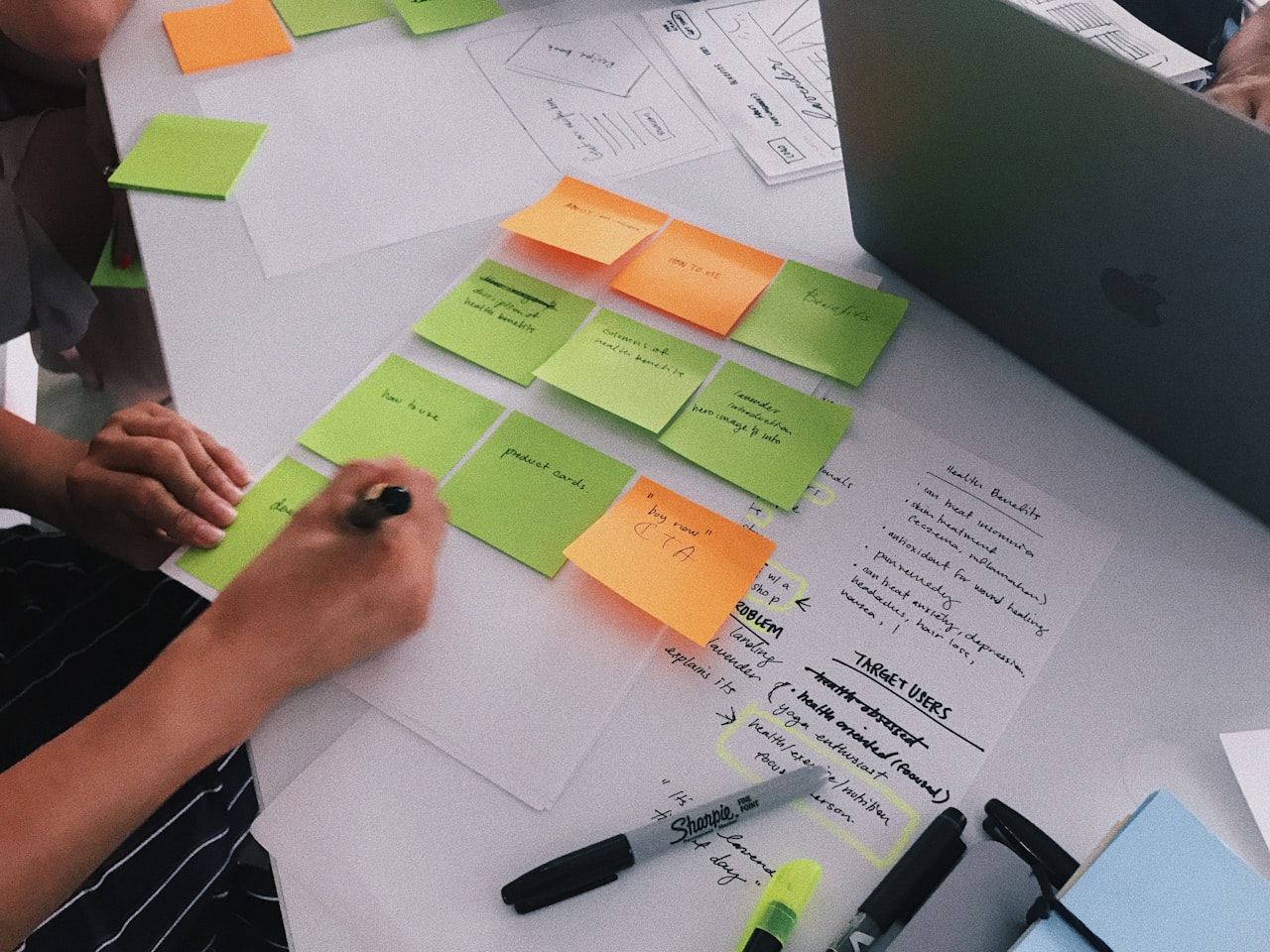
Trello centres on boards, lists and cards that represent your workflow stages and tasks. Features include checklists, due dates, labels, attachments, comments, card templates, automation via Butler, Power-Ups for integrations, and calendar and timeline views. In 2026, Trello’s AI assistant helps generate card content, suggest due dates and automate routine board management.
The Free plan supports unlimited boards with limited Power-Ups. Standard at USD 6 per user per month adds unlimited Power-Ups and custom fields. Premium at USD 12.50 per user per month adds timeline, calendar and dashboard views. Trello has the lowest learning curve of any project management tool and setup takes minutes rather than hours.
Trello is excellent for content workflows — editorial calendars, blog production pipelines and social media content queues map naturally to the board metaphor. However, it lacks advanced features like Gantt charts, resource management and detailed reporting on its own. Trello is ideal for small marketing teams of 2 to 10 people in Singapore with straightforward workflows. Combine it with professional content marketing services for an efficient production workflow.
Notion
Notion is more than a project management tool — it is a flexible workspace that combines documents, databases, wikis and project tracking. For marketing teams that need to manage knowledge alongside projects, Notion provides a unified environment where brand guidelines, campaign briefs, meeting notes and task lists coexist.
Notion provides pages with blocks, databases with multiple views (table, board, calendar, timeline, gallery), templates, team wikis, real-time collaboration, simple automations and API access. The database system is powerful enough to build custom project management systems, CRMs and content calendars. In 2026, Notion AI assists with drafting, summarising, translating and brainstorming across all content types.
The Free plan supports unlimited pages for individuals. The Plus plan at USD 12 per user per month adds unlimited file uploads and 30-day page history. The Business plan at USD 18 per user per month provides SAML SSO and advanced permissions. Notion AI is an additional USD 10 per user per month.
Notion’s flexibility is unmatched — it serves as your project management tool, knowledge base, content hub and documentation platform simultaneously. However, it lacks dedicated project management features like Gantt charts, resource allocation and time tracking. Notion is best for content-heavy marketing teams in Singapore — those running blogs, newsletters and editorial calendars who value having everything in one place.
Wrike
Wrike is a feature-rich project management platform with strong capabilities for marketing and creative teams. Its dedicated marketing solution includes campaign management, creative asset review and resource planning features that go beyond generic project management tools.
Wrike provides multiple views, custom workflows, request forms, time tracking, resource management, proofing and approval for creative assets (images, videos, PDFs), Gantt charts with dependencies, cross-tagging and AI-powered work intelligence. Marketing-specific features include campaign templates, creative brief templates and performance dashboards.
The Free plan supports unlimited users with basic features. The Team plan costs USD 10 per user per month. Business at USD 24.80 per user per month adds custom workflows, request forms and reporting. Wrike’s built-in proofing and approval tools are invaluable for creative marketing teams — you can review and annotate images, videos and documents directly within the platform.
Cross-tagging allows a single task to appear in multiple projects, which is perfect for marketing campaigns that span departments. Resource management helps prevent team burnout. Wrike is excellent for creative teams and agencies in Singapore that produce deliverables requiring client approval processes. It pairs well with social media marketing and web design service delivery.
How to Choose the Right Tool
Selecting the best project management tools for your marketing team requires matching the tool’s strengths to your specific needs. Team size matters: small teams of 2 to 5 people do well with Trello or Notion’s simplicity, mid-sized teams of 5 to 20 benefit from Asana or Monday.com’s balance of power and usability, and larger teams of 20 or more should consider ClickUp, Wrike or enterprise plans.

Primary workflow determines fit. For content production pipelines, Trello and Notion excel. For multi-campaign management, Asana and Monday.com provide the best structure. For creative review and approval, Wrike is unmatched. For agencies managing client projects in Singapore, Wrike and Asana offer the strongest client collaboration features.
Budget is always a factor. Free plans from ClickUp, Trello and Wrike provide genuine value for small teams. For the best feature-to-price ratio, ClickUp leads the market. Consider your existing tool stack — if you use Adobe Creative Cloud heavily, Wrike and Asana have the strongest integrations. For Google Workspace users, most tools integrate well, but ClickUp and Notion offer particularly smooth experiences.
Adoption is the biggest challenge with any tool. Choose one that matches your team’s working style, start with a simple setup and expand over time. Make the tool the single source of truth by requiring all task updates and communication to happen within it. The best tool for your Singapore marketing team is the one your team will actually use consistently.
Frequently Asked Questions
What is the best project management tool for a small marketing team?
For teams of 2 to 5 people, Trello offers the simplest and most affordable option with its intuitive Kanban boards. If you need more features without complexity, Asana’s free plan for up to 10 users provides excellent campaign management. ClickUp’s free plan offers the most features but with a steeper learning curve.
Should marketing teams use a marketing-specific tool or a general one?
General project management tools with marketing templates usually serve marketing teams better than marketing-specific tools. They provide greater flexibility as your needs evolve and integrate better with the broader organisation. Asana, Monday.com and Wrike all offer strong marketing-specific templates within general-purpose platforms.
How do I get my marketing team to actually use the tool?
Choose a tool matching your team’s working style. Start simple and expand over time. Make it the single source of truth for all task updates. Assign a team champion for onboarding. Let the team participate in tool selection. If possible, run a two-week trial before committing.
Can project management tools replace email for team communication?
Project-related communication can and should move into your project management tool. Task comments, status updates and feedback are better tracked within projects than buried in email threads. However, external communication with clients and stakeholders still benefits from email in most Singapore business contexts.
What is the best free project management tool for marketing teams?
ClickUp’s free plan offers the most features including unlimited users and tasks. Trello’s free plan is the easiest to use with unlimited boards. Asana’s free plan serves up to 10 users with strong basics. For most small marketing teams, Trello provides the fastest path to productivity, while ClickUp offers the best long-term value.
How much should a Singapore marketing team spend on project management tools?
Small teams of 5 people typically spend SGD 0 to SGD 200 per month on free or basic plans. Mid-sized teams of 10 to 20 people spend SGD 200 to SGD 800 per month. Larger agencies with 20 or more users may spend SGD 800 to SGD 2,000 per month. The cost is easily justified by time saved — even a 10 percent improvement in team efficiency pays for the tool many times over.
Should Singapore marketing agencies use different tools from in-house teams?
Agencies have unique needs around client collaboration, time tracking and billing that in-house teams do not share. Wrike and Asana are particularly strong for agency use. In-house teams can prioritise simpler tools like Trello or Notion since they do not need client-facing features or billable hour tracking.
How do I migrate from one project management tool to another?
Most tools offer CSV import functionality. Export your data, map fields to the new tool’s structure, and import in batches. Plan migrations during quieter periods and run both tools in parallel for two to four weeks. Prioritise migrating active projects and archive historical data separately. Some tools like Asana and Monday.com offer dedicated migration assistants.
Can these tools integrate with marketing platforms like Google Ads or Meta?
Direct integrations with ad platforms are limited, but tools like Asana and Monday.com connect through Zapier to pull campaign data into project boards. More commonly, teams use project management tools to coordinate campaign creation and approval workflows, while monitoring performance in dedicated analytics dashboards or through their agency’s reporting.
Is it worth paying for a project management tool when free options exist?
For teams of 3 or fewer, free plans are often sufficient. Once your team grows beyond 5 people or your workflows involve dependencies, approvals and reporting, paid plans deliver meaningful value. The productivity gains from features like timeline views, automation and resource management typically justify the SGD 10 to 30 per user per month investment within the first month of use.