
Table of Contents
Why WooCommerce Remains a Strong Choice
This WooCommerce marketing guide walks Singapore business owners through building, optimising and promoting a WordPress-powered online store. WooCommerce powers over 36% of all e-commerce sites globally, making it the most widely used e-commerce platform. Its popularity is driven by flexibility, zero licensing fees and deep integration with the WordPress ecosystem.
For Singapore sellers, WooCommerce offers distinct advantages over hosted platforms. You own your data completely, you have unlimited customisation options and you avoid the recurring platform fees that eat into margins on hosted solutions. While platforms like Shopify charge monthly subscription fees plus transaction fees, WooCommerce itself is free. Your main costs are hosting, a domain name and any premium plugins or themes you choose.
The trade-off is responsibility. With WooCommerce, you manage hosting, security, updates and backups. This requires either technical knowledge or a reliable development partner. For businesses that want full control over their e-commerce infrastructure, this trade-off is worthwhile. For those comparing platforms, our e-commerce tech stack guide provides a detailed breakdown of available options.
WooCommerce also excels in content-driven commerce. Because it runs on WordPress, you get the full power of the world’s best content management system integrated directly with your store. This makes WooCommerce ideal for businesses where blog content, guides and educational resources are central to the customer journey.
Setup, Hosting and Initial Configuration
Your hosting choice has the biggest impact on WooCommerce store performance. Cheap shared hosting may save money initially but causes slow page loads, downtime during traffic spikes and security vulnerabilities that cost more in the long run.

For Singapore-based stores, choose a hosting provider with servers in Singapore or nearby Asia-Pacific data centres. Cloudways, SiteGround and Kinsta all offer managed WordPress hosting with regional server options. Expect to pay between SGD 30 to SGD 100 per month for hosting that delivers consistently fast performance. Managed WordPress hosts handle server optimisation, automatic backups and security monitoring.
Install WordPress and WooCommerce through your hosting provider’s one-click installer. During the WooCommerce setup wizard, configure your store location as Singapore, currency as SGD, and select the product types you will sell. Enable tax calculations and set the standard GST rate of 9% for domestic orders.
Configure permalink settings to use a clean URL structure. Navigate to Settings, then Permalinks, and select Post Name. For product permalinks, use the custom base /product/ rather than including the category in the URL. Short, clean URLs perform better for SEO and are easier for customers to share.
Set up SSL encryption immediately. Most hosting providers include free SSL certificates through Let’s Encrypt. An SSL certificate is non-negotiable for any e-commerce site as it encrypts customer data, enables secure payments and is a Google ranking factor. Force HTTPS site-wide through your WordPress settings.
Create essential pages including Shop, Cart, Checkout, My Account, Privacy Policy, Terms and Conditions and Refund Policy. WooCommerce generates some of these automatically during setup. Customise your legal pages to comply with Singapore’s Personal Data Protection Act and Electronic Transactions Act.
Theme Selection and Store Design
Your WooCommerce theme controls the look, feel and performance of your store. Choosing the right theme saves countless hours of customisation and avoids performance problems caused by poorly coded alternatives.
GeneratePress, Astra and Kadence are the top-performing WooCommerce themes. All three are lightweight, fast and fully compatible with the WordPress block editor. They load minimal CSS and JavaScript, which translates to faster page loads and better Core Web Vitals scores. Premium versions of these themes cost between USD 50 to USD 100 for lifetime licences.
Avoid multipurpose themes packed with features you do not need. Themes like Flavor, flavor and similar options load heavy frameworks and dozens of scripts that slow down your store. A lean theme combined with targeted plugins outperforms a bloated all-in-one theme every time.
Design your store with mobile-first principles. Over 70% of Singapore e-commerce traffic comes from mobile devices. Test your product pages, cart and checkout on actual smartphones, not just browser dev tools. Pay attention to button sizes, form field usability and image loading behaviour on slower connections. Our web design services team builds WooCommerce stores optimised for Singapore’s mobile-heavy market.
Product page design directly impacts conversion rates. Include multiple high-quality product images, detailed descriptions, clear pricing with GST information, stock availability indicators, shipping estimates and customer reviews above the fold. Use the block editor or a page builder like Spectra Starter Sites to create compelling product page layouts.
Essential WooCommerce Plugins
WooCommerce’s plugin ecosystem is vast, but installing too many plugins creates conflicts, security risks and performance problems. Limit your active plugins to those that solve specific business needs.

For performance, install WP Rocket or FlyingPress for page caching, Imagify or ShortPixel for image optimisation and Perfmatters for script management. These three plugins can improve page load times by 50% or more. Fast stores convert better and rank higher in search results.
For security, Wordfence or Solid Security provides firewall protection, malware scanning and login security. WooCommerce stores are frequent targets for automated attacks because they process payments. Two-factor authentication for all admin accounts is essential.
For SEO, Rank Math or Yoast SEO handles meta tags, schema markup, XML sitemaps and content analysis. Rank Math’s WooCommerce integration automatically generates product schema with pricing, availability and review data. This structured data helps your products appear in rich search results.
For email marketing, integrate with Klaviyo, Mailchimp or FluentCRM. Set up automated email sequences for welcome series, abandoned cart recovery, post-purchase review requests and re-engagement campaigns. These automations generate revenue while you sleep. Learn more about e-commerce automation strategies that reduce manual work.
For analytics, MonsterInsights or WPCode connects Google Analytics 4 with WooCommerce to track revenue, conversion rates, top products and customer behaviour. Data-driven decisions outperform guesswork every time.
Payment Gateways for Singapore
Offering the right payment methods reduces cart abandonment and increases customer trust. Singapore consumers have strong preferences for specific payment options.
Stripe is the most popular payment gateway for WooCommerce in Singapore. It supports Visa, Mastercard, American Express, Google Pay and Apple Pay. Stripe’s WooCommerce plugin is well-maintained and offers a seamless checkout experience. Transaction fees are 3.4% plus SGD 0.50 per successful charge.
PayNow integration through plugins like WooCommerce PayNow by Starter Labs enables direct bank transfers at zero transaction fees. PayNow is widely used in Singapore for online purchases, and offering it as a payment option can improve conversion rates significantly, especially for higher-value orders where customers prefer not to use credit cards.
eNETS was historically important for Singapore e-commerce but has been largely superseded by PayNow and card payments. GrabPay can be integrated through Stripe or dedicated plugins and appeals to the large GrabPay user base in Singapore.
Buy-now-pay-later options are increasingly expected by Singapore shoppers. Integrate Atome, Pace or ShopBack PayLater to offer instalment plans. These services typically charge merchants 2% to 5% per transaction but can increase average order values by 20% to 30%.
For B2B stores, consider offering invoice-based payments and bank transfers. WooCommerce’s built-in bank transfer payment method works well for this, with plugins like B2B for WooCommerce adding features like custom pricing, quote requests and credit limits.
SEO Strategies for WooCommerce Stores
WooCommerce has a natural SEO advantage over hosted platforms because WordPress provides complete control over technical SEO elements. Leveraging this advantage requires a deliberate strategy.
Conduct keyword research focused on Singapore purchase intent. Tools like Ahrefs, SEMrush or Google Keyword Planner reveal what Singapore consumers search for when looking for products like yours. Target product-specific long-tail keywords with commercial intent, such as “buy organic matcha powder Singapore” rather than generic terms like “matcha powder.” Our SEO services include keyword research tailored to the Singapore market.
Optimise product pages for their target keywords. Place the primary keyword in the product title, URL handle, meta description and first paragraph of the product description. Use related terms naturally throughout the description. Avoid keyword stuffing, which hurts rankings and readability.
Create supporting content through your WordPress blog. Product category guides, how-to articles, comparison posts and buying guides attract organic traffic and build topical authority. A store selling coffee equipment might publish brewing guides, bean reviews and equipment comparisons. This content marketing approach drives sustainable organic growth.
Implement proper internal linking between products, categories and blog content. Link from blog articles to relevant product pages and from product pages to related products. Internal links distribute page authority and help search engines understand your site structure.
Technical SEO for WooCommerce requires attention to duplicate content, faceted navigation and page speed. Use canonical tags to handle product variations, noindex tag and attribute archive pages that create thin content, and implement lazy loading for product images. Generate and submit an XML sitemap through your SEO plugin.
Marketing and Growth Tactics
A well-built WooCommerce store needs a multi-channel marketing strategy to drive traffic and conversions. Here are the most effective channels for Singapore e-commerce businesses.
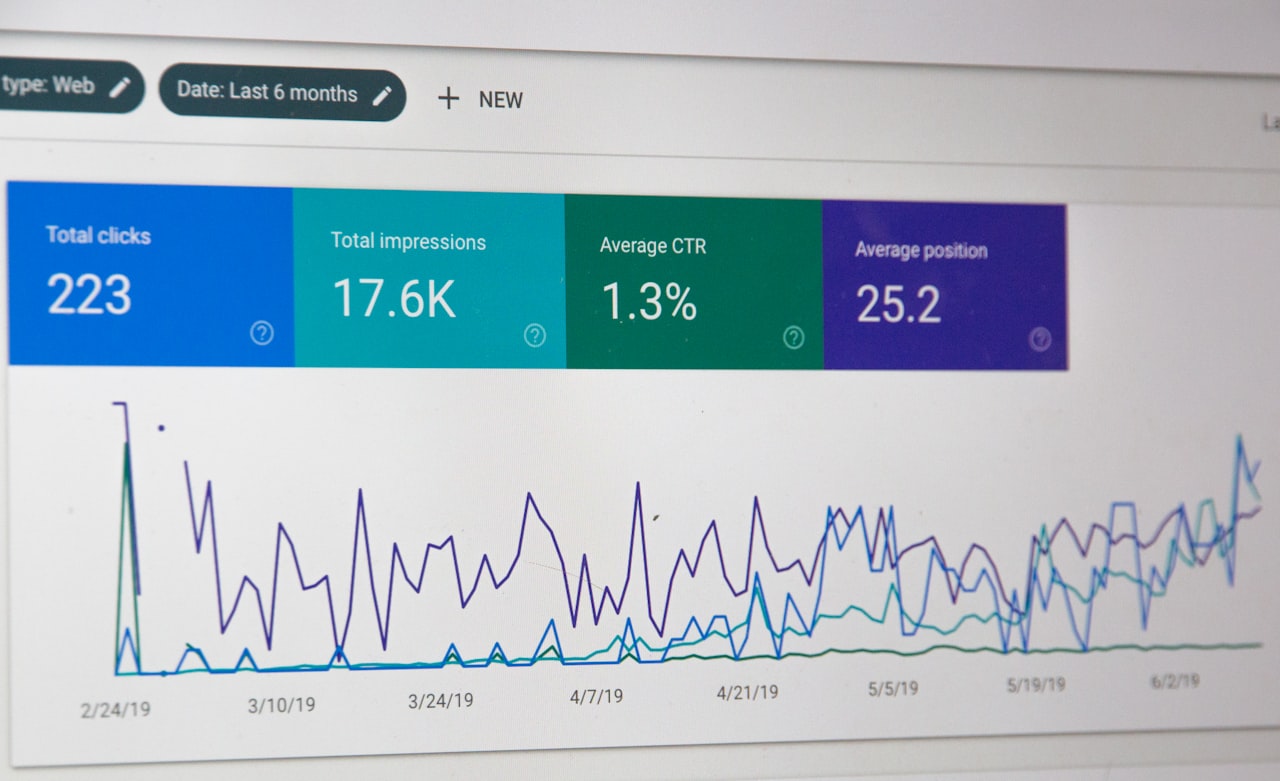
Google Shopping campaigns put your products in front of high-intent buyers. Connect your WooCommerce product feed to Google Merchant Center using the Google Listings and Ads plugin or a dedicated feed manager like CTX Feed. Ensure your feed includes accurate pricing in SGD, stock availability, shipping information and high-quality images. Our Google Ads services help WooCommerce stores build profitable shopping campaigns.
Social media advertising on Facebook and Instagram drives both awareness and conversions. Install the Facebook for WooCommerce plugin to sync your product catalogue and enable dynamic retargeting ads. These ads show specific products to people who viewed them on your site, achieving significantly higher conversion rates than standard ads. A strong social media marketing strategy combines paid and organic efforts for maximum impact.
Email marketing remains the highest-ROI channel for e-commerce. Build your email list through pop-ups, exit-intent offers and checkout opt-ins. Segment subscribers by purchase history, browsing behaviour and engagement level. Send targeted campaigns for new product launches, seasonal promotions and personalised recommendations based on past purchases.
Affiliate marketing scales your reach without upfront costs. WooCommerce plugins like AffiliateWP and SliceWP enable you to recruit bloggers, content creators and niche websites to promote your products in exchange for a commission on sales they generate. Set competitive commission rates between 10% and 20% to attract quality affiliates.
Retargeting campaigns recapture visitors who left without purchasing. Set up Facebook Pixel and Google Ads remarketing tags to show targeted ads to past visitors. Segment your retargeting audiences by pages viewed, time on site and cart status for more relevant messaging.
Frequently Asked Questions
How much does it cost to set up a WooCommerce store in Singapore?
A basic WooCommerce store costs SGD 50 to SGD 150 per month for hosting, plus one-time costs for a premium theme (SGD 70 to SGD 130) and essential plugins (SGD 200 to SGD 500 per year). Total first-year costs typically range from SGD 1,000 to SGD 3,000, excluding marketing spend and custom development.
Is WooCommerce better than Shopify for Singapore sellers?
WooCommerce offers more customisation and lower ongoing costs but requires technical management. Shopify is easier to maintain but charges monthly fees plus transaction fees. WooCommerce suits businesses with technical resources or a development partner, while Shopify suits those who prefer a hands-off approach. See our Shopify Singapore guide for a detailed comparison.
How do I speed up my WooCommerce store?
Use quality managed hosting with a Singapore or regional server, install a caching plugin like WP Rocket, optimise images with ShortPixel, minimise active plugins, use a lightweight theme and implement a CDN. These steps typically improve load times by 50% to 70%.
Can WooCommerce handle high traffic volumes?
Yes, with proper hosting infrastructure. Managed WordPress hosts like Cloudways and Kinsta use server-level caching and auto-scaling to handle traffic spikes. Stores processing thousands of orders daily run successfully on WooCommerce with the right hosting setup.
How do I secure my WooCommerce store?
Install a security plugin like Wordfence, enable two-factor authentication, keep WordPress, WooCommerce and all plugins updated, use strong passwords, limit login attempts, implement SSL encryption and maintain regular automated backups. Choose a hosting provider that includes server-level security measures.
What is the best way to handle shipping with WooCommerce?
Use WooCommerce’s built-in shipping zones to configure rates for Singapore and international destinations. For calculated rates, integrate carrier APIs from SingPost, Ninja Van or DHL through dedicated plugins. Offer free shipping above a minimum order value to increase average order sizes.
How do I migrate from Shopify to WooCommerce?
Use migration plugins like Cart2Cart or LitExtension to transfer products, customers, orders and other data from Shopify to WooCommerce. Set up 301 redirects from old Shopify URLs to new WooCommerce URLs to preserve SEO rankings. Plan for two to four weeks for a complete migration.
Does WooCommerce support multi-currency selling?
Yes, plugins like WPML WooCommerce Multilingual or Currency Switcher for WooCommerce enable multi-currency pricing. You can set fixed prices per currency or use automatic exchange rate conversion. This is essential for Singapore stores selling across Southeast Asia.