Table of Contents
Screen Recording Use Cases for Marketing
Screen recording has become an essential part of the modern marketing toolkit. From product demos and tutorial videos to asynchronous client communication and social media content, the ability to capture your screen and share it instantly saves hours of written explanations and live meetings. In 2026, the best screen recording tools have evolved far beyond simple capture — they now offer AI-powered editing, automatic transcription, interactive elements and analytics.
For marketing teams and agencies in Singapore, screen recording serves multiple purposes. You can create product walkthrough videos for clients, record tutorial content for your video marketing strategy, deliver asynchronous project updates across time zones and produce educational content that positions your brand as an authority. The right tool depends on whether you prioritise speed, production quality or sales intelligence.
Product demos and walkthroughs need professional editing, branded intros and clear narration. Tutorial and educational content requires annotation tools, zoom effects and the ability to edit out mistakes. Asynchronous communication demands speed — recording and sharing in under a minute. Social media clips need eye-catching formatting and easy trimming. Understanding which use case matters most guides your tool selection.
Loom
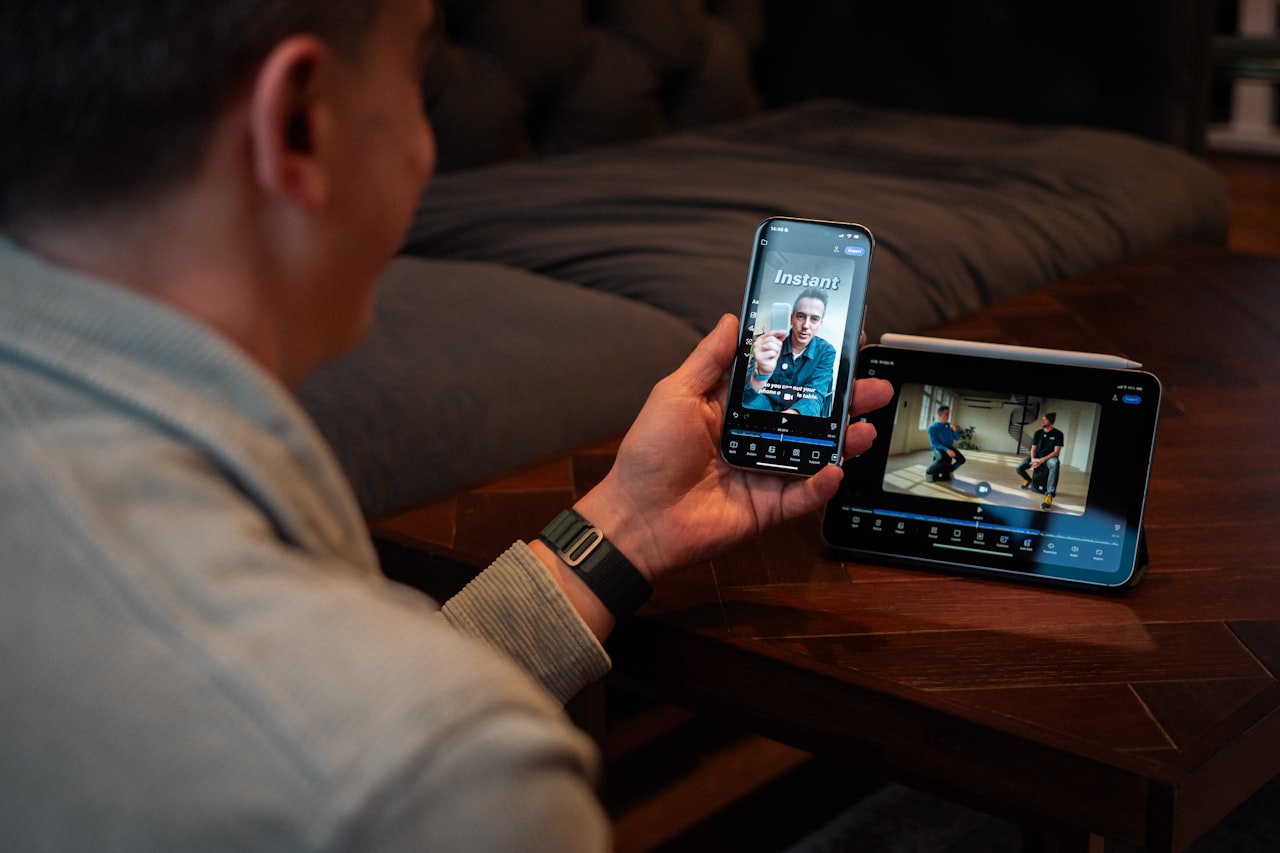
Loom has become synonymous with quick screen recording and async video communication. It prioritises speed and simplicity — record, share a link and move on. Loom captures your screen, webcam or both simultaneously in a floating bubble layout. Recordings are automatically uploaded to Loom’s cloud and a shareable link is copied to your clipboard immediately.
Viewers can react with emojis, leave time-stamped comments and respond with their own video. The platform includes automatic transcription and captioning powered by AI, basic editing (trim, stitch and speed adjustment), call-to-action buttons and viewer analytics showing who watched and for how long. Loom AI generates summaries and titles for recordings.
The free Starter plan includes up to 25 recordings of up to five minutes each. The Business plan at approximately USD 15 per user per month removes all limits and adds AI features, custom branding and advanced analytics. Loom’s fastest-in-class workflow from recording to sharing makes it ideal for replacing meetings with async video updates. Singapore agencies find it particularly valuable for client communication across different schedules.
The main limitations are basic editing — no annotations, transitions or effects — and per-user pricing that becomes expensive for larger teams. Loom is best for teams that need fast asynchronous communication rather than polished marketing content production.
OBS Studio
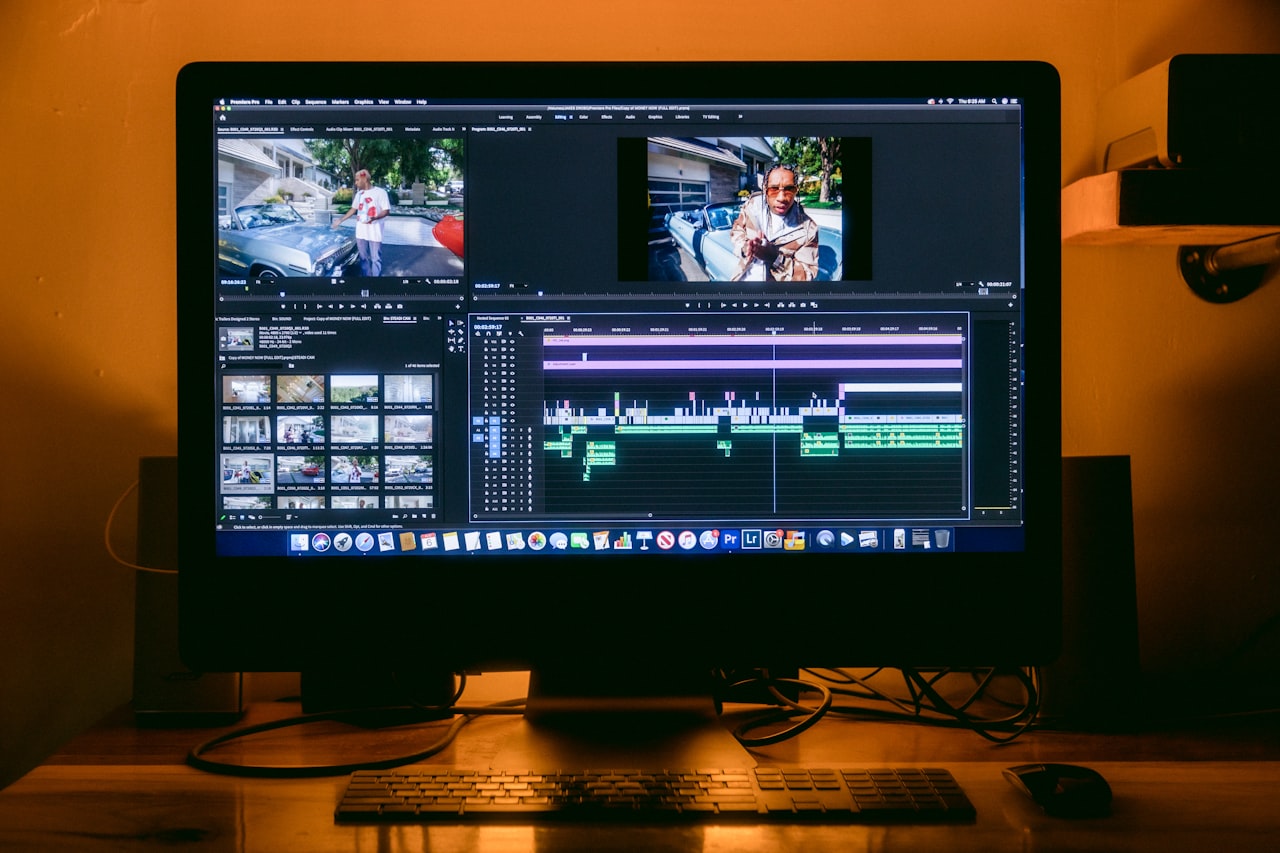
OBS Studio (Open Broadcaster Software) is the industry-standard open-source tool for screen recording and live streaming. It provides unlimited screen recording at any resolution and frame rate your hardware supports, including 4K at 60fps. The scene-based system lets you create complex compositions with multiple sources — screen captures, webcam feeds, images, text overlays and browser windows.
Audio mixing supports multiple sources with filters for noise suppression, compression and gain control. Encoding options include H.264, H.265 and AV1. OBS supports live streaming to YouTube, Twitch and custom RTMP servers. Virtual camera output enables using OBS as a video source in Zoom or Teams calls. The plugin ecosystem extends functionality further.
OBS is completely free and open-source with no limitations, watermarks or subscriptions. Maximum control over video quality, encoding and composition makes it the most powerful free recording tool available. However, the steep learning curve and lack of built-in editing, cloud sharing or transcription mean you need separate tools for post-production. OBS is best for content marketing teams producing professional tutorial videos, webinars and live streams who have the technical skills for proper configuration.
Camtasia
Camtasia by TechSmith is the premier desktop screen recording and editing application for professional tutorial and training video production. It records at up to 4K resolution and includes a multi-track timeline editor with transitions, animations, callouts, annotations, cursor effects, zoom and pan animations and a library of royalty-free assets.
The Smart Focus feature automatically follows mouse movements to create dynamic zoom effects. Interactive elements like quizzes and clickable hotspots can be added for training videos. PowerPoint import enables converting slides into video content. Export covers MP4, GIF and direct upload to YouTube and Vimeo.
Camtasia costs approximately USD 313 for a perpetual licence or USD 225 per year for a subscription with upgrades. This is the highest price point reviewed but represents the most powerful combined recorder and editor available. Smart Focus and cursor effects create professional-looking tutorials with minimal effort. The main drawbacks are the cost, local-only workflow (no cloud sharing) and moderate editing learning curve. Camtasia is the right choice when Singapore marketing teams need professional-quality educational content with animated annotations and interactive elements.
Vidyard
Vidyard is a video platform built for business, combining screen recording with advanced hosting, analytics and sales engagement features. It provides screen and webcam recording, video hosting with custom branding, detailed viewer analytics including individual viewer identification when integrated with CRM, video hubs and personalised video creation at scale.
The platform integrates deeply with Salesforce, HubSpot, Marketo, Outreach and SalesLoft. AI features include automatic script generation and video repurposing. GIF creation from recordings enables eye-catching email thumbnails that boost click-through rates.
The free plan includes unlimited recordings up to 30 minutes with basic analytics. The Pro plan at approximately USD 29 per user per month adds viewer identification and custom branding. The Plus plan at approximately USD 89 per user per month includes CRM integrations and A/B testing. Vidyard offers the strongest analytics of any screen recording tool — viewer identification reveals exactly who watched your video and for how long.
Vidyard is the clear winner when video analytics and CRM integration are priorities. Ideal for B2B sales teams and Singapore digital marketing agencies that include video in their sales process. Less suitable for general marketing content creation due to minimal editing capabilities.
ScreenPal
ScreenPal (formerly Screencast-O-Matic) balances ease of use with solid editing capabilities. It offers screen recording with webcam overlay, a built-in video editor with trimming, transitions, annotations, text overlays and music, automated captioning, green screen effects and a content hosting platform.
The stock library includes royalty-free images, videos and music. Annotation tools enable drawing, highlighting and adding callouts during recording. The platform supports direct publishing to YouTube, Vimeo, Google Drive and social media.
The free plan records up to 15 minutes with a watermark. Paid plans range from USD 6 to USD 10 per month, offering excellent value with full-featured recording and editing at a fraction of Camtasia’s price. The built-in editor handles most common editing tasks without needing separate software, and automated captioning saves significant time on accessibility for Singapore’s multilingual content needs.
ScreenPal is best for marketing teams and solo creators who need an affordable, all-in-one recording and editing solution for tutorials and educational content. A practical choice for teams on a budget who still need polished output.
Tella
Tella is a modern screen recording tool designed specifically for creating polished product demos and presentation-style videos. It records your screen and webcam in a browser-based environment that lets you set up scenes before recording — choosing layouts, backgrounds and camera positions.
After recording, the editor lets you trim segments, rearrange scenes, add transitions, change layouts post-recording and apply different backgrounds. Teleprompter functionality helps deliver confident, script-accurate presentations. Automatic transcription and subtitle generation are included. The result is a polished video that looks professionally produced with minimal post-production effort.
The free plan includes three videos per month with Tella branding. The Pro plan at approximately USD 15 per month removes branding and adds unlimited videos, custom branding and 4K export. The Team plan at approximately USD 30 per user per month includes collaboration features.
Tella produces the most polished output of any async recording tool — layout changes after recording are a unique and powerful feature. It is ideal for Singapore marketing teams and founders creating product demos, pitch videos and presentation-style content. A strong choice for agencies producing demo content for their web design portfolio or client presentations.
Choosing the Right Tool
Match your tool to your primary use case. For async communication and replacing meetings, Loom is the clear leader. For producing polished tutorials, Camtasia provides the most powerful editing while ScreenPal offers a budget-friendly alternative. For sales-focused video with analytics, Vidyard is unmatched. For polished product demos with minimal effort, Tella delivers the most professional output. OBS Studio is the best free option for maximum recording quality.
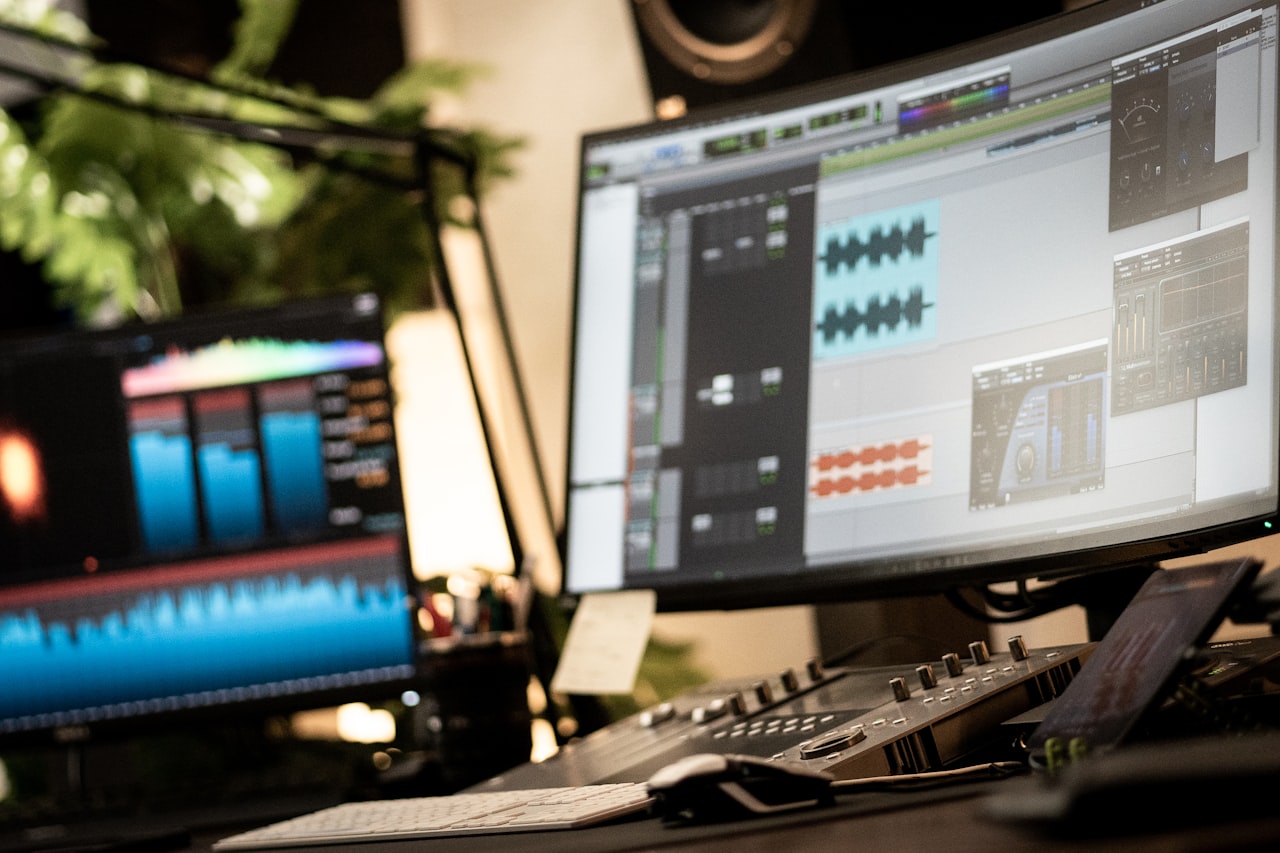
Many Singapore marketing teams find they need two of the best screen recording tools — one for quick async communication like Loom and another for polished content production like Camtasia or Tella. The combined cost is modest compared to the time saved on meetings and content creation.
Consider your team’s technical comfort level. Loom and Tella have virtually no learning curve, ScreenPal requires an hour or two to master, Camtasia takes a few days of practice, and OBS demands a significant time investment. Choose the tool your team will actually use consistently rather than the one with the most impressive feature list.
Frequently Asked Questions
Which screen recording tool is best for creating marketing videos?
For polished marketing videos like product demos and tutorials, Camtasia provides the most comprehensive editing. Tella is best for professional-looking demos with minimal editing effort. For social media clips, ScreenPal offers a good balance of features and affordability. The choice depends on your production quality requirements.
Is Loom worth paying for?
If your team regularly uses async video communication, Loom’s Business plan is worth the investment. The unlimited recordings, AI transcription and viewer analytics justify the cost for teams sending more than a handful of videos per week. Calculate the time saved by replacing meetings to quantify ROI.
Can I use OBS Studio for quick screen recordings?
You can, but OBS is not designed for quick captures. The setup process and manual file management make it slower than Loom for ad-hoc recordings. Reserve OBS for planned, production-quality work and use a dedicated async tool for quick recordings.
How do I make screen recordings more engaging?
Include your webcam to add a human element. Speak conversationally rather than reading a script. Keep recordings concise and use zoom effects and annotations to direct attention. Start with the most valuable information rather than lengthy introductions. For tutorials, show the end result first, then walk through the process.
What resolution should I use for screen recordings?
Record at 1080p minimum for clear text legibility. Use 4K when recording detailed interfaces if your tool supports it. Export as MP4 with H.264 encoding for universal compatibility. For social media, adjust to platform-specific dimensions: 1080 x 1920 for Reels and TikTok, 1920 x 1080 for YouTube.
Are screen recordings effective for Singapore B2B marketing?
Very effective. Short product demos, software walkthroughs and personalised prospect videos perform exceptionally well in Singapore’s B2B market. Decision-makers prefer watching a three-minute demo over reading a ten-page proposal. Vidyard’s analytics make it particularly powerful for tracking engagement in B2B sales cycles.
How do screen recordings fit into a content marketing strategy?
Screen recordings serve multiple content marketing functions: tutorial videos build authority and organic traffic, product demos support conversion, async updates improve client relationships and educational content generates leads. A single tutorial video can be repurposed into blog content, social clips and email assets.
Should I invest in a paid tool or use free alternatives?
If screen recording is occasional, free tools like OBS or Loom’s free plan suffice. If your Singapore team records regularly for client communication or content production, paid tools save significant time. ScreenPal at USD 6 per month is an excellent entry point that eliminates watermarks and adds editing capabilities.
Can screen recordings replace live product demos?
For initial prospect engagement, recorded demos are often more effective than live ones — they can be polished, rewatched and shared internally. Live demos remain valuable for high-value prospects who want interactive Q&A. The ideal approach combines both: send a recorded overview first, then offer a live deep-dive for interested prospects.
How long should marketing screen recordings be?
For async communication, keep recordings under three minutes. Product demos should be two to five minutes. Tutorials can run five to fifteen minutes if the content warrants it. Social media clips should be 30 to 90 seconds. Regardless of length, front-load the most important information — most viewers drop off after the first 30 seconds if they do not find immediate value.