Table of Contents
What Marketers Actually Need from Design Tools
Marketers have specific design requirements that differ fundamentally from professional graphic designers. Understanding these priorities helps you pick the right tool rather than defaulting to whatever is most popular. The best graphic design tools for marketing teams prioritise speed over perfection, brand consistency over creative freedom, and multi-format output over single-channel mastery.
A tool that produces a decent social media graphic in five minutes is more valuable than one that creates a masterpiece in two hours. Templates, brand kits, and bulk resize features matter enormously when you are creating content daily for social media marketing campaigns across multiple platforms.
Collaboration is equally critical. Marketing is rarely a solo activity — you need to share designs for feedback, get approvals, and hand off files. Real-time collaboration and commenting save significant time compared to emailing files back and forth. For Singapore teams managing a comprehensive digital marketing operation, these workflow efficiencies compound into substantial productivity gains.
Canva and Its Closest Alternatives
Canva has become synonymous with marketing design, and with good reason. With over 150 million monthly active users, it covers social media graphics, presentations, basic video, print materials, and even simple websites. The Magic Studio AI suite includes text-to-image generation, background removal, magic resize, and AI copywriting. Brand Kit stores colours, fonts, and logos for team-wide consistency.

Canva Pro at USD 13 per month per user unlocks the full template library, premium stock assets, and 1TB storage. Canva for Teams at USD 10 per month per user (minimum three) adds approval workflows. For the majority of marketing teams in Singapore, Canva is the most practical design tool available — handling 80 per cent of visual content needs.
VistaCreate (formerly Crello) offers a Canva-like experience with a stronger emphasis on animated and video content, plus integration with VistaPrint for ordering printed materials. At approximately USD 13 per month for Pro, it is a worthy alternative for teams producing animated social media content regularly or needing print integration.
Professional Design Suites
Adobe Creative Suite remains the professional standard. Photoshop for photo editing, Illustrator for vector graphics, InDesign for print layouts — the depth is unmatched. Firefly AI integration adds generative fill, text-to-image, and style transfer throughout the suite. At USD 55 per month for the full Creative Cloud, it is expensive but essential for teams producing complex design work, detailed photo editing, or professional print materials.
Affinity Suite is the leading Adobe alternative without subscription costs. Affinity Designer (vector), Affinity Photo (image editing), and Affinity Publisher (page layout) collectively cover most Adobe functionality at approximately USD 70 per app as a one-time purchase, or USD 170 for the Universal Licence covering all three. For budget-conscious Singapore agencies wanting professional capabilities without recurring fees, Affinity is compelling. The total cost of ownership is a fraction of Adobe’s over time.
UI and Web Design Tools
Figma has become the dominant tool for UI/UX design and is increasingly used for web graphics and landing page mockups. Its browser-based, real-time collaboration enables multiple team members to work simultaneously. The component system maintains brand consistency, and Dev Mode provides developers with precise specifications. For agencies managing web design projects, Figma is now the standard. Free for up to three files; Professional at USD 15 per month per editor.

Sketch remains a capable macOS-native alternative at USD 12 per month, with a clean interface and good plugin ecosystem. However, its macOS-only limitation and shrinking market share make Figma the safer long-term investment.
Data Visualisation and Infographic Specialists
The best graphic design tools for data-driven content are specialised platforms that handle charts, infographics, and visual reports better than general-purpose tools.
Visme excels at infographics, presentations, and data visualisation with dynamic charts, interactive elements, and data connections. The Pro plan at USD 25 per month supports brand kits and analytics. It is particularly valuable for B2B marketers producing research reports and case studies.
Piktochart is purpose-built for infographics and data reports with intuitive chart creation and interactive maps. The Pro plan at USD 14 per month covers unlimited projects. For content marketing teams that regularly turn data into visual content, Piktochart provides focused tools that Canva’s broader approach cannot match.
AI Features Reshaping Design in 2026
Nearly every design tool now offers AI-powered features. Canva’s Magic Studio, Adobe’s Firefly, and Figma’s AI features represent different approaches to the same goal — making design faster and more accessible. Background removal, image generation, automatic layout suggestions, and brand kit enforcement all reduce time-to-publish for marketing content.
For Singapore marketing teams, these AI features mean faster turnaround and less reliance on external designers for day-to-day visual content. However, AI-generated designs can feel generic without human creative direction. Use AI for speed on routine tasks while investing human creativity in brand-defining work.
Choosing the Right Design Setup
The most cost-effective professional setup combines Canva Pro (USD 13 per month for daily marketing content), Figma free tier (for web design), and Affinity Suite (approximately USD 170 one-time for professional work). This covers nearly all marketing design needs for under USD 200 in the first year.
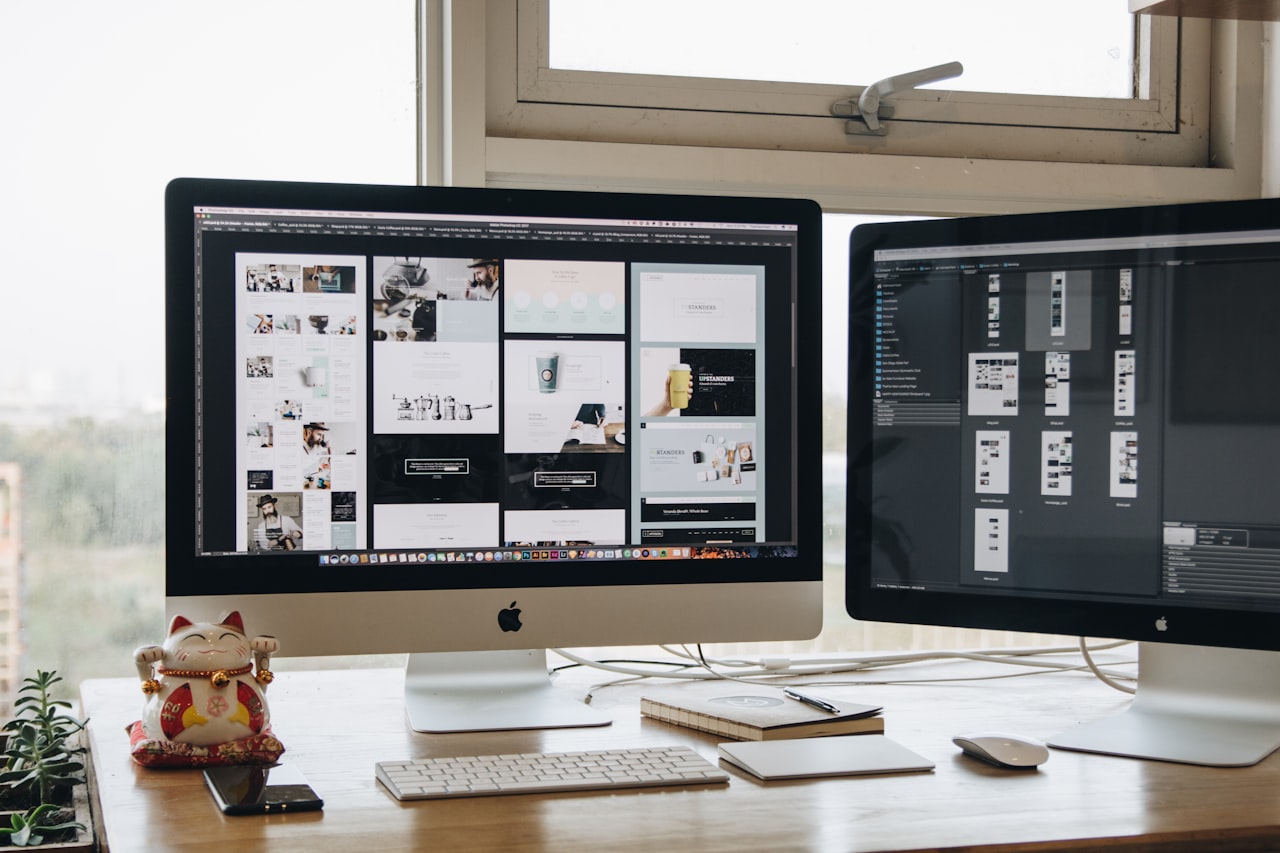
For teams with trained designers, provide professional tools (Adobe, Figma, Affinity) and let them create templates that less technical team members customise in Canva. This two-tier approach maximises both quality and productivity — a strategy many Singapore digital marketing agencies use internally.
Frequently Asked Questions
Is Canva good enough for professional marketing materials?
For digital marketing materials — social media graphics, blog images, email headers, presentations — Canva is more than adequate. Where it falls short is complex print production, detailed photo editing, and highly custom design work. For those needs, Adobe or Affinity tools are more appropriate.
Can I replace Adobe Creative Suite with free tools?
Partially. Canva Free handles basic graphics, Figma Free covers UI design, and GIMP offers photo editing. However, free alternatives collectively do not match Adobe’s depth or professional output quality. Affinity Suite offers the closest quality match at a one-time cost.
Which design tool is best for social media content?
Canva is the clear winner for social media production. Its template library, Magic Resize feature, content planner, and direct publishing make it the most efficient tool for high-volume social output. VistaCreate is a strong alternative for animated content.
Do I need Figma if I already use Canva?
If you design websites, landing pages, or digital products, Figma is essential — Canva is not a web design tool. If your needs are limited to marketing collateral, Canva alone may suffice.
What is the most cost-effective professional design setup?
Canva Pro (USD 13 per month), Figma free tier, and Affinity Suite (USD 170 one-time). This covers daily content, web design, and professional work for under USD 200 in the first year and under USD 160 annually thereafter.
Should our team standardise on one design tool?
Standardise on Canva for day-to-day content across your team, but allow designers to use professional tools for complex work. This ensures brand consistency while giving skilled designers the capabilities they need.
How do AI design features affect the need for professional designers?
AI handles routine tasks — background removal, resizing, simple layouts — reducing the need for designers on day-to-day content. Strategic brand work, custom illustrations, and complex compositions still require professional skill. AI shifts designers toward higher-value creative work.
Which tool is best for creating infographics?
Visme and Piktochart are purpose-built for infographics and outperform general tools like Canva for data visualisation. Choose Visme for interactive content and data connections, Piktochart for straightforward infographic creation.
Is Adobe Creative Cloud worth the cost for a small marketing team?
Only if your team regularly produces complex design work — detailed photo editing, custom illustrations, professional print materials. For teams primarily creating social media graphics and blog images, Canva plus Affinity Suite provides similar results at significantly lower cost.
Can I use Figma for marketing materials, not just web design?
Figma handles social media graphics, presentations, and digital assets capably, though it requires more design knowledge than Canva. Its collaboration features make it excellent for team-based design projects. However, for high-volume marketing content production, Canva is faster.