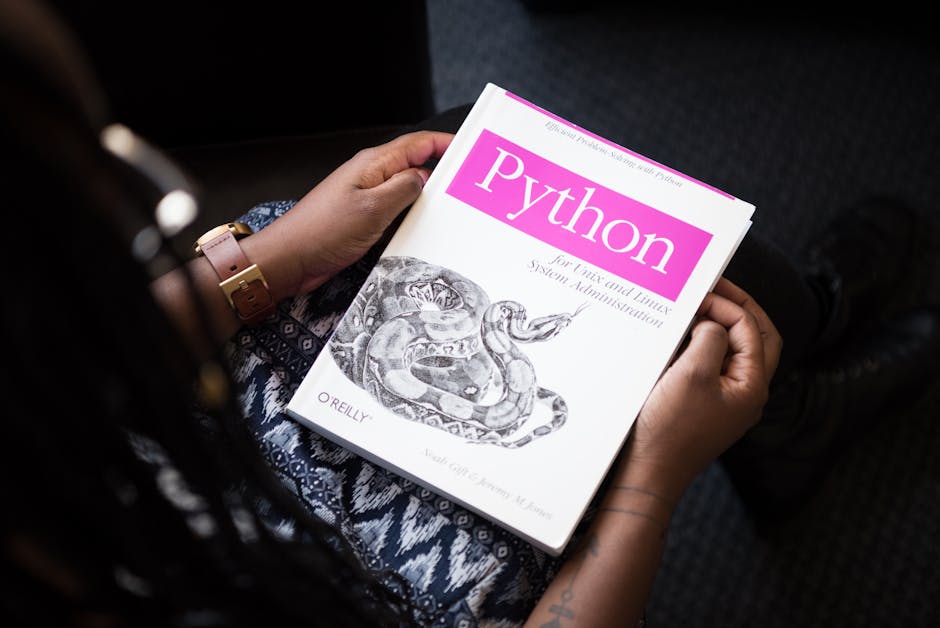
Python for Marketing Analytics: What Non-Developers Need to Know to Get Started
Table of Contents
- Why Marketers Are Learning Python
- Practical Python Use Cases for Marketing
- What You Actually Need to Learn (and What You Can Skip)
- Essential Python Libraries for Marketing Analytics
- Getting Started: Setup and First Steps
- A Realistic Learning Path for Busy Marketers
- AI-Assisted Python: Using ChatGPT and Copilot as Coding Partners
- Frequently Asked Questions
Why Marketers Are Learning Python
The gap between what marketers need from data and what spreadsheets can deliver has been widening for years. Google Sheets and Excel handle straightforward analysis well, but when you need to merge data from five different platforms, analyse 100,000 rows of search query data, automate weekly reporting or build predictive models, spreadsheets hit their limits.
This is where Python marketing analytics becomes valuable. Python is a programming language that excels at data manipulation, analysis and visualisation. It handles large datasets effortlessly, automates repetitive tasks, connects to marketing APIs directly and enables statistical analysis that would take hours in a spreadsheet.
The trend is accelerating because of three converging factors. First, the volume and complexity of marketing data continues to grow — more channels, more touchpoints, more metrics. Second, AI coding assistants like GitHub Copilot and ChatGPT have dramatically lowered the barrier to writing functional Python code. Third, marketing teams are under increasing pressure to demonstrate ROI with data-driven insights, and Python provides capabilities that basic analytics tools cannot match.
You do not need to become a software developer. The goal is not building apps or writing production code — it is using Python as a power tool for analysis, automation and insight generation. Many successful marketing analysts write messy, imperfect Python code that would make a software engineer wince — but it works, it saves hours and it produces insights that drive better decisions.
Practical Python Use Cases for Marketing
Understanding specific use cases helps you assess whether learning Python is worth your investment. Here are the applications that deliver the most value for marketers.
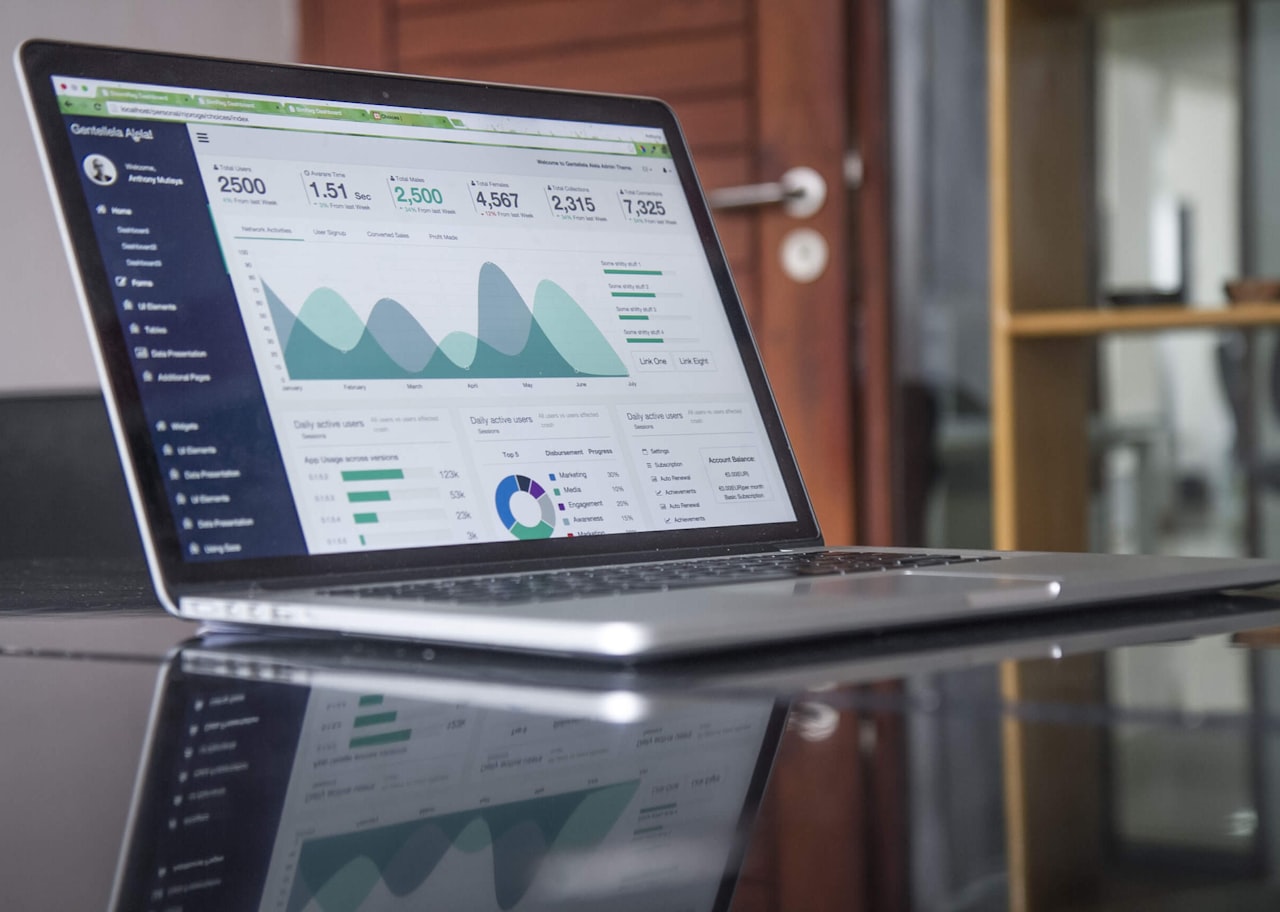
Automated reporting. Instead of manually pulling data from Google Analytics, Google Ads, Meta Business Suite and other platforms every week, Python scripts can connect to each platform’s API, extract the data, process it and generate formatted reports automatically. A script that takes 30 minutes to build saves hours every week indefinitely.
Large-scale data analysis. When you need to analyse tens of thousands of search queries, product-level performance data or customer transaction records, Python handles volumes that crash Excel. Merge data from multiple sources, clean inconsistencies, segment audiences and identify patterns in minutes rather than hours.
SEO analysis at scale. Analyse crawl data from Screaming Frog, compare ranking data across time periods, identify cannibalisation patterns, cluster keywords by intent and generate content gap analyses. Python turns tedious manual SEO audits into systematic, repeatable processes.
Customer segmentation. Apply clustering algorithms to your customer data to identify distinct segments based on behaviour patterns, purchase history, engagement levels and demographics. These data-driven segments are often more actionable than intuition-based segments.
Predictive analytics. Build models that predict customer churn, forecast campaign performance, estimate customer lifetime value or predict which leads are most likely to convert. These predictions help allocate resources more effectively and identify problems before they impact revenue.
Ad spend optimisation. Analyse historical Google Ads and social media ad performance to identify optimal budget allocation, bid strategies and day-parting patterns. Python’s statistical libraries can model diminishing returns curves for each channel, supporting smarter budget decisions.
Competitive analysis automation. Scrape publicly available competitor data (pricing, product ranges, content topics), track changes over time and generate automated alerts when competitors make significant moves. This continuous monitoring replaces ad-hoc competitor checks.
What You Actually Need to Learn (and What You Can Skip)
One of the biggest obstacles to learning Python marketing analytics is the overwhelming breadth of the language. Here is what marketers actually need versus what you can safely ignore.
Learn these fundamentals: Variables and data types (strings, numbers, lists, dictionaries), basic control flow (if/else statements, for loops), functions (how to write reusable blocks of code), importing and using libraries (packages that add functionality), reading and writing files (CSV, Excel, JSON) and basic data manipulation with the Pandas library.
You can skip: Object-oriented programming, web development frameworks (Django, Flask), database administration, system programming, algorithms and data structures (the computer science version), software architecture, testing frameworks and deployment pipelines. These are important for software developers but irrelevant for marketing analytics.
The learning curve is steeper at the beginning and flattens quickly once you grasp the fundamentals. Most marketers report that the first two to four weeks are frustrating, but after that, you start recognising patterns and building confidence. The key is to learn by doing — work on real marketing problems from day one rather than slogging through abstract programming exercises.
Focus on the 20% of Python that covers 80% of marketing use cases. You need Pandas for data manipulation, Matplotlib or Plotly for visualisation, Requests for API connections, and basic NumPy for calculations. That is it for the first six months. Everything else is nice to have.
Essential Python Libraries for Marketing Analytics
Python’s power comes from its libraries — pre-built packages of code that add specific capabilities. Here are the ones every marketing analyst should know.
Pandas is the single most important library for marketing analytics. It provides data structures (DataFrames) that work like supercharged spreadsheets. You can load CSV files, merge datasets, filter rows, group data, calculate aggregates and reshape tables — all with concise, readable code. If you learn only one library, make it Pandas.
Matplotlib and Seaborn create data visualisations. Matplotlib is the foundational charting library; Seaborn adds statistical visualisation capabilities with more polished default styling. Together, they replace the need for manual chart creation in Excel or Google Sheets. Plotly is an alternative that creates interactive charts suitable for dashboards and presentations.
Requests connects to web APIs. This is how you pull data from Google Analytics, Facebook Marketing API, Google Search Console and other platforms programmatically. Learning to use Requests with API documentation opens up automated data extraction from virtually any marketing platform.
NumPy handles numerical calculations efficiently. While you will rarely use NumPy directly, Pandas is built on top of it, and understanding basic NumPy operations helps when working with statistical calculations, matrix operations and array processing.
Scikit-learn provides machine learning tools for when you are ready to move beyond descriptive analytics into prediction and classification. Customer segmentation (K-means clustering), churn prediction (logistic regression), lead scoring (random forests) and similar applications use Scikit-learn’s accessible interface.
Google API client libraries (google-analytics-data, google-ads) provide official Python interfaces for Google’s marketing platforms. These simplify the process of extracting data from Google Analytics 4, Google Ads, Google Search Console and other Google services.
Getting Started: Setup and First Steps
Setting up your Python environment is the first practical hurdle. Here is the simplest path to get started.
Option 1: Google Colab (recommended for beginners). Google Colab is a free, browser-based Python environment that requires zero setup. Open colab.research.google.com, create a new notebook and start writing code immediately. It runs in the cloud, comes with most libraries pre-installed and integrates with Google Drive. This removes the entire “installation and configuration” barrier that stops many beginners.
Option 2: Anaconda (for local setup). If you prefer working locally, install Anaconda — a free Python distribution that includes all the major data science libraries. It comes with Jupyter Notebook, which provides a similar experience to Google Colab but runs on your computer. This is better for working with sensitive data or large local files.
For your first project, start with something immediately useful. Export your Google Ads performance data as a CSV file, load it into Python using Pandas, and perform an analysis you would normally do in a spreadsheet: calculate cost per conversion by campaign, identify the top-performing keywords, or compare performance across time periods. Doing something real with your own data is far more motivating than following generic tutorials.
Write messy code and do not worry about best practices initially. Your first scripts will be ugly, inefficient and full of shortcuts. That is fine. The goal is producing useful output, not writing elegant code. Refinement comes with practice.
A Realistic Learning Path for Busy Marketers
Most marketers cannot dedicate full days to learning Python. Here is a practical learning path that works alongside a busy schedule.
Weeks 1-2: Python basics (5-7 hours total). Complete an introductory Python course focused on data analysis, not general programming. Codecademy’s “Analyze Data with Python” or DataCamp’s “Introduction to Python” are good options. Focus on variables, lists, dictionaries, loops and basic functions.
Weeks 3-4: Pandas fundamentals (5-7 hours total). Learn to load data, filter, sort, group and merge DataFrames. Use your own marketing data for practice. By the end of week four, you should be able to load a CSV of campaign data and produce basic summary statistics.
Weeks 5-6: Visualisation (3-5 hours total). Learn basic Matplotlib and Seaborn charts — bar charts, line charts, scatter plots, heatmaps. Create visualisations from your marketing data that you would normally build in spreadsheets. Focus on the chart types you use most frequently in your reporting.
Weeks 7-8: APIs and automation (5-7 hours total). Learn to use the Requests library to pull data from marketing APIs. Start with Google Search Console (one of the simpler APIs) and progress to Google Analytics 4 or Facebook Marketing API. Build your first automated data extraction script.
Months 3-6: Project-based learning. Apply your skills to real projects. Automate a weekly report, build a keyword clustering tool, create a customer segmentation model or develop a campaign performance dashboard. Each project reinforces your skills and produces immediate business value.
The total time investment is roughly 40-60 hours spread over six months — roughly two to three hours per week. This is achievable for most working professionals and builds skills that compound in value over time. Every hour you invest in learning Python is repaid many times over through automated tasks and faster analysis throughout your marketing career.
AI-Assisted Python: Using ChatGPT and Copilot as Coding Partners
The emergence of AI coding assistants has fundamentally changed the Python learning experience for marketers. These tools do not eliminate the need to learn Python, but they dramatically accelerate the process and extend what you can accomplish.

How to use AI assistants effectively: Describe what you want to accomplish in plain English, and tools like ChatGPT, Claude or GitHub Copilot generate Python code that you can run, test and modify. For example, “Write a Python script that reads a CSV file of Google Ads data, calculates cost per conversion by campaign, and creates a bar chart of the top 10 campaigns” produces functional code in seconds.
The key is using AI assistants as learning partners, not black boxes. When the AI generates code, read through it and try to understand what each line does. Ask the AI to explain sections you do not understand. Over time, you will recognise common patterns and start writing code yourself with AI assistance for the parts you have not memorised.
Where AI assistants excel: Generating boilerplate code, debugging error messages, explaining unfamiliar syntax, suggesting library functions you did not know existed and translating your plain-English analysis goals into working code. They are particularly valuable for API connection code, which often involves complex authentication patterns that are tedious to write from scratch.
Where AI assistants fall short: Understanding your specific business context, validating whether the analysis approach is appropriate for your data, catching logical errors in your analysis methodology and ensuring data privacy compliance. You still need to understand what you are asking for and whether the output makes sense — AI generates syntactically correct code that may be analytically wrong.
The combination of basic Python knowledge plus AI coding assistance is extraordinarily powerful for marketing analytics. You need enough Python literacy to evaluate and modify AI-generated code, but you no longer need to memorise syntax or write everything from scratch. This is a genuine practical application of AI in marketing that delivers immediate productivity gains. Pair your Python skills with solid digital marketing fundamentals for maximum impact.
Frequently Asked Questions
Do I need a programming background to learn Python for marketing?
No. Python is one of the most beginner-friendly programming languages, and marketing analytics uses a relatively small subset of its features. If you are comfortable with Excel formulas and basic logic, you can learn enough Python to be productive within a few months. AI coding assistants further lower the barrier.
How long does it take to become productive with Python for marketing?
Most marketers can produce useful analysis after four to six weeks of part-time study (two to three hours per week). Intermediate proficiency — automating reports, connecting to APIs, building visualisations — typically takes three to six months. Advanced applications like predictive modelling may take six to twelve months of practice.
Should I learn Python or R for marketing analytics?
Python is the better choice for most marketers. It has a gentler learning curve, broader applications beyond analytics, better integration with marketing APIs and a larger community producing marketing-specific resources. R excels in statistical analysis and academic research, but Python covers the vast majority of marketing use cases.
Can Python replace tools like Google Analytics and Tableau?
Python complements these tools rather than replacing them. Use Google Analytics for standard web analytics reporting, Tableau or Looker for interactive dashboards and Python for custom analysis, automation, large-scale data processing and tasks that exceed these tools’ capabilities. Python fills the gaps between your existing tools.
What computer do I need to run Python for marketing analytics?
Any modern computer (Mac, Windows or Linux) with at least 8GB of RAM can handle typical marketing analytics workloads. For cloud-based options like Google Colab, you just need a web browser. You do not need an expensive or powerful machine unless you are processing extremely large datasets or building complex machine learning models.
Is Python free to use?
Yes. Python itself and all major marketing analytics libraries (Pandas, Matplotlib, Scikit-learn, etc.) are free and open-source. Google Colab provides free cloud computing. The only costs are your time and optional paid courses or learning resources. This makes Python one of the most cost-effective tools available to marketers.
What are the best resources for learning Python specifically for marketing?
DataCamp offers marketing-specific Python courses, “Python for Data Analysis” by Wes McKinney covers Pandas comprehensively, and blogs like Towards Data Science publish marketing analytics tutorials. For a structured path, consider courses that use marketing datasets for exercises rather than generic programming courses.
Can I use Python to connect to Google Ads and Facebook APIs?
Yes. Google provides official Python client libraries for Google Ads, Google Analytics and Search Console. Meta provides the Marketing API with Python SDK. These libraries handle authentication and data extraction. Connecting to APIs is one of the most valuable Python skills for marketers because it enables automated data collection.
How does Python compare to SQL for marketing data analysis?
SQL is essential for querying databases and is worth learning alongside Python. SQL excels at extracting and filtering data from databases; Python excels at transforming, analysing and visualising that data. Many marketing workflows use SQL to extract data and Python to analyse it. Learn both if possible — SQL is faster to learn.
Will AI tools like ChatGPT make learning Python unnecessary?
Not entirely. AI tools dramatically accelerate Python productivity, but you still need enough understanding to frame the right questions, evaluate the output, debug issues and ensure analytical validity. Think of AI as a powerful assistant that multiplies your capabilities — it works best when you have a foundation of knowledge to direct it effectively.