
Presentation Design for Marketing: Pitch Decks, Sales Decks and Webinar Slides
Table of Contents
Why Presentation Design Matters for Marketing
Presentation design marketing is an often overlooked discipline that directly impacts revenue. Your pitch decks influence investor decisions. Your sales decks shape purchase decisions. Your webinar slides determine whether attendees stay engaged or drop off. Yet many Singapore businesses treat presentation design as an afterthought, cramming text-heavy slides together the night before a meeting.
Well-designed presentations achieve measurably better outcomes. Studies show that audiences retain 65 percent of information from visual presentations compared to only 10 percent from text-heavy ones. Sales teams using professionally designed decks report 30 to 40 percent higher close rates. Webinars with engaging slide design see completion rates 25 percent above average.
In Singapore’s business environment, where face-to-face meetings, investor pitches and client presentations are a daily occurrence, the quality of your presentation design signals the quality of your brand. A cluttered, inconsistent slide deck undermines even the strongest value proposition. A polished, strategically designed presentation amplifies your message and builds credibility from the first slide.
Presentation design sits at the intersection of branding, content strategy and sales enablement. It deserves the same strategic attention as your website, social media or advertising within your overall digital marketing approach.
Pitch Deck Design: Structure and Storytelling
A pitch deck tells a story that moves the audience from problem awareness to conviction that your solution is the right one. The structure must be logical, concise and emotionally compelling.
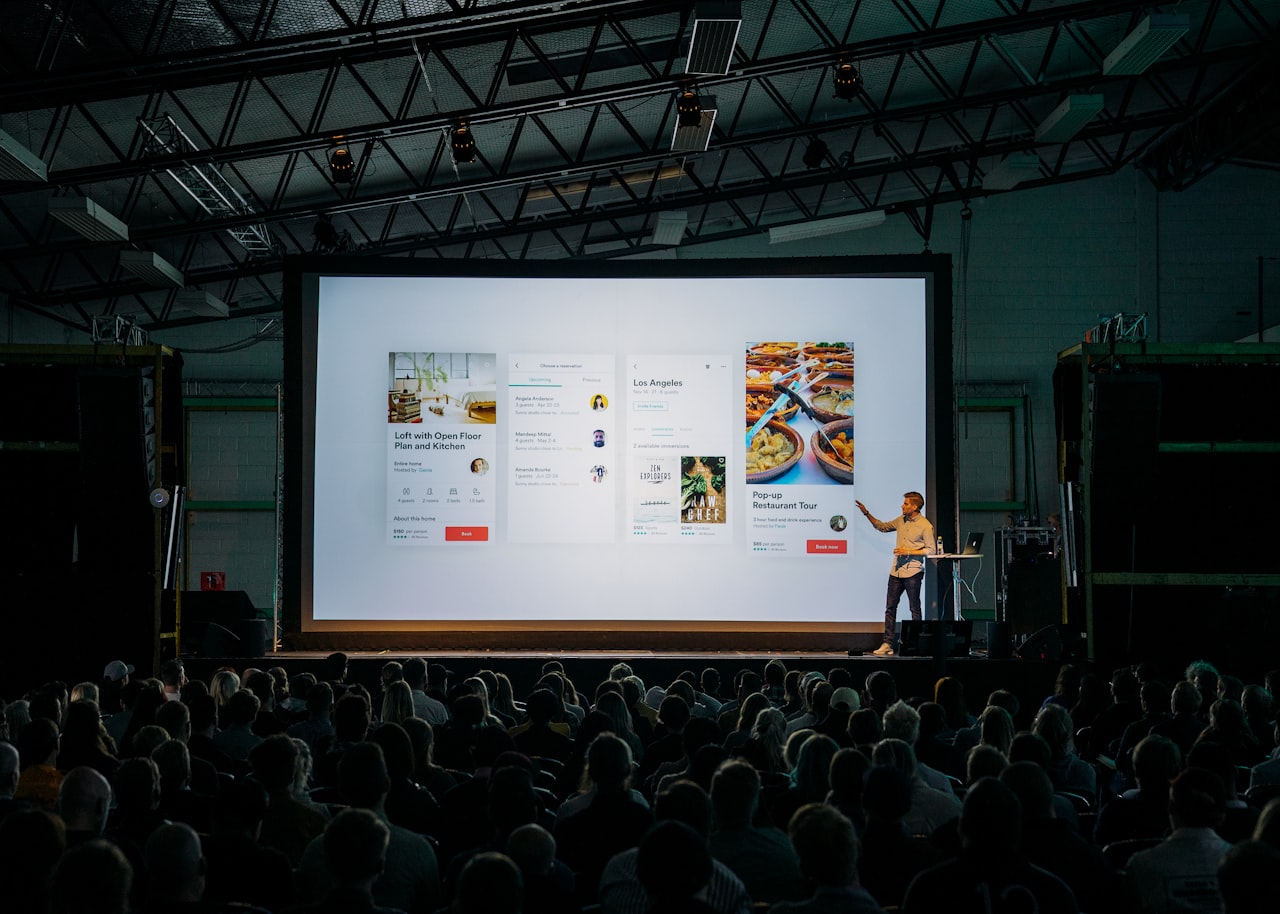
The 10-slide framework:
- Title slide: Company name, tagline and the presenter’s name. Clean, confident, branded.
- Problem slide: Define the pain point your audience relates to. Use a statistic, quote or scenario that makes the problem tangible.
- Solution slide: Introduce your product or service as the answer. Keep it simple: one sentence that captures your value proposition.
- How it works: Three to four steps or features that explain your solution without technical jargon.
- Market opportunity: Size of the addressable market. For Singapore businesses, include both local and regional opportunity if relevant.
- Traction: Evidence that your solution works. Revenue figures, customer count, growth rate, partnerships or pilot results.
- Business model: How you make money. Pricing, revenue streams and unit economics.
- Competition: Positioning matrix showing how you compare. Frame competitors as validation of market demand.
- Team: Key team members with relevant experience. Photos build connection.
- Ask: What you need from the audience: investment amount, partnership terms or next steps.
Storytelling principles:
- Open with the problem, not your company. The audience needs to feel the pain before they care about the solution.
- Use one key message per slide. If a slide has two ideas, split it into two slides.
- Build emotional connection through real customer stories, specific examples and relatable scenarios.
- End with a clear, specific call to action. Ambiguous endings waste the momentum you built.
Sales Deck Best Practices
A sales deck differs from a pitch deck in purpose and structure. While pitch decks seek investment, sales decks drive purchase decisions.
Structure for a sales deck:
- Relevant opening: Acknowledge the prospect’s specific situation or challenge. Personalise this slide for each meeting when possible.
- Problem amplification: Quantify the cost of the problem. Lost revenue, wasted time, missed opportunities. Make inaction expensive.
- Solution overview: Present your offering as the resolution. Focus on outcomes, not features.
- Proof points: Case studies, testimonials, data and results from similar clients. Singapore-specific examples resonate more strongly with local prospects.
- How we work: Your process or methodology. This reduces the perceived risk by showing you have a structured approach.
- Pricing and packages: Clear, simple pricing. Offer two to three tiers to anchor value and give the prospect a choice rather than a yes-or-no decision.
- Next steps: A specific, low-friction next action. Schedule a demo, start a trial or sign the proposal.
Sales deck design tips:
- Build modular slides that can be rearranged for different prospect types. A slide on logistics case studies can be swapped out for retail case studies depending on the audience.
- Include leave-behind versions with additional detail for prospects who review the deck after the meeting.
- Design comparison slides that position your offering against the prospect’s current solution, not just against competitors.
- Keep total slide count between 10 and 15. Longer decks lose attention. If you have additional supporting material, include it in an appendix.
Your sales deck is a critical brand touchpoint. It should look and feel like an extension of your website, your proposals and your overall brand identity.
Webinar and Event Slide Design
Webinar slides serve a different function than meeting presentations. They support a live speaker rather than replacing one, and they must keep remote audiences engaged for 30 to 60 minutes.

Key differences from meeting presentations:
- Webinar attendees are easily distracted. Every slide must earn attention.
- Slides share screen space with the speaker’s video feed, chat panel and platform controls.
- Attendees may join late or leave early. Each section should be somewhat self-contained.
- Slides are often shared post-event as a lead magnet, so they need to work without narration too.
Design best practices for webinar slides:
Use more slides, not fewer. A one-hour webinar benefits from 40 to 60 slides rather than 15 to 20 dense ones. Frequent slide transitions maintain visual interest and give attendees a sense of progress. This does not mean more content per slide but rather more visual variety.
Design for readability at reduced size. Webinar platform viewers often see slides at 60 to 70 percent of full screen size. Use minimum 28-point fonts. Avoid fine details and small data visualisations that become unreadable when scaled down.
Include engagement prompts. Design specific slides that invite audience participation: polls, Q&A pauses, chat questions and interactive exercises. These break up passive consumption and boost retention rates.
Section divider slides. Use visually distinct slides to signal topic transitions. These help attendees follow the presentation structure and provide natural re-entry points for those who momentarily lost focus.
Summary and takeaway slides. End each major section with a summary slide and close the presentation with an overall key takeaways slide. These are the most frequently screenshot-ed and shared slides from any webinar.
If you are running live streaming events alongside your webinar programme, the visual principles overlap significantly. Our live streaming marketing guide covers the broader strategy for real-time audience engagement.
Visual Design Fundamentals for Slides
These principles apply regardless of whether you are designing a pitch deck, sales deck or webinar.
One idea per slide. This is the single most important rule. If you cannot summarise the slide’s purpose in one sentence, it contains too much information. Split it. Audiences process one concept at a time, and cramming multiple ideas into a slide means none of them land effectively.
Use full-bleed images. When using photography, extend images to the full slide area rather than placing small photos in corners. Full-bleed images create emotional impact and visual variety that breaks the monotony of text-on-white layouts.
Limit text to 30 words per slide. Your slides are not a script. They are visual anchors for your spoken narrative. Bullet points should be short phrases, not sentences. If you need detailed text, put it in the speaker notes or a leave-behind document.
Use consistent alignment and spacing. Align all elements to a grid. Maintain consistent margins, padding and spacing between elements across all slides. Inconsistent spacing is one of the most common signs of amateur presentation design.
Choose a dark or light theme and commit. Dark backgrounds with light text work well for presentations shown in dim environments and for creating a premium feel. Light backgrounds with dark text work better for brightly lit rooms and for decks shared digitally. Do not mix themes within a single presentation.
Animate with purpose. Use transitions and animations only when they add meaning. A build animation that reveals points one at a time as you discuss each one is useful. Spinning, bouncing or flying text is distracting and unprofessional.
Data Visualisation in Presentations
Data slides are where most presentations fail. A table of numbers or a cluttered chart kills audience engagement instantly.
Simplify ruthlessly. If your data table has 20 rows and six columns, the audience will process none of it. Extract the one or two data points that matter and design a slide around those specific numbers. Put the full table in the appendix for anyone who wants detail.
Choose the right chart type:
- Bar charts for comparing values across categories
- Line charts for showing trends over time
- Pie charts for showing composition of a whole (use only for two to four segments)
- Donut charts as a more visually appealing alternative to pie charts
- Icon arrays for making percentages tangible and memorable
- Big number callouts for single statistics that tell the story on their own
Highlight the insight, not just the data. A chart is meaningless without context. Add a headline that states the insight: “Revenue grew 47% year-over-year” is more effective than “Annual Revenue 2024-2025.” Use colour to highlight the data point you want the audience to focus on and grey out the rest.
Annotate key data points. Add labels, callout boxes and arrows to draw attention to significant data points. Do not expect the audience to find the important information themselves. Direct their attention explicitly.
Maintain data integrity. Start axes at zero unless there is a compelling reason not to. Use consistent scales across comparison charts. Never distort data to exaggerate a point. Audiences, especially in Singapore’s data-savvy business community, notice and distrust manipulated visualisations.
For presentations that include data-heavy content, consider whether creating a standalone infographic might be a more effective way to communicate the information outside the presentation context.
Tools, Templates and Workflow
The right tools and processes ensure consistent, high-quality presentation output.

Presentation tools:
- PowerPoint: The industry standard for business presentations. Deep functionality, wide compatibility and strong template control. Best for enterprise environments.
- Google Slides: Best for collaborative presentations where multiple people edit simultaneously. Integrates with Google Workspace. Slightly less design-capable than PowerPoint but improving constantly.
- Keynote: Apple’s presentation tool offers superior design tools and animations. Best for teams working primarily on Mac.
- Canva: Accessible for non-designers with strong template options. Good for marketing teams that need to produce presentations quickly. See our Canva for business guide for detailed workflows.
- Figma/Pitch: Newer presentation tools built for collaborative design. Excellent for design-forward teams.
Building a template system:
- Create a master template with 15 to 20 slide layouts covering every common use case: title, content, data, comparison, quote, team, timeline, process and closing slides.
- Lock brand elements (logo, colour palette, font selections) so they cannot be accidentally changed.
- Include placeholder text and images that guide users on content length and image sizing.
- Create separate templates for pitch decks, sales decks and webinar slides, each optimised for its specific use case.
- Store templates in a shared location accessible to all team members.
Production workflow:
- Define the presentation purpose, audience and key messages
- Outline the narrative structure and slide-by-slide content plan
- Select the appropriate template and layout slides
- Add content, data and visuals
- Review for brand consistency, message clarity and visual quality
- Practice delivery with the slides and refine timing
- Export in appropriate format (PPTX for live, PDF for sharing, video for recording)
Investing in a solid template and workflow system saves hours per presentation and ensures every deck that leaves your organisation meets your marketing standards.
Frequently Asked Questions
How many slides should a pitch deck have?
Ten to fifteen slides for a live presentation. Investors and partners have short attention spans, and a concise deck forces you to focus on what matters. If you need additional supporting information, include it in an appendix that you can reference during Q&A. A leave-behind version can be slightly longer at 15 to 20 slides.
Should I send the deck before or after the meeting?
For sales meetings, send a teaser one-pager before and the full deck after. For investor pitches, send the deck after unless specifically requested beforehand. For webinars, share slides after the event as a lead capture mechanism. Sending the full deck before a meeting reduces the incentive to attend.
What font size should I use in presentations?
Minimum 24 points for body text and 36 points for headlines in meeting presentations. For webinar slides viewed on smaller screens, increase to 28 points minimum for body text. If you find yourself reducing font size to fit more text, you have too much text on the slide.
How do I make data-heavy presentations engaging?
Lead with the insight, not the data. Use big number callouts for the most important statistics. Simplify charts to show only the relevant data points. Animate data reveals so you can narrate the story behind the numbers. Use colour strategically to highlight key data and grey out context data.
Can I use my presentation slides as social media content?
Yes. Export key slides as images for LinkedIn carousel posts, Instagram carousels or blog illustrations. Design your slides with this repurposing in mind by ensuring they work as standalone visuals with brand elements and clear messaging. Adjust dimensions and text size for each platform.
What is the best aspect ratio for presentation slides?
Widescreen 16:9 is the standard for both in-person and virtual presentations. It fills modern screens and projectors correctly. Avoid the old 4:3 format unless you specifically know the display equipment requires it. For social media repurposing, you will need to crop or redesign for square or vertical formats.
How do I design presentations for remote meetings?
Increase font sizes by 20 percent compared to in-person presentations. Use high-contrast colour combinations. Avoid fine details and small elements that compress poorly in video calls. Test your slides in the actual meeting platform (Zoom, Teams, Google Meet) at the resolution your attendees will see. Leave space on screen for the speaker video feed.
Should I include animations in my presentation?
Use animations sparingly and purposefully. Build animations that reveal content in sync with your narration are helpful. Transition animations between major sections can signal topic shifts. Avoid decorative animations, sound effects and transitions that distract from your message. When in doubt, no animation is better than bad animation.