Webflow vs WordPress: Which CMS Should You Choose in 2026?
Table of Contents
Quick Comparison
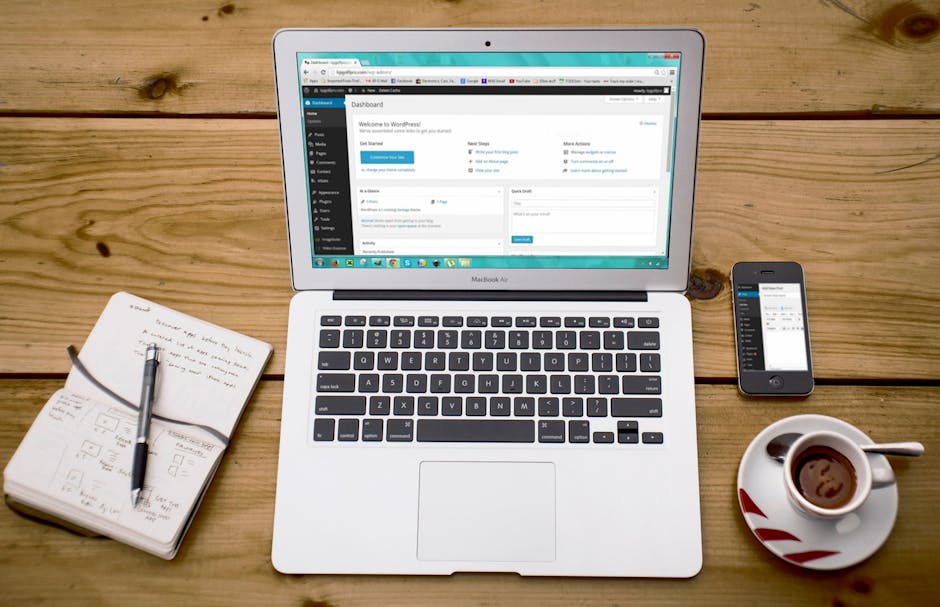
The Webflow vs WordPress decision shapes how your site looks, loads, ranks and costs to maintain long-term. These platforms represent fundamentally different philosophies. WordPress is an open-source CMS with a massive plugin ecosystem — extendable to virtually anything. Webflow is a visual development platform where designers build custom responsive sites without code, with hosting and CMS built in.
At a glance: Webflow generates clean code with built-in AWS hosting and delivers consistently good performance out of the box. WordPress offers unlimited extensibility through 60,000-plus plugins, full code access and the broadest developer ecosystem of any CMS. Neither is universally better — the right choice depends on your needs, technical resources and long-term vision.
For Singapore businesses evaluating both platforms in 2026, this comparison covers the dimensions that matter most: design freedom, hosting, SEO, e-commerce, cost and ecosystem support.
Design Flexibility
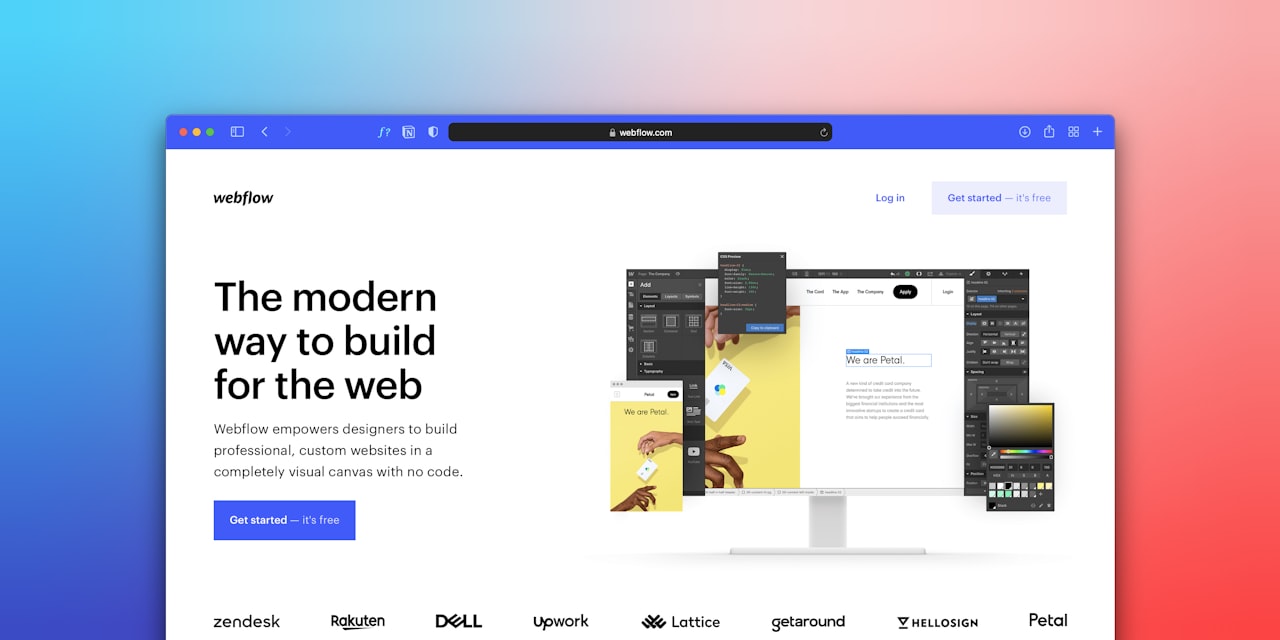
Webflow’s defining strength is design flexibility. Its visual builder gives direct control over CSS properties — Flexbox, Grid, spacing, typography, animations and interactions — without writing code. If you can design it in Figma, you can almost certainly build it in Webflow. The animation system enables scroll-triggered effects, hover states and page transitions rivalling custom-coded experiences. The result: Webflow sites tend to look more custom and distinctive than typical template-based alternatives.
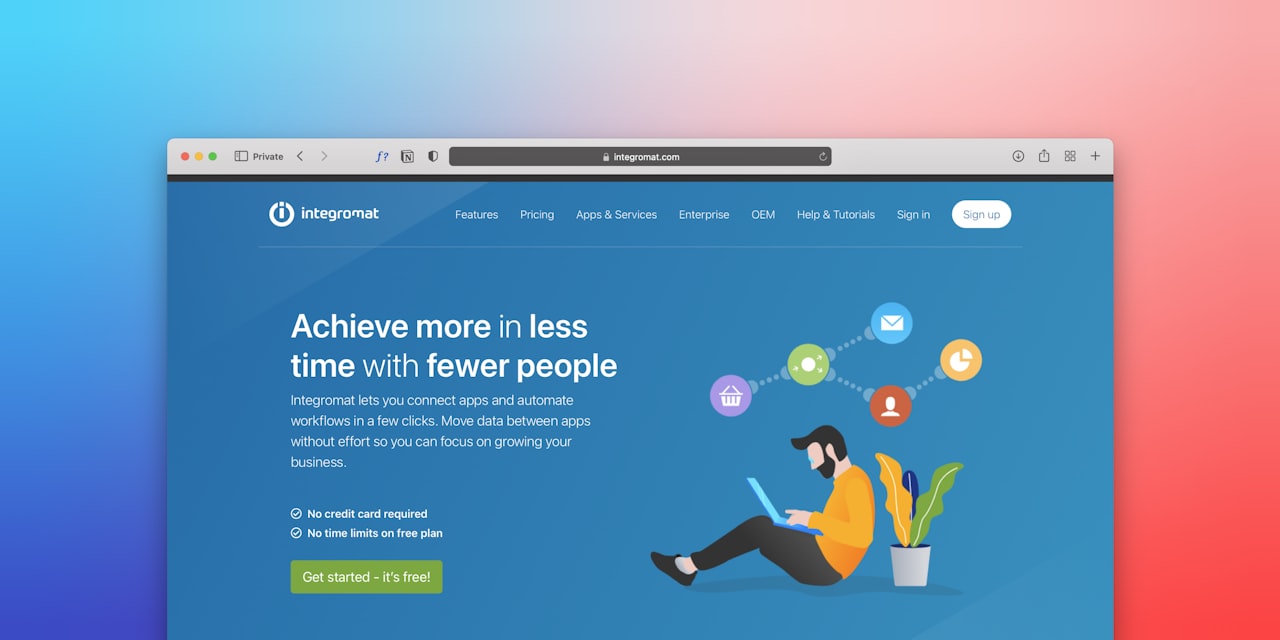
WordPress design flexibility depends on your approach. Pre-built themes constrain options to what the theme supports. Page builders like Elementor and Bricks extend control significantly. A fully custom theme built by a web design agency provides unlimited design freedom — anything achievable with HTML, CSS, JavaScript and PHP.
The key difference: Webflow vs WordPress is essentially designers building directly versus developers coding designs. Webflow empowers designers to implement custom work without coding. WordPress typically requires a developer for anything beyond template modifications.
Hosting and Infrastructure
Webflow includes hosting on AWS with a global CDN. Singapore visitors receive fast load times from Asia-Pacific servers. SSL, security, uptime monitoring and updates are fully managed. You never think about hosting — it works.
WordPress requires separate hosting. Options range from shared hosting (S$5 to $15 per month) to premium managed hosting like Kinsta or WP Engine (S$40 to $100-plus). Hosting quality directly affects performance, security and reliability. Budget shared hosting means slow speeds and limited support. Premium managed hosting matches or exceeds Webflow’s built-in hosting.
For Singapore businesses wanting hassle-free infrastructure, Webflow wins on convenience. For businesses wanting control over server specifications, hosting location and configuration, WordPress’s self-hosted model provides more flexibility.
SEO Capabilities
Webflow provides solid built-in SEO tools: customisable title tags and meta descriptions, automatic XML sitemaps, clean URL structures, 301 redirect management, Open Graph tags and semantic HTML. For most business websites, these are more than adequate.
Webflow’s limitations emerge in advanced scenarios. There is no equivalent of Yoast SEO or Rank Math offering real-time content analysis, internal linking suggestions, keyword density checks and automated schema markup. You can add custom schema through Webflow’s code feature, but it is a manual process.
WordPress with Yoast SEO or Rank Math provides the most comprehensive SEO control available on any CMS. These plugins offer content analysis, schema generation, advanced sitemaps, breadcrumbs, Search Console integration and full control over robots.txt, canonical URLs and hreflang tags.
For content-driven SEO strategies with heavy publishing, WordPress’s depth gives it an edge. For brochure-style sites with moderate content, Webflow’s built-in tools suffice. Effective SEO requires strategy and execution beyond tools alone, which is where professional digital marketing services add value regardless of CMS.
E-Commerce Capabilities
Webflow E-commerce provides design-focused shopping with product pages, carts and checkout matching your site’s aesthetic. It supports physical and digital products, memberships and subscriptions via Stripe. Limitations include product caps by plan (500 on Standard, 5,000 on Plus), limited payment gateways and a 2% transaction fee on Standard plans.
WordPress with WooCommerce is the world’s most popular e-commerce platform. It supports unlimited products, complex variants, digital downloads, bookings, memberships and marketplace functionality. Payment gateways include every major option — Stripe, PayPal and Singapore-specific gateways. The plugin ecosystem adds abandoned cart recovery, dynamic pricing, multi-currency support and ERP integrations.
For small stores (under 100 products) with straightforward needs, Webflow is elegant and low-maintenance. For larger catalogues, complex product types or advanced features, WooCommerce is far more capable. For e-commerce guidance, our e-commerce marketing services help you choose and implement the right platform.
Pricing Comparison
Webflow site plans: Basic at approximately S$20 per month, CMS at S$28, Business at S$55. E-commerce plans: Standard at S$40 (2% transaction fee), Plus at S$95 (0% fee), Advanced at S$210.
WordPress total costs: hosting S$60 to $600 annually, domain S$15 to $25, theme S$0 to $100 one-time, essential plugins S$0 to $400 annually. Total: S$75 to $1,125 per year.
For a standard business website, Webflow CMS costs approximately S$336 annually. Comparable WordPress on shared hosting costs S$100 to $250 — significantly cheaper. On managed hosting, WordPress runs S$300 to $700 — comparable to Webflow. However, WordPress maintenance (updates, security, plugins) typically costs S$50 to $200 monthly if outsourced, while Webflow requires minimal ongoing maintenance.
Which Suits Your Business?
Choose Webflow if: design quality is your top priority; you prefer zero-maintenance hosting; your site is primarily a marketing or portfolio website; you have a designer who can work in Webflow; your e-commerce needs are modest.
Choose WordPress if: you need extensive functionality (memberships, courses, marketplaces, complex e-commerce); you plan heavy content marketing with hundreds of articles; you need advanced SEO plugins; you want the broadest developer and agency ecosystem; you need Singapore-specific payment gateways or enterprise integrations; budget is a primary concern.
For many Singapore businesses launching marketing-focused sites, Webflow is excellent in 2026. For businesses with complex requirements, heavy content strategies or ambitious e-commerce, WordPress remains the more versatile platform. Our web design team works with both and can advise on the best fit for your situation.
Frequently Asked Questions
Can I migrate from Webflow to WordPress or vice versa?
Yes, but it requires rebuilding the design since the platforms are architecturally different. Content (blog posts, CMS items) can be exported as CSV. Plan for a significant redesign effort rather than a simple migration.
Is Webflow good for SEO?
Yes for most business websites. You can customise meta tags, alt text, URLs and Open Graph data. Webflow generates clean HTML and automatic sitemaps. It falls short of WordPress only for advanced SEO — schema automation, content analysis tools and technical SEO customisation at scale.
Which is more secure?
Webflow handles all security — SSL, DDoS protection, patches and updates. WordPress security is your responsibility (or your host’s). Properly maintained WordPress is secure, but neglected sites are vulnerable. For businesses without IT resources, Webflow’s managed security is a significant advantage.
Can Webflow handle a large blog?
The CMS plan supports 2,000 items; Business supports 10,000. For most businesses this suffices. However, Webflow lacks WordPress’s advanced categorisation, related post algorithms and blogging plugin depth. For heavy content operations, WordPress is the better tool.
Do I need coding skills for Webflow?
You need to understand CSS concepts (Flexbox, margin, padding, responsive design) but not write code. Designers who grasp web design principles learn Webflow quickly. Content editing after the site is built requires no technical knowledge.
Which has better performance?
Webflow delivers consistently good performance with zero effort. WordPress performance varies — it can be faster than Webflow when optimised with premium hosting and lightweight themes, but can also be painfully slow with heavy themes and budget hosting. Webflow wins for effortless performance; WordPress wins for maximum performance with active optimisation.
Which platform do Singapore agencies prefer?
WordPress has a far larger agency ecosystem in Singapore. Finding WordPress developers is straightforward. Webflow specialists are growing but still smaller in number locally. Both platforms have mature professional communities capable of delivering high-quality work.
Can I use both platforms together?
Some businesses use Webflow for marketing pages (taking advantage of its design flexibility) and WordPress for their blog or e-commerce section. This is technically possible with subdomain configurations but adds complexity and is generally not recommended unless you have specific reasons for both.