
Table of Contents
How Design Directly Impacts Revenue
Ecommerce website design is not about aesthetics. It is about revenue. Every design decision either helps or hinders a visitor’s path to purchase. A well-designed store converts three to five percent of visitors into buyers. A poorly designed one converts under one percent, wasting the majority of your marketing spend.
Research consistently shows that first impressions of a website form within 50 milliseconds. In that fraction of a second, visitors decide whether your store looks trustworthy, professional and relevant to their needs. Design creates that crucial first impression before a single word is read.
The most common design mistakes in Singapore e-commerce stores include cluttered homepages that overwhelm visitors, product pages with insufficient information, complicated navigation that makes products hard to find, slow load times that cause abandonment and checkout flows with unnecessary friction.
This guide covers the design principles and specific tactics that turn an e-commerce website into a conversion engine. Whether you are building a new store or redesigning an existing one, these principles apply across all platforms and product categories.
Strong design works hand-in-hand with strong branding. Your e-commerce branding strategy defines the look and feel that your website design brings to life. Together, they create a cohesive shopping experience that builds trust and drives sales.
Homepage Design That Guides Shoppers
Your homepage serves two primary functions: directing returning customers quickly to what they need and introducing new visitors to your brand and product range. Every element should serve one of these purposes.

Lead with a clear hero section that communicates your value proposition in seconds. Use a strong headline, a brief supporting statement and a prominent call-to-action button. Avoid rotating carousels, which dilute focus and reduce click-through rates. A single, compelling hero message outperforms a carousel every time.
Feature your best-selling or highest-margin product categories prominently below the hero. Use clean category cards with appealing imagery and clear labels. Limit the homepage to six to eight featured categories to avoid overwhelming visitors. Each category should link directly to its corresponding category page.
Include a curated product section showcasing bestsellers, new arrivals or current promotions. Display four to eight products with images, names, prices and add-to-cart buttons. This section captures impulse buyers and gives returning customers quick access to popular items.
Add trust signals visible without scrolling. Display logos for payment methods, security certificates, customer review ratings and any notable press mentions or awards. A trust bar showing key benefits such as free shipping, easy returns and local customer service reduces anxiety and encourages browsing.
Keep the homepage focused and uncluttered. Resist the temptation to showcase everything. White space guides the eye and makes content easier to scan. A clean, focused homepage with clear hierarchy outperforms a busy one packed with information.
Product Page Design Best Practices
Product pages are where purchase decisions happen. They need to provide all the information a customer requires to buy with confidence while making the purchase action as easy as possible.
Product images are the most important element. Display five to eight high-quality photos showing the product from multiple angles, in context and with close-up details. Enable zoom functionality so customers can inspect details. For apparel, show products on different body types. For home goods, show products in room settings to help customers visualise scale and style.
Position the product title, price and add-to-cart button above the fold. Customers should see these essential elements without scrolling on both desktop and mobile. Use a large, high-contrast add-to-cart button that stands out from the surrounding design. Sticky add-to-cart bars that remain visible as users scroll through product details improve conversion rates.
Write product descriptions that address both emotional desires and practical questions. Lead with benefits and the problem the product solves. Follow with specifications, dimensions, materials and care instructions. Use bullet points for scannability and short paragraphs for storytelling. Include all information needed to purchase, reducing the need for customers to contact support with questions.
Display customer reviews on every product page. Show the average rating, total review count and individual reviews with the ability to filter by rating. Photo reviews from real customers are particularly powerful. If you have few reviews, use a review import tool or accelerate review collection through post-purchase email automation.
Cross-sell and upsell intelligently. Show related products, frequently bought together items and complementary accessories. These recommendations increase average order value without feeling pushy when positioned after the main product information.
Navigation and Category Page Structure
Effective navigation helps customers find products quickly. Every additional click between landing on your site and finding the desired product increases the likelihood of abandonment.
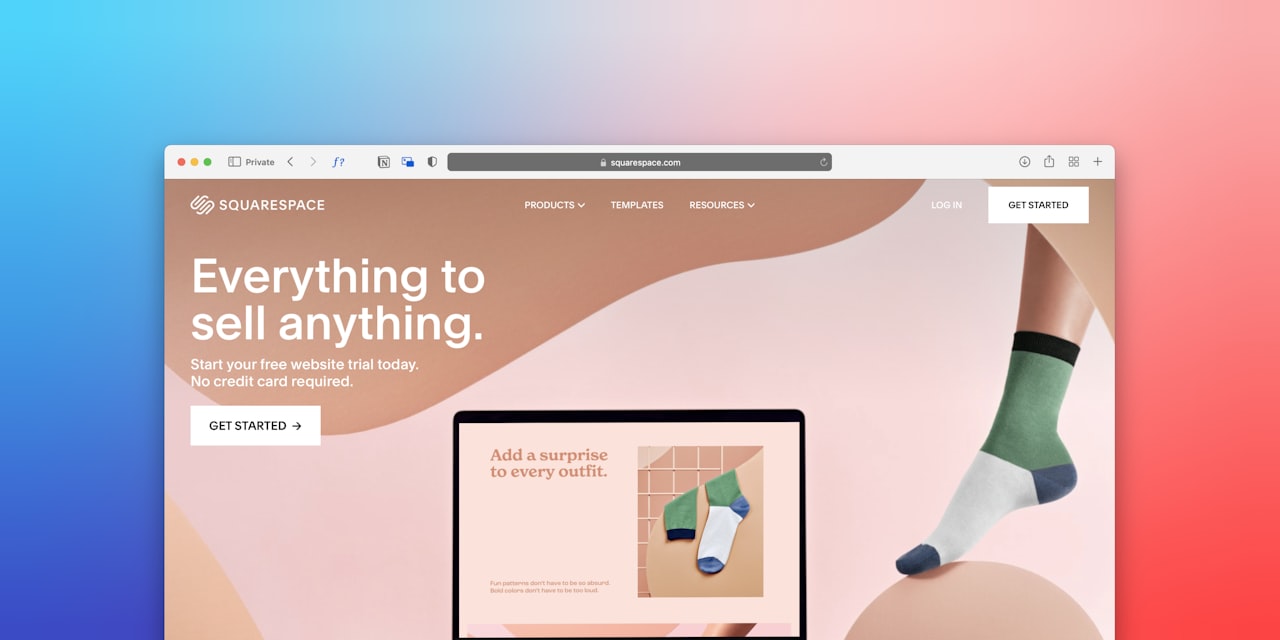
Structure your main navigation around product categories that match how customers think about your products. Limit top-level categories to five to seven items. Use descriptive labels rather than creative names. Customers should understand exactly what they will find in each category without guessing.
Implement mega menus for stores with large catalogues. Mega menus display subcategories, featured products and promotional banners in a single dropdown, allowing customers to navigate directly to specific subcategories without multiple clicks.
Category pages should display products in a clean grid layout with consistent image sizes. Include sorting options for price, popularity, newest and relevance. Add filtering by relevant attributes such as size, colour, price range, brand and material. Filters dramatically reduce the time to find the right product in large catalogues.
Add breadcrumb navigation to help customers understand their location within your site hierarchy and navigate back to parent categories easily. Breadcrumbs also benefit SEO by helping search engines understand your site structure.
Include a prominent search bar with autocomplete suggestions. Many customers prefer searching directly for products rather than browsing categories. Implement typo tolerance and synonym matching so searches for common misspellings still return relevant results. Display product images in search suggestions for visual confirmation.
For professional navigation and category page design, our web design team builds e-commerce stores optimised for both user experience and search engine visibility.
Checkout Optimisation for Higher Conversions
Checkout is where most e-commerce revenue is lost. The average cart abandonment rate exceeds 70 percent, and a significant portion of that abandonment is caused by checkout design issues.
Offer guest checkout as the default option. Forcing account creation before purchase is the second most common reason for cart abandonment after unexpected costs. Allow customers to check out as guests and offer account creation on the confirmation page after the purchase is complete.
Minimise form fields to only what is essential. Every additional field increases friction and abandonment. Auto-fill postal codes based on Singapore’s postal code system. Use smart address fields that suggest addresses as customers type. Combine first and last name into a single field if you do not need them separately.
Display a clear progress indicator showing how many steps remain in the checkout process. Customers abandon when they feel the process is dragging on without knowing how much remains. A three-step checkout of cart, delivery details and payment is ideal for most stores.
Show all costs upfront including shipping, taxes and fees. Unexpected costs at checkout are the number one reason for abandonment. Display estimated shipping costs on product pages or in the cart before customers enter the checkout flow.
Support multiple payment methods relevant to Singapore consumers. Credit and debit cards, PayNow, GrabPay, Atome and other buy-now-pay-later options should be available. Display payment logos prominently and add security messaging near payment fields to reassure customers.
Implement cart recovery strategies. Send abandoned cart emails within one hour of abandonment, followed by a reminder 24 hours later and a final email with a discount after 72 hours. This sequence typically recovers 5 to 15 percent of abandoned carts.
Mobile-First Design for Singapore Shoppers
Over 70 percent of e-commerce traffic in Singapore comes from mobile devices. If your store does not perform flawlessly on smartphones, you are losing the majority of your potential customers.
Design mobile-first, then adapt for desktop. This approach ensures the mobile experience is not a compromised version of the desktop design but a purpose-built experience optimised for smaller screens and touch interactions.
Make touch targets large enough for comfortable tapping. Buttons should be at least 44 by 44 pixels. Space interactive elements far enough apart to prevent accidental taps. Thumb-friendly placement means positioning key actions in the lower half of the screen where thumbs naturally reach.
Simplify the mobile navigation. Replace complex mega menus with a clean hamburger menu that expands into a full-screen overlay. Use a sticky bottom navigation bar with icons for home, search, categories, cart and account. This pattern is familiar from popular apps and provides constant access to key functions.
Optimise product images for mobile viewing. Use swipeable image galleries with clear swipe indicators. Enable pinch-to-zoom so customers can inspect details. Ensure images load quickly on mobile connections by using responsive images that serve appropriate sizes for different screen widths.
Streamline the mobile checkout. Use mobile-optimised input fields that trigger the correct keyboard. For example, phone number fields should trigger the numeric keyboard. Integrate with mobile payment options like Apple Pay and Google Pay for one-tap checkout. The fewer taps required to complete a purchase on mobile, the higher your conversion rate.
Read our dedicated guide on mobile commerce in Singapore for comprehensive strategies on optimising your entire mobile shopping experience.
Site Speed and Performance
Site speed directly correlates with conversion rates and revenue. Every additional second of load time reduces conversions by approximately 7 percent. A three-second load time is acceptable. Under two seconds is ideal.
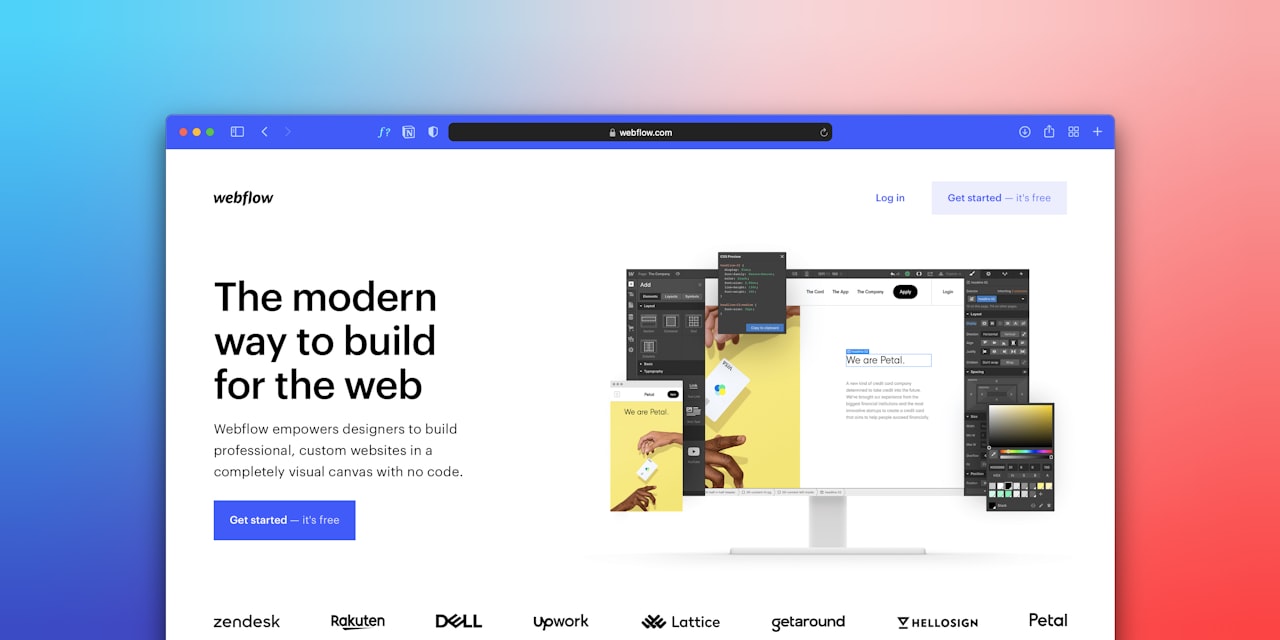
Optimise images, which are typically the largest elements on e-commerce pages. Use next-generation formats like WebP or AVIF, which offer 25 to 50 percent smaller file sizes than JPEG and PNG without visible quality loss. Implement lazy loading so images below the fold load only when the customer scrolls to them.
Minimise and defer non-critical JavaScript and CSS. Third-party scripts for analytics, chat widgets, pop-ups and social media embeds add significant load time. Audit your scripts regularly and remove any that do not directly contribute to conversions. Load non-essential scripts after the page has rendered.
Use a content delivery network to serve static assets from servers geographically close to your customers. For Singapore-focused stores, ensure your CDN has edge servers in the region. Most major CDNs including Cloudflare, AWS CloudFront and Fastly have Singapore points of presence.
Choose hosting that matches your traffic needs. Shared hosting is insufficient for stores expecting more than a few hundred daily visitors. Shopify handles hosting automatically with excellent performance. For self-hosted platforms like WooCommerce, invest in managed WordPress hosting from providers that offer Singapore server locations.
Monitor performance continuously using tools like Google PageSpeed Insights, GTmetrix and Core Web Vitals reports. Set up alerts for performance degradation and address issues promptly. Performance optimisation is ongoing, not a one-time task, as new products, plugins and content can introduce performance regressions.
Speed and technical performance are also critical for SEO. Google uses page speed as a ranking factor, so a faster store ranks better and earns more organic traffic in addition to converting more visitors.
Frequently Asked Questions
How much does e-commerce website design cost in Singapore?
A custom Shopify store design ranges from SGD 3,000 to 15,000 depending on complexity. A fully custom WooCommerce or headless e-commerce build runs SGD 10,000 to 50,000 or more. Template-based setups with minor customisations can be done for SGD 1,000 to 3,000. The investment should match your revenue expectations and brand positioning.
Should I use a template or custom design for my online store?
Start with a premium template if your budget is limited. Modern Shopify themes like Dawn, Impulse and Prestige offer professional designs with conversion-optimised layouts. Graduate to custom design as your revenue grows and you need unique features or brand differentiation that templates cannot provide.
What is the ideal number of products to show on a category page?
Display 24 to 48 products per page with infinite scroll or load-more functionality. This provides enough variety without overwhelming visitors or slowing page load. Show four products per row on desktop and two per row on mobile for optimal image size and scannability.
How do I improve my e-commerce conversion rate through design?
Focus on the highest-impact areas first. Improve product photography, add customer reviews, simplify checkout, display trust signals, speed up load times and ensure flawless mobile experience. Track your conversion rate by device and traffic source to identify where the biggest drop-offs occur and prioritise fixes accordingly.
What product page elements have the biggest impact on sales?
High-quality product images have the largest impact, followed by customer reviews, clear pricing and availability, compelling product descriptions, a prominent add-to-cart button and relevant cross-sell recommendations. Optimise these elements before spending time on less impactful design details.
How important is site speed for e-commerce?
Extremely important. A one-second delay in load time can reduce conversions by 7 percent. Google also uses page speed as a ranking factor, affecting your organic search visibility. Aim for under three seconds on mobile and under two seconds on desktop. Regularly audit and optimise your site speed.
Should I use pop-ups on my e-commerce store?
Use pop-ups strategically and sparingly. A well-timed exit-intent pop-up offering a first-purchase discount can increase email signups and conversions. However, aggressive pop-ups that appear immediately, cover the screen on mobile or are difficult to close damage the user experience and increase bounce rates.
How often should I redesign my e-commerce store?
A full redesign every three to four years keeps your store looking current and functioning with modern standards. Between redesigns, make continuous incremental improvements based on analytics data and user testing. Regular A/B testing of key elements like calls-to-action, product page layouts and checkout flow identifies optimisations without requiring a full redesign.