Managing a sales pipeline manually is a recipe for missed opportunities and wasted hours. If your Singapore-based sales team still relies on spreadsheets, sticky notes, or memory to track deals, you are already behind. CRM automation workflows eliminate the repetitive admin work that bogs down sales reps, letting them focus on what actually generates revenue — building relationships and closing deals.
In this guide, we walk you through exactly how to set up CRM automation workflows that handle deal tracking, task creation, notifications, and reporting without manual intervention. Whether you run a B2B services firm in the CBD or an e-commerce brand serving the APAC region, these workflows will transform your pipeline management.
Table of Contents
What Are CRM Automation Workflows?
CRM automation workflows are predefined sequences of actions that your CRM system executes automatically when specific triggers occur. Instead of a sales rep manually updating a deal stage, sending a follow-up email, or creating a task reminder, the system handles these actions based on rules you configure.
A typical workflow follows a simple structure: a trigger (something happens), a condition (criteria that must be met), and an action (what the system does). For example, when a lead fills in a contact form (trigger), and they are located in Singapore (condition), the system assigns them to your local sales team and sends a personalised acknowledgement email (actions).
Types of CRM Automation
CRM automation falls into several categories, each addressing a different pain point in pipeline management:
- Data entry automation — auto-populating contact records from form submissions, email signatures, and social profiles
- Pipeline automation — moving deals between stages based on activity or time-based triggers
- Task automation — creating and assigning follow-up tasks when specific events occur
- Communication automation — sending emails, SMS messages, or internal notifications at the right moment
- Reporting automation — generating and distributing pipeline reports on a scheduled basis
How Workflows Differ from Simple Automation Rules
Simple automation rules handle one trigger and one action. Workflows chain multiple actions together, incorporate branching logic, and can span days or weeks. A workflow might start when a deal is created, wait three days, check whether a meeting has been booked, and then either send a reminder to the rep or escalate to a manager depending on the outcome.
Why Singapore Businesses Need CRM Automation
Singapore’s business environment presents unique challenges that make CRM automation particularly valuable. High labour costs mean every hour a sales rep spends on admin work carries a steep opportunity cost. The competitive market across sectors — from fintech to logistics — demands faster response times than manual processes can deliver.
The Cost of Manual Pipeline Management
Research consistently shows that sales reps spend only about 35% of their time actually selling. The rest goes to data entry, internal emails, scheduling, and searching for information. For a Singapore company paying market-rate salaries, that translates to significant wasted investment. CRM automation workflows reclaim those lost hours.
Speed-to-Lead in the Singapore Market
In a market as connected as Singapore, prospects expect rapid responses. Studies show that responding within five minutes of an enquiry makes you 21 times more likely to qualify the lead compared to waiting 30 minutes. Manual processes simply cannot guarantee that speed consistently. Automated workflows ensure every lead receives an immediate response, regardless of time zone or whether your team is in a meeting.
If your team needs help setting up these systems, our digital marketing services include full CRM automation implementation tailored to Singapore businesses.
Core CRM Workflows to Automate
Not every process needs automation. Focus on workflows that are repetitive, time-sensitive, and prone to human error. Here are the highest-impact CRM automation workflows to implement first.
Lead Capture and Enrichment
When a new lead enters your system — whether from a website form, LinkedIn message, or trade show scan — the workflow should automatically create a contact record, enrich it with available data (company size, industry, location), score the lead based on your criteria, and route it to the appropriate sales rep. This eliminates the delay between capture and first contact.
Lead Qualification Workflows
Set up workflows that automatically qualify or disqualify leads based on predefined criteria. For Singapore B2B businesses, this might include company revenue, industry vertical, or whether they have an existing vendor relationship. Qualified leads move forward in the pipeline; unqualified ones receive nurture content through your email marketing sequences.
Deal Rotation and Assignment
Automate how deals are distributed across your team. Round-robin assignment ensures equal distribution, while rules-based routing sends specific deal types to specialists. A fintech lead might go to your financial services specialist, while an FMCG brand goes to your consumer team.
Contract and Proposal Workflows
When a deal reaches the proposal stage, automation can generate a proposal template pre-filled with deal details, send it for internal approval, track when the prospect opens it, and trigger follow-up tasks if no response is received within a set period.
Deal Tracking Automation
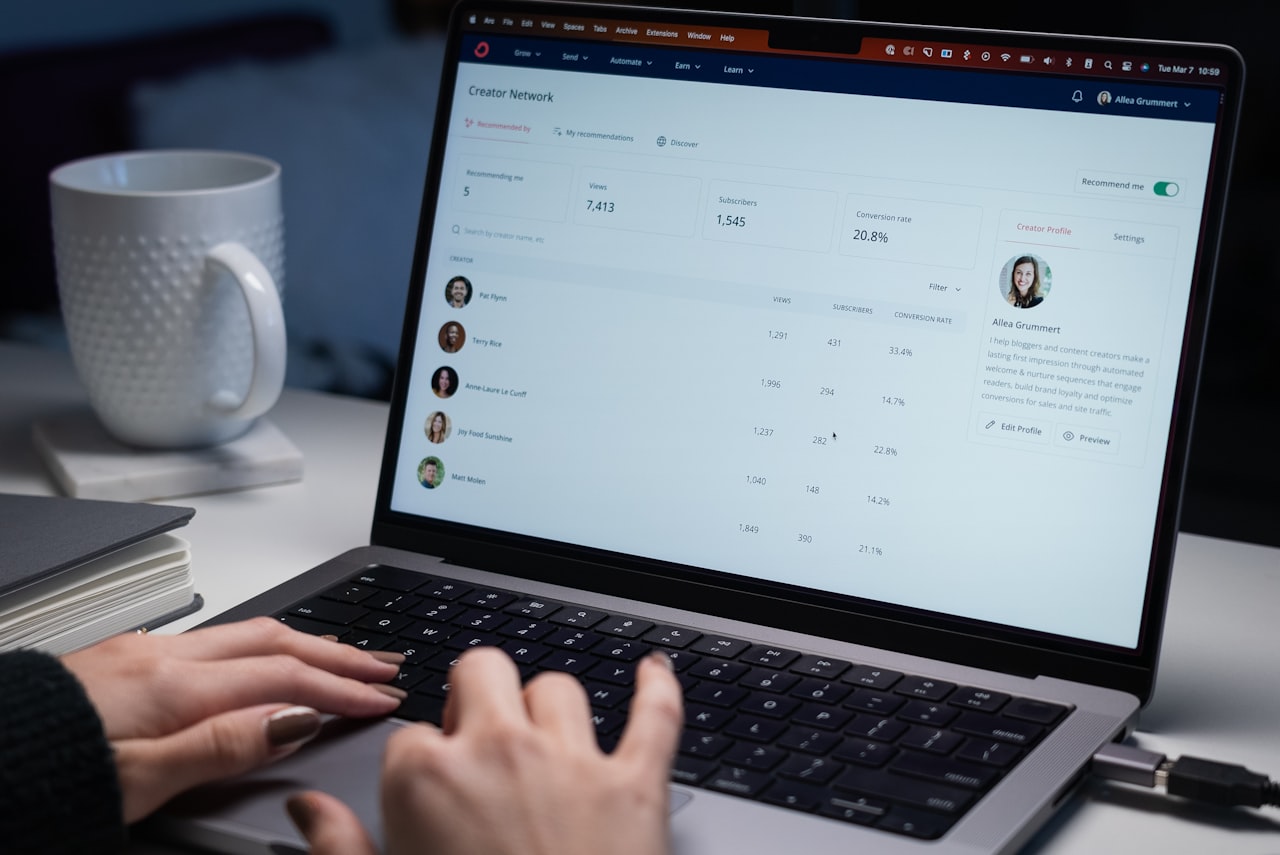
Accurate deal tracking is the backbone of pipeline management. Automation ensures your pipeline data stays current without relying on reps to update records manually — something that rarely happens consistently.
Automatic Stage Progression
Configure your CRM to move deals between stages automatically based on meaningful actions. When a prospect replies to an email, the deal moves from “Contacted” to “Engaged.” When a meeting is logged, it moves to “Meeting Scheduled.” When a proposal is sent, it advances to “Proposal Sent.” This keeps your pipeline accurate in real time.
Stale Deal Alerts
Deals that sit in one stage too long are at risk of going cold. Set up workflows that flag deals exceeding your average stage duration. If a deal has been in the “Negotiation” stage for more than 14 days without activity, the workflow sends an alert to the rep and, if no action is taken within 48 hours, escalates to the sales manager.
Deal Value and Forecast Updates
Automate weighted pipeline calculations based on deal stage. A deal in the “Discovery” stage might carry a 20% probability weighting, while one in “Verbal Agreement” carries 80%. As deals progress, your forecast updates automatically, giving leadership accurate revenue projections without manual spreadsheet gymnastics.
Accurate pipeline data also feeds into your Google Ads campaigns, allowing you to calculate true cost per acquisition and optimise ad spend against actual closed revenue.
Task Creation and Notification Workflows
Automated task creation ensures nothing falls through the cracks. When the system creates tasks based on pipeline events, reps always know what to do next.
Follow-Up Task Automation
After every meaningful interaction, the CRM should automatically create the next follow-up task. Post-meeting, a task to send a summary email is created with a one-hour deadline. Post-proposal, a task to call the prospect is created for three business days later. This removes the cognitive load of remembering what comes next.
Manager Notification Workflows
Keep sales managers informed without requiring them to dig through dashboards. Automated notifications can alert managers when a high-value deal moves to the negotiation stage, when a rep misses a follow-up deadline, when a deal is marked as lost, or when a new enterprise-level lead enters the pipeline. These notifications can go via email, Slack, Microsoft Teams, or whatever communication tool your team uses.
Cross-Team Notifications
Sales does not operate in isolation. When a deal closes, automation can notify your finance team to send an invoice, your operations team to begin onboarding, and your content marketing team to request a case study. This cross-functional coordination happens instantly without anyone sending manual emails.
Deadline and SLA Tracking
For service-based businesses in Singapore, meeting response SLAs is critical. Automate escalation workflows that trigger when SLAs are at risk. If a new enquiry has not received a response within 30 minutes, escalate to a senior rep. If still unactioned after one hour, alert the sales director.
Reporting and Analytics Automation
Manual report generation is one of the biggest time sinks in sales operations. Automating your reporting ensures stakeholders receive accurate, timely insights without anyone spending hours in spreadsheets.
Scheduled Pipeline Reports
Configure your CRM to generate and email pipeline reports on a fixed schedule. Weekly pipeline summaries go to reps every Monday morning. Monthly pipeline reviews go to directors on the first of each month. Quarterly forecasts go to the C-suite with year-on-year comparisons.
Activity Reports
Automated activity reports track calls made, emails sent, meetings booked, and proposals delivered per rep. These reports provide objective performance data for one-on-one coaching sessions and help identify reps who may need additional support or training.
Win/Loss Analysis Automation
When a deal is marked as won or lost, trigger a workflow that captures the reason, tags relevant data points (competitor involved, deal size, sales cycle length), and adds it to a running analysis. Over time, this automated data collection reveals patterns — perhaps you consistently lose deals above S$50,000 to a specific competitor, or your win rate drops when the sales cycle exceeds 60 days.
These insights directly inform your broader digital marketing strategy, helping you target the right prospects with the right messaging from the start.
Implementation Step by Step
Rolling out CRM automation workflows requires a structured approach. Rushing the implementation leads to broken workflows, frustrated reps, and dirty data.

Step 1: Audit Your Current Process
Before automating anything, document your existing sales process in detail. Map every stage, action, and handoff. Identify where bottlenecks occur, where data quality breaks down, and where reps spend the most time on non-selling activities. This audit reveals which workflows will deliver the greatest impact.
Step 2: Define Your Workflow Logic
For each workflow, clearly document the trigger, conditions, and actions. Use flowchart diagrams to visualise branching logic. Get input from your sales team — they know where the friction points are. Ensure every workflow has an owner responsible for monitoring its performance.
Step 3: Configure and Test
Build your workflows in a sandbox or testing environment first. Run test records through each workflow to verify that triggers fire correctly, conditions are evaluated properly, and actions execute as expected. Pay particular attention to edge cases — what happens if a required field is blank, or if two workflows conflict?
Step 4: Roll Out Gradually
Start with your simplest, highest-impact workflow. Run it for two weeks, gather feedback from reps, and iterate. Then add the next workflow. This gradual approach prevents overwhelm and lets you catch issues early. Most Singapore companies find that a phased rollout over eight to twelve weeks works best.
Step 5: Monitor and Optimise
Automation is not set-and-forget. Review workflow performance monthly. Track metrics such as workflow execution rates, error rates, and time saved. Adjust triggers and conditions as your sales process evolves. Remove workflows that no longer serve a purpose.
Pair your CRM automation with social media marketing workflows to create a seamless lead generation and nurture system that operates across channels.
Frequently Asked Questions
What is the best CRM for automation workflows in Singapore?
HubSpot, Salesforce, and Zoho CRM all offer robust automation capabilities. HubSpot is popular among SMEs for its user-friendly workflow builder, while Salesforce suits enterprise teams needing complex logic. Zoho offers strong value for budget-conscious Singapore businesses. The best choice depends on your team size, budget, and integration requirements.
How long does it take to implement CRM automation workflows?
Basic workflows (lead assignment, task creation) can be set up in a few days. A comprehensive automation strategy covering the full sales pipeline typically takes eight to twelve weeks to plan, build, test, and roll out properly. Factor in time for team training and iterative refinement.
Do CRM automation workflows replace salespeople?
No. Automation handles the repetitive administrative tasks that consume up to 65% of a rep’s time. This frees salespeople to focus on relationship building, consultative selling, and complex negotiations — the high-value activities that require a human touch and directly drive revenue.
What are the most common CRM automation mistakes?
The biggest mistakes include automating broken processes (fix the process first), creating too many workflows at once (start simple), not testing thoroughly before going live, and failing to get buy-in from the sales team. Poor data quality also undermines automation — garbage in, garbage out.
How do CRM automation workflows handle PDPA compliance?
Singapore’s Personal Data Protection Act requires consent for marketing communications. Your CRM workflows should check consent status before sending any automated communications. Build consent verification into your workflow conditions and maintain clear audit trails of when and how consent was obtained.
Can I automate CRM workflows without technical skills?
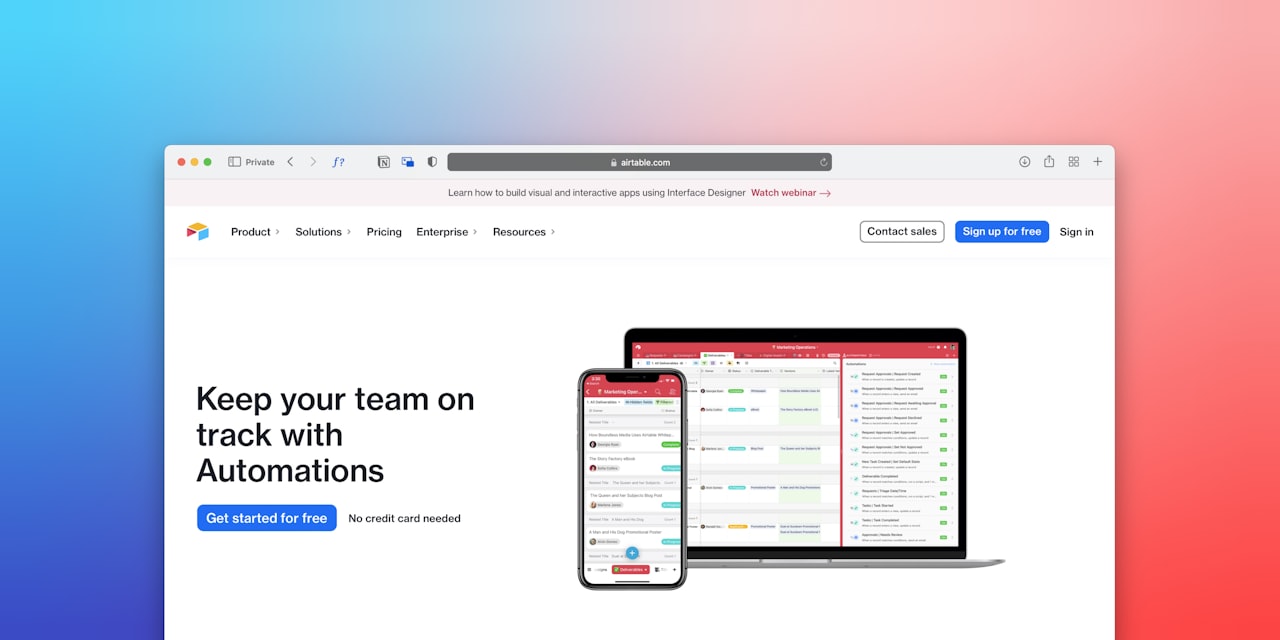
Most modern CRMs offer visual workflow builders that use drag-and-drop interfaces. You do not need coding skills for standard workflows. However, complex integrations or custom logic may require technical support. Many Singapore businesses work with implementation partners for the initial setup and then manage ongoing adjustments in-house.
How do I measure the ROI of CRM automation?
Track time saved per rep per week, lead response time improvements, pipeline velocity changes, and win rate shifts. Calculate the monetary value of recovered selling time (hours saved multiplied by the fully loaded cost per hour). Most businesses see positive ROI within three to six months of implementation.
What triggers should I use for CRM automation workflows?
Common triggers include form submissions, email opens or replies, deal stage changes, date-based triggers (days since last contact), property changes (lead score reaching a threshold), and manual triggers (rep clicks a button). Start with event-based triggers as they are the most reliable and immediately actionable.
How do CRM automation workflows integrate with email marketing?
CRM workflows can enrol contacts into email nurture sequences, update email list segments based on deal stage, trigger personalised emails based on CRM data, and sync engagement data back to the contact record. This creates a feedback loop between your sales pipeline and marketing communications.
Should I automate every step of my sales process?
No. Automate repetitive, rules-based tasks and keep human judgement for complex decisions. Discovery calls, negotiations, and relationship-building should remain manual. A good rule of thumb: if a task follows the same steps every time with no judgement required, automate it. If it requires context, nuance, or creativity, keep it human.
Ready to implement CRM automation workflows that streamline your sales pipeline? Our SEO services and digital marketing team can help you build an integrated system that drives leads and closes deals efficiently across all channels.