Table of Contents
Singapore Invoicing and GST Requirements
Getting paid on time is one of the biggest challenges Singapore small businesses face. Late payments disrupt cash flow, create administrative headaches, and strain client relationships. The best invoice software singapore businesses can use solves these problems by automating invoice creation, sending payment reminders, tracking overdue accounts, and integrating with payment gateways for immediate collection.
For GST-registered businesses (mandatory once annual taxable turnover exceeds SGD 1 million), invoices must display specific elements: your business name and GST registration number, invoice date and sequential number, description of goods or services, total excluding GST, GST amount at the current 9 per cent rate, and total including GST. Your software should calculate GST automatically, generate sequential numbers, and produce GST F5 return-compatible reports.
IRAS encourages digital record-keeping and requires five-year record retention. Choose a platform that maintains proper audit trails and integrates with your accounting system to simplify compliance during audits.
Full Accounting Platforms with Invoicing
Xero is the dominant cloud accounting platform in Singapore, widely recommended by local accountants. Its invoicing features include professional customisable templates, automatic GST calculations, recurring invoices, online payment integration (Stripe, PayPal), and multi-currency support for over 160 currencies. Automatic bank reconciliation with DBS, OCBC, and UOB makes it the strongest choice for GST-registered businesses.
Singapore pricing starts at SGD 38 per month for Starter (limited to 20 invoices), SGD 56 for Standard (unlimited invoices), and SGD 72 for Premium (adding multi-currency). Unlimited users on all plans means no per-seat charges. Most Singapore accountants are Xero-certified, simplifying tax filing. For businesses needing comprehensive financial management alongside invoicing, Xero is the long-term choice.
QuickBooks Online is Xero’s main competitor with a more intuitive interface for non-accountants. Starting at approximately SGD 28 per month for Simple Start, it offers good GST compliance, receipt capture via mobile app, and decent bank feed connections. User limits per plan are more restrictive than Xero, and fewer Singapore accountants specialise in QuickBooks, but the lower entry price suits sole proprietors managing their own finances.
Dedicated Invoicing Tools
Zoho Invoice is completely free for businesses invoicing up to 1,000 customers — the most generous free tier of any invoicing tool reviewed. It includes professional templates, automated reminders, time tracking, expense management, and multi-currency support. Integration with Zoho Books adds full accounting when needed. While GST is configurable, Singapore-specific compliance is less developed than Xero’s. Ideal for freelancers and micro-businesses not yet GST-registered.
Invoice Ninja offers exceptional value with a free plan for up to 20 clients and paid plans from approximately USD 10 per month. The open-source, self-hostable option gives complete data control. Over 50 payment gateways provide maximum flexibility. The trade-off: no built-in Singapore GST reporting and no local bank integrations. Best for tech-savvy businesses wanting affordable, feature-rich invoicing without full accounting overhead.
FreshBooks prioritises ease of use with the most user-friendly interface of any invoicing platform. Time tracking and project management features add value for service businesses. However, client limits per plan are restrictive, Singapore bank connections are absent, and GST features are basic. At USD 17 per month, it suits non-GST-registered businesses invoicing international clients. Our digital marketing agency recommends proper invoicing software as a non-negotiable part of any business toolkit.
Payment Platform Invoicing
PayPal Invoicing requires no subscription — you pay only when clients pay you (approximately 3.9 per cent plus SGD 0.50 per domestic transaction). Multi-currency support covers over 100 currencies, and clients do not need PayPal accounts to pay by card. Transaction fees are significantly higher than dedicated tools, but for ad-hoc international invoicing, PayPal’s global reach and brand recognition are hard to beat.
Square Invoicing is free to send with competitive processing rates (2.9 per cent plus SGD 0.30 per online transaction). Milestone billing is excellent for project-based businesses, and integration with Square’s POS system suits businesses combining online and in-person services. Singapore availability is more limited than in the US market.
Wave offers completely free invoicing with full double-entry accounting — a remarkable package for the price. However, no Singapore bank feeds, no multi-currency support, and no GST-specific features limit its usefulness for most Singapore businesses. Best as a starting point for very early-stage ventures invoicing exclusively in SGD.
Multi-Currency and International Invoicing
Singapore businesses frequently invoice in SGD, USD, and MYR. The best invoice software singapore businesses choose must handle exchange rate conversions and record amounts in both foreign currency and SGD equivalent for tax purposes. Xero (Premium plan) and QuickBooks (Plus plan) handle this automatically with real-time exchange rates. Zoho Invoice and Invoice Ninja also support multi-currency at no extra cost.
For businesses with significant international invoicing, ensure your software generates reports showing both original and converted amounts. IRAS requires SGD equivalents for all transactions, and manual conversion is error-prone at volume. A well-planned invoicing setup supports your broader business operations across markets.
Choosing the Right Invoicing Software
For GST-registered businesses needing IRAS-compatible reporting, Xero is the clear recommendation. QuickBooks Online is a solid alternative at a lower entry price. For freelancers and non-GST-registered businesses, Zoho Invoice offers the best free solution. For international invoicing, PayPal provides the easiest global reach despite higher fees. For project-based service businesses, Square Invoicing’s milestone billing is practical.
Whatever you choose, integrate invoicing with your website where possible — automated invoice generation from online orders or service bookings eliminates manual data entry and reduces errors.
Strategies for Getting Paid Faster
Enable automatic payment reminders — most tools can send gentle nudges at 7, 14, and 30 days overdue. Offer multiple payment methods on each invoice: bank transfer (especially PayNow using your UEN) for zero-fee domestic payments, plus credit card via Stripe for convenience. Set clear payment terms (14 or 30 days) and consider early payment discounts for clients who consistently pay late.
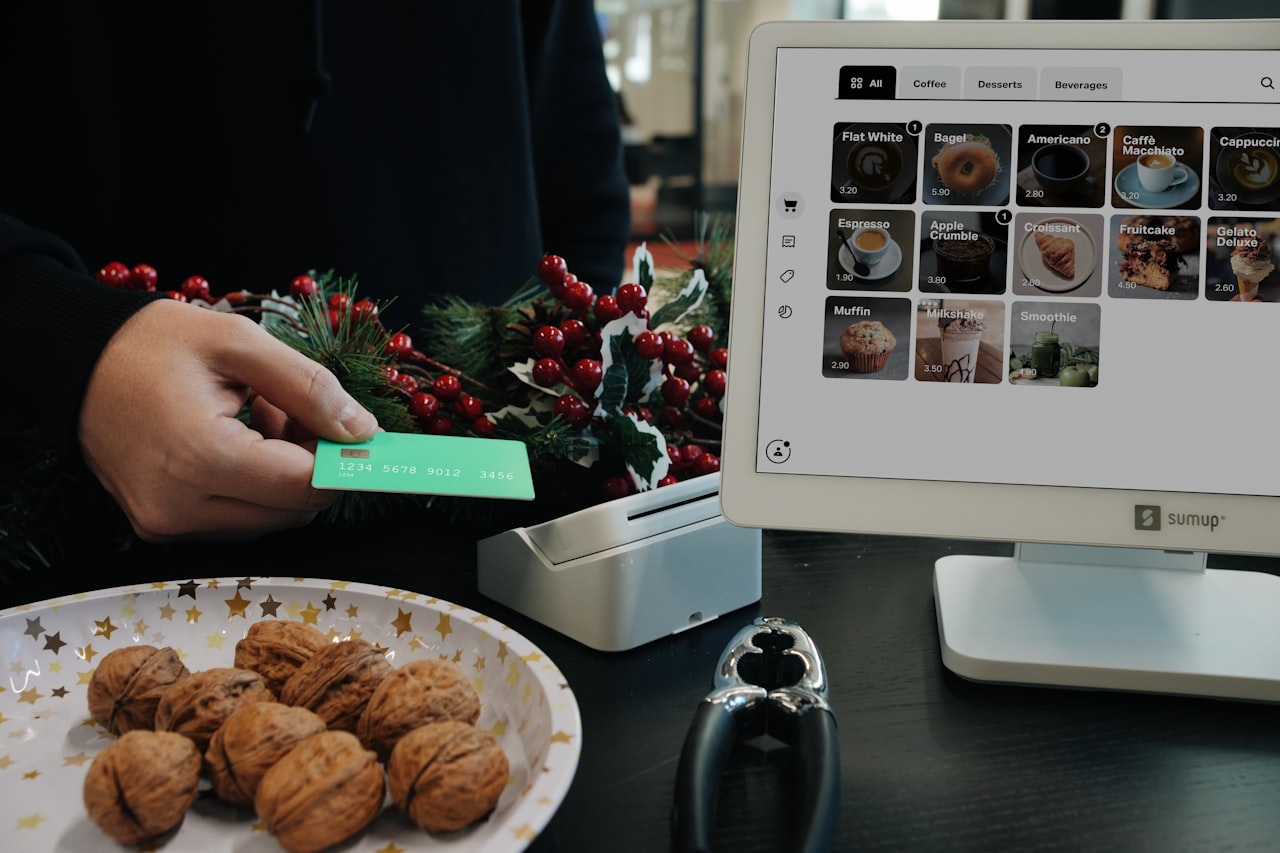
For Singapore B2B invoicing, PayNow using your UEN is the most cost-effective option with zero transaction fees. Including a PayNow QR code on invoices makes payment frictionless for local clients.
Frequently Asked Questions
Do I need to charge GST on my invoices in Singapore?
You must register for GST and charge 9 per cent on taxable supplies if annual taxable turnover exceeds SGD 1 million. Voluntary registration is available below this threshold. If not GST-registered, you must not display GST on invoices. Consult IRAS or your accountant if unsure.
Can I use a free invoicing tool for my Singapore business?
Yes. Zoho Invoice, Invoice Ninja, Wave, PayPal Invoicing, and Square Invoicing offer free options. However, free tools generally lack Singapore GST compliance. Non-GST-registered businesses can use them comfortably; GST-registered businesses should consider Xero or QuickBooks.
How do I handle multi-currency invoicing for tax purposes?
IRAS requires SGD conversion using the exchange rate on the invoice date. Xero and QuickBooks handle this automatically. Other platforms may require manual conversion. Maintain records of both currency amounts for all transactions.
What payment methods should I offer on invoices?
For local clients, PayNow using your UEN offers zero fees. Add credit card payment via Stripe for convenience. For international clients, PayPal or wire transfer are standard. Multiple options reduce friction and accelerate collection.
How long must I keep invoice records in Singapore?
IRAS requires at least five years of record retention including all invoices, accounting records, and GST documents. Cloud-based software automatically stores records digitally, satisfying requirements provided records are accessible and exportable.
Is Xero worth the cost for a very small business?
If you are GST-registered, Xero’s compliance features and accountant compatibility justify the cost. If not GST-registered and invoicing is your only need, Zoho Invoice (free) or Invoice Ninja provides sufficient functionality at lower cost.
Can I switch invoicing software without losing data?
Most platforms support CSV export of invoices, contacts, and transaction history. Import processes vary by platform. Plan migrations during quiet periods and verify data accuracy after transfer. Maintain access to your old platform during the transition.
What is the cheapest way to accept payments on invoices?
PayNow via bank transfer is free for both parties. Direct bank transfer is also free. Credit card processing through Stripe or PayPal adds 2.6-3.9 per cent per transaction. For domestic clients, PayNow should be your primary payment method.
Do I need invoicing software or full accounting software?
If you only need to send invoices and track payments, dedicated invoicing tools like Zoho Invoice are sufficient. If you also need expense tracking, bank reconciliation, and financial reporting, full accounting platforms like Xero or QuickBooks provide better value than separate tools.
How do I automate recurring invoices for retainer clients?
All platforms reviewed support recurring invoices — set the amount, frequency, and client details once, and invoices are generated and sent automatically. Xero, QuickBooks, and FreshBooks handle this particularly well with automatic payment collection if the client has saved payment details.