

Site Architecture for SEO: Design URL Structures That Scale
Why Site Architecture Matters for SEO
Site architecture is the structural foundation upon which every other SEO effort builds. It determines how search engines discover your pages, how link equity flows through your site, how users navigate to the content they need, and ultimately how well your pages compete in search results. Poor architecture creates compounding problems — every new page added to a badly structured site makes the problems worse, whilst every page added to a well-structured site strengthens the whole.
From Google’s perspective, site architecture provides critical signals about the relative importance of pages. Pages closer to the homepage, linked from navigation elements, and situated within clear topical hierarchies receive stronger crawl priority and inherit more internal link equity. Deep, poorly linked pages — even if they contain excellent content — struggle to compete because Google’s systems interpret their structural isolation as a signal of lower importance.
For businesses in Singapore’s competitive digital market, where multiple companies may target identical keywords with similar content quality, site architecture often becomes the differentiating factor. A site where Google can efficiently crawl, understand, and rank every important page has a structural advantage over competitors with disorganised architectures and orphaned content.
Effective SEO strategy begins with architecture. Content strategy, link building, and technical optimisation all perform better when they operate on a well-structured foundation.
Flat vs Deep Hierarchies
The debate between flat and deep site hierarchies is one of the most persistent in SEO, and the answer — as with most technical SEO questions — depends on context.
What Defines Flat Architecture
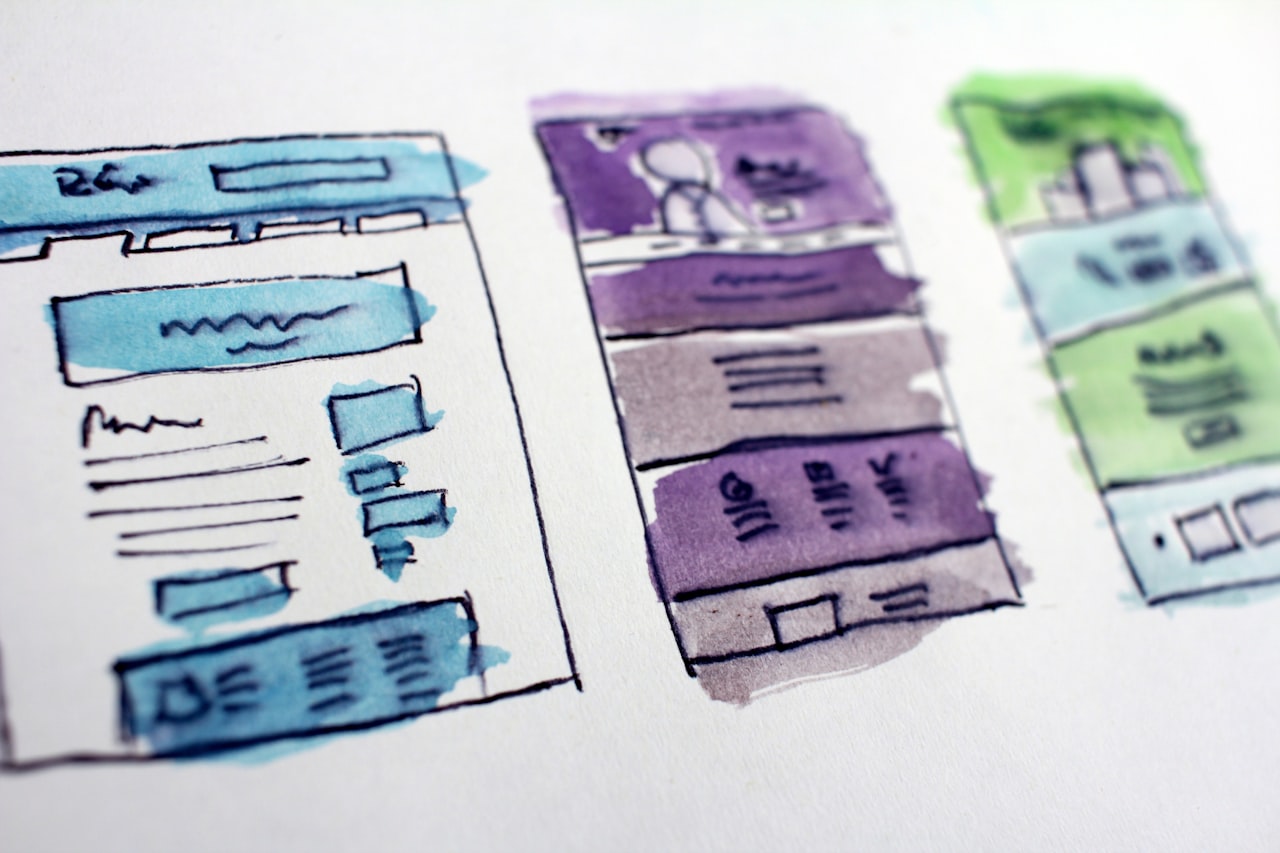
A flat architecture places most pages within one or two clicks of the homepage. In the purest form, every page is linked directly from the homepage or top-level navigation. This minimises crawl depth and ensures maximum link equity reaches every page. Small service websites, portfolios, and simple business sites benefit from flat architecture because their page count is manageable and every page genuinely deserves prominent placement.
What Defines Deep Architecture
Deep architecture organises content into multi-level hierarchies: categories contain subcategories, which contain individual pages. An e-commerce site might structure as homepage → department → category → subcategory → product. A publishing site might use homepage → topic → subtopic → article. Deep architecture becomes necessary when page count exceeds what flat navigation can accommodate — you cannot link 50,000 product pages from your homepage without creating an unusable navigation experience.
The Practical Middle Ground
For most sites, the optimal architecture is neither purely flat nor deeply nested but follows a “shallow-wide” pattern. Key principles include:
- Three-click rule as a guideline, not a law: Important pages should be reachable within three clicks of the homepage. However, this is about link equity distribution and crawl efficiency, not a ranking factor. Google has stated click depth is not a direct ranking signal, but it correlates with crawl priority and internal link equity.
- Wide category structure: Prefer more top-level categories with fewer levels of nesting over fewer categories with deep nesting. Eight categories each two levels deep is generally better than three categories each five levels deep.
- Cross-linking between sections: Deep architecture becomes problematic when sections are siloed — content in one category never links to content in another. Cross-linking between related sections, via contextual links within content, related items widgets, and breadcrumbs, prevents hierarchy depth from isolating content.
Hierarchy Depth and Crawl Budget
For large sites, hierarchy depth directly affects crawl budget allocation. Googlebot tends to crawl shallower pages more frequently and may never reach pages at depth five or beyond unless they receive significant external links or sitemap signals. If your site has important content buried deep in the hierarchy, restructuring to reduce depth — or strengthening internal links to those pages — is a higher-impact optimisation than most on-page changes.
URL Structure Patterns That Scale
URL structure is the visible expression of your site architecture. Well-designed URLs communicate hierarchy, provide user context, and scale gracefully as your site grows.
Principles of SEO-Friendly URLs
Effective URL design follows several principles that have remained consistent despite years of algorithm changes:
- Descriptive and readable: /services/seo-audit/ is superior to /s?id=4&cat=2 in every respect — user comprehension, click-through rate in SERPs, and keyword relevance.
- Consistent hierarchy reflection: URLs should mirror your site’s content hierarchy. If your site structure is homepage → services → SEO → technical SEO, the URL should be /services/seo/technical-seo/ not /technical-seo-services/ (which suggests a flat structure) or /services/seo-technical/ (which is ambiguous).
- Lowercase with hyphens: Use lowercase letters and hyphens as word separators. Avoid underscores, spaces, camelCase, and mixed case. Google treats hyphens as word separators but not underscores.
- Meaningful path segments: Each URL segment should correspond to a real, navigable level in your site. Avoid artificial depth — /blog/2026/04/01/article-title/ adds date segments that serve no navigational purpose and create unnecessary depth.
URL Patterns for Different Site Types
Different site types benefit from different URL patterns:
Service businesses (agencies, consultancies):
/services/[service-name]/
/services/[service-name]/[sub-service]/
/industries/[industry]/
/case-studies/[case-study-name]/
/blog/[article-slug]/
E-commerce:
/[department]/[category]/
/[department]/[category]/[product-slug]/
/brands/[brand-name]/
/collections/[collection-name]/
Publishing and media:
/[topic]/[article-slug]/
/[topic]/[subtopic]/[article-slug]/
/guides/[guide-slug]/
/authors/[author-name]/
Handling URL Changes at Scale
As sites grow and restructure, URLs inevitably change. The key principle is to treat URLs as permanent commitments wherever possible. Every URL change requires a redirect, and redirects — even 301s — lose a small amount of link equity. At scale, thousands of redirects create measurable equity loss and crawl budget waste.
When URL changes are necessary (rebranding, reorganisation, CMS migration), implement them in a single coordinated migration with comprehensive redirect mapping, rather than incremental changes over time. A professional web design team will plan URL structures that accommodate future growth without requiring restructuring.
Trailing Slashes and Canonical Consistency
Decide whether your URLs use trailing slashes (/services/seo/) or not (/services/seo) and enforce consistency. Both versions accessible without redirects creates duplicate content. Configure your server to redirect one version to the other and ensure all internal links use the canonical version.
Navigation and Internal Linking Architecture
Navigation elements — header menus, footer links, sidebar navigation — are the scaffolding of your site architecture. They determine which pages Googlebot discovers through normal crawling and how link equity distributes across your site.
Primary Navigation Design
Your primary (header) navigation should link to the most important sections of your site. Every page linked from the primary nav receives a link from every page on your site, making these the strongest internal links. Be deliberate about what appears here:
- Limit top-level items: Five to eight primary navigation items is optimal. More than ten creates decision fatigue for users and dilutes link equity across too many pages.
- Use descriptive labels: Navigation labels should include relevant keywords naturally. “SEO Services” is better than “What We Do” for both users and search engines.
- Mega menus for large sites: E-commerce and enterprise sites can use mega menus to link directly to category and subcategory pages from the header. Ensure mega menu links are in the HTML (not loaded via JavaScript on hover) so Googlebot can follow them.
Footer Navigation
Footer links are present on every page but carry less weight than header navigation in Google’s systems. Use the footer for secondary pages (privacy policy, terms, contact), supplementary navigation to important sections, and links to pages that do not merit header inclusion but benefit from site-wide linking.
Avoid stuffing hundreds of links into the footer — this dilutes link equity and was historically associated with manipulative practices. A focused footer with 20 to 40 links is appropriate for most sites.
Contextual Internal Links
Links within page content (contextual links) carry the most SEO weight because they are editorially placed, topically relevant, and unique to each page. A comprehensive content marketing strategy should include systematic internal linking: every new article links to two to five relevant existing pages, and existing pages are periodically updated to link to new content.
Contextual links should use descriptive anchor text that communicates the target page’s topic. Avoid generic anchors like “click here” or “read more.” Instead, use phrases that include the target page’s keyword naturally within the linking sentence.
Sidebar and Related Content Widgets
Sidebar navigation and “related content” widgets provide section-specific internal links that reinforce topical relationships. For a blog, showing related articles in the sidebar links semantically related content, strengthening topical clusters. For e-commerce, “customers also viewed” widgets create cross-linking between products within the same category.
Pagination Links
On paginated pages (blog archives, product listings), ensure pagination uses crawlable HTML links rather than JavaScript-only navigation. Google needs to follow pagination links to discover content on pages two, three, and beyond. Numbered pagination is preferred over “next/previous” only, as it allows Googlebot to jump directly to deeper pages.
Breadcrumbs: Implementation and SEO Impact
Breadcrumbs serve dual purposes: they help users understand their location within your site hierarchy, and they provide Google with explicit structural signals that can enhance search result presentation.
Breadcrumb Types
Three breadcrumb types serve different architectural models:
- Hierarchy-based: Home > Services > SEO > Technical SEO — reflects the site’s structural hierarchy. This is the most common and generally most useful type.
- Attribute-based: Home > Shoes > Running > Size 10 — reflects product attributes, common in e-commerce. Useful when products belong to multiple categories.
- Path-based: Shows the user’s actual navigation path. Less useful for SEO because it varies per session and does not communicate consistent hierarchy.
Structured Data for Breadcrumbs
Implement BreadcrumbList structured data (JSON-LD) alongside your visible breadcrumbs. This enables Google to display breadcrumb trails in search results instead of raw URLs, improving click-through rates and communicating site structure in the SERP.
<script type="application/ld+json">
{
  "@context": "https://schema.org",
  "@type": "BreadcrumbList",
  "itemListElement": [
    {
      "@type": "ListItem",
      "position": 1,
      "name": "Home",
      "item": "https://www.marketingagency.sg/"
    },
    {
      "@type": "ListItem",
      "position": 2,
      "name": "SEO Services",
      "item": "https://www.marketingagency.sg/seo-services-singapore/"
    },
    {
      "@type": "ListItem",
      "position": 3,
      "name": "Technical SEO Audit"
    }
  ]
}
</script>
Breadcrumb Best Practices
Ensure breadcrumbs start from the homepage and include every hierarchical level — skipping levels confuses both users and search engines. Breadcrumb text should match or closely align with the target page’s title or H1. The final breadcrumb item (current page) should not be a link, as linking a page to itself is unnecessary.
For pages that exist in multiple categories (a product listed under both “running shoes” and “sale”), choose a primary category for the breadcrumb rather than showing multiple paths. Consistency in breadcrumb hierarchy reinforces clear site structure signals.
Content Hubs and Topic Clusters
The topic cluster model is an architectural pattern that aligns site structure with how Google evaluates topical authority. It organises content around central “pillar” pages supported by related “cluster” content.
How Topic Clusters Work
A topic cluster consists of three elements: a pillar page that provides comprehensive coverage of a broad topic (e.g., “SEO Services”), cluster pages that cover specific subtopics in depth (e.g., “Technical SEO Audit,” “Local SEO Strategy,” “Link Building”), and internal links that connect cluster pages to the pillar and to each other.
This model works because it mirrors how Google assesses topical authority. A site with a single page about SEO demonstrates less expertise than a site with a pillar page plus twenty detailed cluster pages covering every aspect of the topic. The internal linking structure signals to Google that these pages are topically related and that the pillar page is the authoritative hub.
Designing Effective Pillar Pages
Pillar pages should be comprehensive overview pages that cover the broad topic at a moderate depth, linking to cluster pages for detailed treatment of each subtopic. They typically range from 3,000 to 5,000 words and include a table of contents, overview sections for each subtopic, and prominent links to the corresponding cluster pages.
Avoid making pillar pages too granular — if your pillar page covers everything in exhaustive detail, cluster pages have nothing to add. The pillar introduces and summarises; cluster pages go deep.
Cluster Content Strategy
Each cluster page targets a specific long-tail keyword within the broader topic. For a “Digital Marketing” pillar, cluster pages might cover social media marketing strategy, email marketing automation, conversion rate optimisation, marketing analytics tools, and so on. Each cluster page links back to the pillar page and to two or three other relevant cluster pages.
The key is ensuring cluster pages are genuinely distinct — each should have unique search intent and provide value that the pillar page does not. Overlapping cluster pages cannibalise each other’s rankings and weaken the cluster structure. A well-planned digital marketing programme includes topic cluster mapping as part of the content architecture.
Hub Pages for E-Commerce
E-commerce sites implement a variation of topic clusters through category hub pages. A category page functions as a pillar, linking to subcategory pages and individual products. The category page includes descriptive content about the category, buying guides, and links to filtered views — all serving as “cluster content” that reinforces topical relevance for the category’s target keywords.
Scaling Architecture for Growing Sites
Architecture that works for a 50-page site collapses at 5,000 pages, and what works at 5,000 pages may not serve 50,000. Designing for scale means anticipating growth patterns and building structures that accommodate expansion without restructuring.
Modular Category Systems
Design your category taxonomy to support subdivision without URL changes. If you start with /services/ and later need to split into /services/marketing/ and /services/technology/, existing service pages need new URLs. Instead, build with the assumption that categories will need subdivisions: /services/marketing/seo/ works at any scale, from a handful of services to hundreds.
Automated Internal Linking
Manual internal linking does not scale. Implement automated related content systems that link pages based on shared categories, tags, or semantic similarity. Product recommendation engines, “related articles” algorithms, and contextual link suggestion tools ensure that as new content is added, it automatically receives and provides internal links.
Faceted Navigation at Scale
For e-commerce sites, faceted navigation must be designed with SEO architecture in mind from the outset. Define which filter combinations warrant indexable pages (high search volume, unique content) and which should be AJAX-loaded (low value, duplicate content). This decision framework should be documented so product and category additions follow established patterns.
International and Multi-Language Architecture
Singapore businesses often serve multiple markets and languages. The architectural decision between subdirectories (/en/, /zh/), subdomains (en.example.com), and separate domains (example.sg, example.com.my) has lasting SEO implications. Subdirectories generally consolidate domain authority most effectively and are simplest to manage. Implement hreflang tags correctly across all language versions, and ensure each language version has a complete site structure rather than partial translations.
Common Architecture Mistakes
Recognising common architectural mistakes helps avoid them during initial design or identify them during audits.
Orphaned Pages
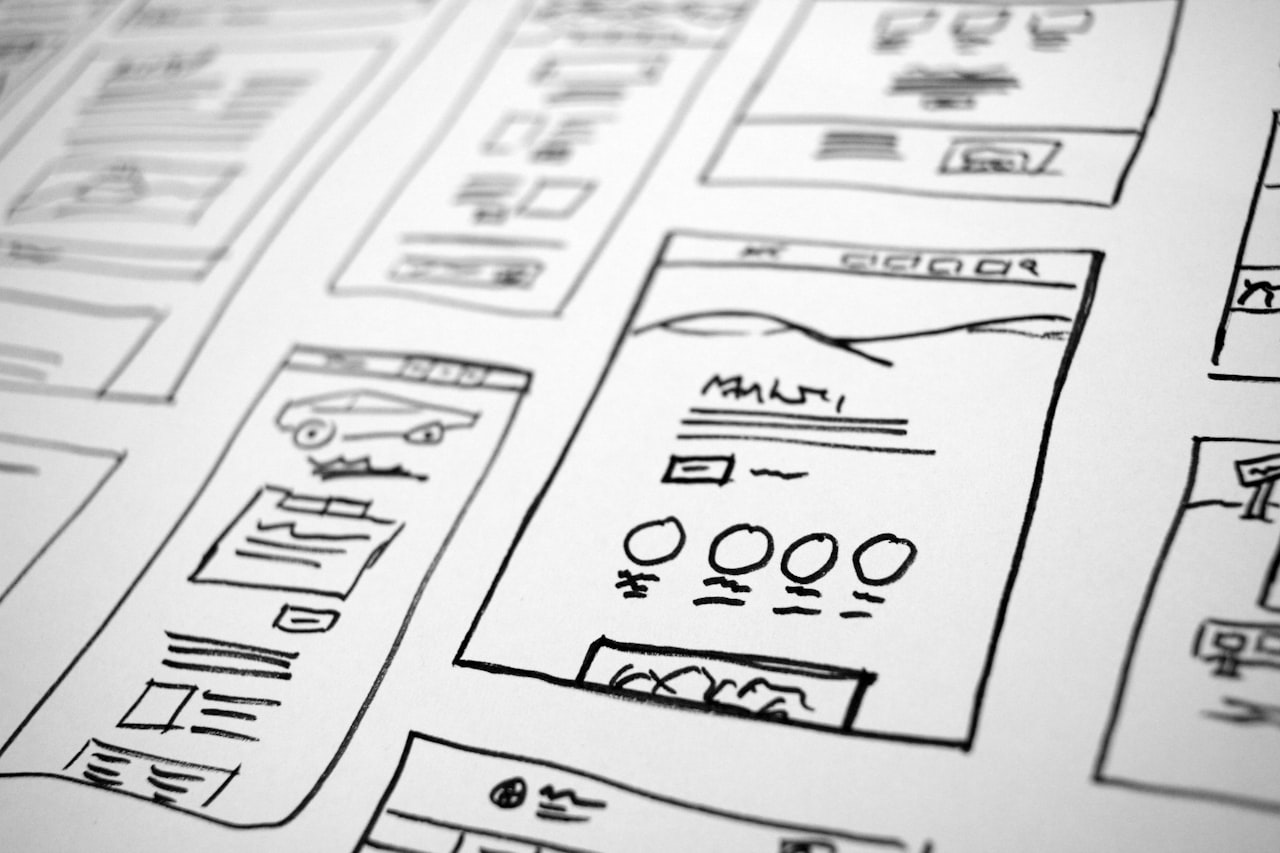
Pages with no internal links pointing to them are effectively invisible to search engine crawlers navigating your site structure. Orphan pages can only be discovered via external links or sitemaps, and they receive no internal link equity. Regular crawl audits should identify orphaned pages for linking or removal.
Over-Reliance on JavaScript Navigation
Navigation menus built entirely in JavaScript (particularly those loaded after user interaction) may not be followed by Googlebot. Ensure your primary navigation is present in the initial HTML source. Progressive enhancement — HTML navigation enhanced by JavaScript for interactivity — is the safest approach.
Duplicate Content Through URL Variations
Allowing the same content to be accessible at multiple URLs (with and without trailing slashes, with and without www, with various parameter combinations) fragments link equity and confuses crawl prioritisation. Implement canonical tags, 301 redirects, and consistent internal linking to establish a single canonical URL for each piece of content.
Excessively Deep Nesting
Some CMS configurations generate unnecessarily deep URLs: /blog/category/subcategory/year/month/day/article-slug/. Each level of unnecessary depth reduces crawl priority and dilutes link equity. Flatten URL structures to include only hierarchically meaningful segments. Work with your marketing team to ensure URL structures support both paid and organic channels effectively.
Ignoring Mobile Navigation Architecture
With mobile-first indexing, your mobile site’s navigation structure is what Google evaluates. If your mobile navigation hides links behind hamburger menus with fewer items than your desktop navigation, Google sees fewer internal links. Ensure mobile navigation provides equivalent access to important pages, even if the visual presentation differs from desktop.
Frequently Asked Questions
How many levels of hierarchy should my site have?
Most sites should aim for a maximum of three to four levels of hierarchy. Important pages should be within three clicks of the homepage. Larger sites (e-commerce with thousands of products) may require four levels, but anything beyond that typically indicates an architecture that needs flattening through better category design or cross-linking.
Should I include keywords in URLs?
Yes, but naturally and concisely. A URL like /seo-services-singapore/ is effective. A URL like /best-seo-services-singapore-digital-marketing-agency/ is keyword-stuffed and counterproductive. Use one to three descriptive words per URL segment that accurately describe the page content. Google uses URL words as a minor ranking signal and for understanding page content.
Is flat site architecture always better for SEO?
No. Flat architecture works well for small sites (under a few hundred pages) but becomes impractical for larger sites. A site with 10,000 pages cannot meaningfully link every page from the homepage. The goal is not flatness for its own sake but ensuring important pages are accessible within a reasonable number of clicks and receive adequate internal link equity through the architecture.
How do breadcrumbs affect SEO rankings?
Breadcrumbs do not directly improve rankings, but they provide indirect benefits: they create additional internal links with descriptive anchor text, they help Google understand site hierarchy (especially with structured data), and they improve click-through rates when displayed in search results. The cumulative effect of these benefits contributes positively to SEO performance.
Should I use subdirectories or subdomains for different sections?
Subdirectories (/blog/, /shop/) are generally preferred over subdomains (blog.example.com, shop.example.com) for SEO. Subdirectories consolidate domain authority under a single domain, whilst subdomains are treated as separate entities by search engines. Use subdomains only when there is a strong technical reason (different hosting environments, entirely separate applications).
How do I restructure site architecture without losing rankings?
Implement 301 redirects from every old URL to its new equivalent, update all internal links to point to new URLs directly, update your XML sitemap, and monitor Google Search Console for crawl errors during the transition. Plan the migration in a single coordinated change rather than incremental moves. Expect a temporary ranking fluctuation of two to four weeks whilst Google processes the changes.
What is the best URL structure for an e-commerce site?
A category-based structure works best: /[category]/[subcategory]/[product-slug]/. Avoid including product IDs or SKUs in URLs unless necessary for technical reasons. Keep product URLs short and descriptive. For products in multiple categories, choose a primary category for the canonical URL and use canonical tags on any alternative URL paths.
How important is site architecture compared to content quality?
Both are essential, and they are interdependent. Excellent content on a poorly structured site will underperform because Google cannot efficiently discover and evaluate it. A perfectly structured site with thin content will rank for nothing. Architecture enables content to perform; content gives architecture purpose. For competitive markets like Singapore’s, you need both to succeed.
Should I change my URL structure if it is not optimal?
Only if the current structure causes measurable problems (crawl issues, poor indexing, user confusion) and the expected benefits outweigh the migration risks. URL changes always carry short-term ranking risk, redirect maintenance overhead, and potential link equity loss. If your current structure is functional but not ideal, investing in content and internal linking improvements often delivers better ROI than a URL restructure.
How do content hubs differ from regular category pages?
Content hubs are strategically designed pillar pages that provide comprehensive topic coverage and link to related cluster content. Regular category pages are navigational containers that list items within a category. The difference is intent: hubs are crafted to build topical authority through content depth and strategic internal linking, whilst category pages primarily serve a navigational function. The best architectures combine both approaches.
