Google Maps Marketing: How to Attract Local Customers and Dominate the Map Pack
Table of Contents
Why Google Maps Marketing Matters for Singapore Businesses
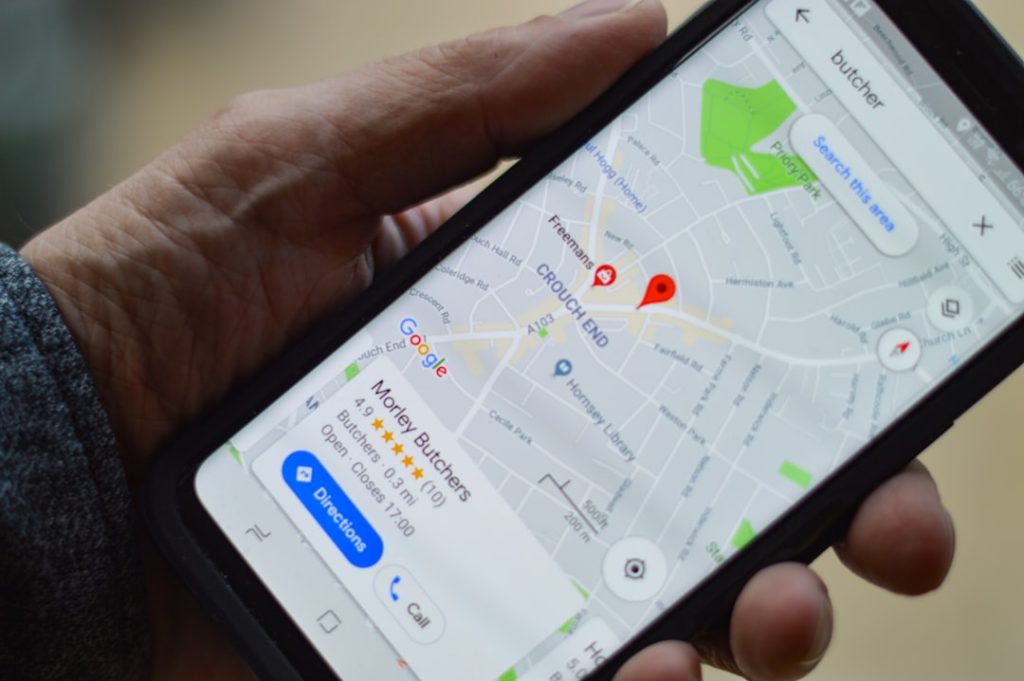
Google Maps marketing is one of the most effective ways for Singapore businesses to attract nearby customers who are ready to buy. When someone searches for a product or service with local intent, Google displays a map pack at the top of the results page, showing three businesses with their locations, ratings, hours and contact details. Appearing in this map pack puts your business in front of high-intent searchers at the exact moment they are looking for what you offer.
Singapore’s compact geography makes Maps marketing particularly powerful. A consumer searching for “dental clinic near me” or “renovation contractor Bedok” is typically ready to take action within hours or days. Unlike organic search results that may attract researchers at various stages of the buying journey, Maps results attract people who need a local provider now.
The map pack dominates mobile search results, pushing organic listings below the fold. Given that mobile searches now account for the majority of local queries in Singapore, a business that does not appear on Google Maps is effectively invisible to a large segment of its potential customers. Investing in your Maps presence delivers some of the highest returns of any SEO investment for location-dependent businesses.
Optimising Your Google Business Profile
Your Google Business Profile is the foundation of your Maps presence. Claim and verify your listing if you have not already done so. Verification typically involves receiving a postcard at your business address or verifying by phone, though Google occasionally offers instant verification for eligible businesses.
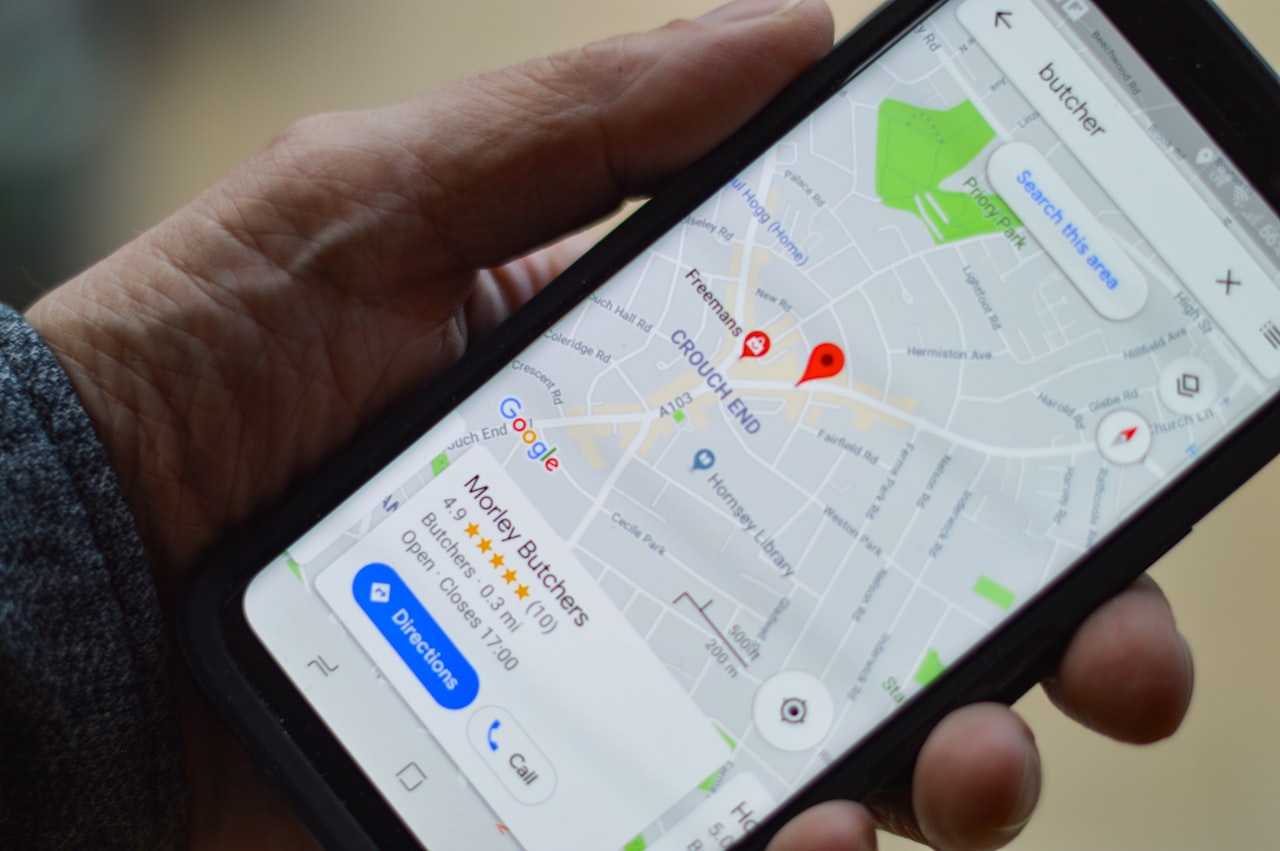
Complete every section of your profile thoroughly. Choose the most specific primary category that describes your business, then add up to nine additional categories that cover your other services. Write a compelling business description that naturally includes your key services and location. Add your operating hours, including special hours for public holidays, which is particularly important in Singapore where holiday schedules vary.
Upload high-quality photos regularly. Businesses with more than 100 photos receive 520 per cent more calls than average, according to Google’s own data. Include photos of your exterior (helping customers find you), interior, team, products and completed work. Geotagging your photos with your business location before uploading provides an additional relevance signal.
Use Google Posts to share updates, offers, events and news directly on your Business Profile. Posts appear in your listing and can influence click-through rates. Keep them current; stale posts from months ago make your business look inactive. Posting weekly is a good rhythm for most businesses.
Ranking Factors for the Map Pack
Google uses three primary factors to determine map pack rankings: relevance, distance and prominence. Relevance measures how well your profile matches the search query. Distance considers how close your business is to the searcher’s location. Prominence reflects how well-known and trusted your business is, based on reviews, citations, links and overall online presence.
You cannot control distance, but you can maximise relevance and prominence. Relevance improves when your categories, business description and services section closely match common search queries. Prominence grows through consistent local citation building, a strong review profile, quality backlinks and an active online presence.
On-page SEO on your website also influences Maps rankings. Create location-specific pages on your website with your business name, address and phone number embedded in structured data markup. Ensure your website’s title tags, meta descriptions and content reference your service areas naturally. Google cross-references your website content with your Business Profile to assess relevance.
Behavioural signals matter as well. Google tracks how users interact with your listing: click-through rate, direction requests, phone calls and website visits. A listing that consistently generates engagement signals to Google that it is a relevant and useful result, creating a positive feedback loop that reinforces your rankings.
Local Keyword Strategy for Maps
Maps ranking requires a different keyword approach than traditional SEO. Focus on “[service] + [location]” combinations that reflect how Singapore consumers actually search. Think “aircon servicing Tampines,” “florist Orchard Road” or “accountant Raffles Place.” These hyper-local queries trigger map pack results and drive the most qualified traffic.
Research neighbourhood-level keywords for every area you serve. Singapore’s compact geography means that consumers often search by MRT station, shopping centre or estate name rather than broad regions. A pest control company should target keywords like “pest control Bukit Timah” and “pest control Toa Payoh” individually, not just “pest control Singapore.”
Incorporate these location keywords into your Google Business Profile description, your website’s service pages and your Google Posts. Avoid keyword stuffing, which can trigger a suspension, but do ensure that the areas you serve are mentioned naturally throughout your online presence. Building dedicated service-area pages on your website is one of the most effective ways to signal local relevance to Google for each neighbourhood you cover.
Reviews and Ratings as a Ranking Signal
Reviews are one of the strongest ranking factors for the map pack. Google considers review quantity, average rating, review velocity and the keywords that appear in review text. A business with 150 reviews averaging 4.6 stars will almost always outrank a competitor with 15 reviews averaging 5.0 stars.
Build a systematic process for requesting reviews from satisfied customers. Send a direct link to your Google review page via WhatsApp immediately after a successful interaction. Train your team to ask for reviews during positive moments. The businesses that dominate the map pack in competitive Singapore industries have built review generation into their standard operating procedures.
Respond to every review, positive and negative, within 24 hours. Your response rate and response time are signals that Google considers. More importantly, potential customers read your responses to gauge how you treat your clients. A thoughtful, personalised response to a review builds trust far more effectively than a generic template. For a comprehensive approach to handling reviews, develop a dedicated review management strategy.
Google Maps Ads and Local Campaigns
Google Maps ads place your business at the top of Maps search results with a “Sponsored” label. These ads are particularly effective for businesses in competitive industries where organic map pack positions are difficult to secure. You pay on a cost-per-click basis, just like standard Google Ads campaigns.
To run Maps ads, link your Google Business Profile to your Google Ads account and create a local campaign or add location extensions to your existing search campaigns. Target your ads to specific areas within Singapore using radius targeting around your business location or by selecting individual neighbourhoods and postal codes.
Local campaigns in Google Ads are designed specifically for driving store visits and local actions. They run across Google Search, Maps, YouTube and the Display Network, optimising automatically for location-based conversions. Set a budget that reflects your cost per acquisition targets and monitor performance weekly, paying particular attention to direction requests and phone calls as conversion metrics.
Maps ads work especially well for businesses in industries where the map pack is highly competitive: F&B, medical clinics, beauty services and home services. If you are struggling to rank organically in the map pack for your most valuable keywords, Maps ads provide immediate visibility while you work on improving your organic position.
Tracking Your Maps Performance
Google Business Profile Insights provides data on how customers find and interact with your listing. Monitor search queries that trigger your listing, the number of profile views, direction requests, phone calls, website clicks and photo views. Track these metrics monthly to identify trends and measure the impact of your optimisation efforts.
Use Google Search Console to understand how your website performs for local queries. Filter by query to see impressions and clicks for location-specific keywords. Compare this data with your Business Profile Insights to get a complete picture of your local search visibility.
Track your map pack rankings for your most important keywords using a local rank tracking tool. Google Maps marketing results vary by the searcher’s exact location, so use a tool that can check rankings from specific geographic coordinates within Singapore. Monitor rankings from multiple locations across the areas you serve to get an accurate view of your visibility.
Connect the dots between Maps visibility and business outcomes. Track how many phone calls, direction requests and website visits your Maps listing generates, then follow those interactions through to actual sales or appointments. This end-to-end tracking ensures you are investing in the marketing activities that drive real revenue rather than vanity metrics.
Frequently Asked Questions
How long does it take to rank in the Google Maps pack?
New businesses typically need three to six months of consistent optimisation to appear in the map pack for competitive queries. Factors like review velocity, citation building and website authority all take time to develop. Less competitive niches or neighbourhood-level queries may show results within four to eight weeks.
Can I rank in the map pack for areas far from my business location?
Google prioritises proximity, so ranking for areas far from your physical location is challenging. Service-area businesses can define their service regions in their Business Profile, which helps. Creating location-specific website content and building citations that mention your service areas can extend your reach, but do not expect to dominate the map pack in neighbourhoods on the opposite side of Singapore.
What is the difference between Google Maps and Google Business Profile?
Google Business Profile is the management platform where you control your business information, photos, posts and reviews. Google Maps is the consumer-facing application that displays your listing to searchers. Optimising your Business Profile directly improves how your listing appears and ranks on Google Maps.
How many photos should I upload to my Google Business Profile?
Aim for at least 50 photos to start, then add new photos monthly. Include a mix of exterior shots, interior images, team photos, product photos and photos of completed work. Regularly updated photo galleries signal to Google that your business is active and provide potential customers with a visual preview of what to expect.
Do Google Posts help with Maps rankings?
Google Posts do not directly impact rankings in most cases, but they improve engagement metrics like click-through rate and time on listing, which are indirect ranking signals. Posts also make your listing more visually prominent and informative, which can increase the likelihood that a searcher chooses your business over competitors.
Should I create a separate Google Business Profile for each location?
Yes. If your business has multiple physical locations, each one should have its own Google Business Profile with its unique address, phone number and operating hours. Do not create multiple profiles for a single location or for service areas where you do not have a physical presence, as this violates Google’s guidelines and can result in suspension.
How do I report a fake competitor listing on Google Maps?
Use the “Suggest an edit” feature on the competitor’s listing and select “Remove this place” with the reason that it does not exist or is a duplicate. You can also report it through the Google Business Profile forum where Product Experts and Google staff review complaints. Provide evidence that the listing is fake, such as screenshots showing no business at the listed address.
What categories should I choose for my Google Business Profile?
Choose the single most specific category as your primary category. A bakery should select “Bakery” rather than “Food and Drink.” Then add secondary categories for any additional services: “Cake Shop,” “Coffee Shop,” “Catering.” Review competitor listings to see which categories they use and ensure you are not missing any relevant options.
Can I optimise for Google Maps without a website?
You can create and optimise a Google Business Profile without a website, but having a website significantly strengthens your Maps presence. Google cross-references your Business Profile with your website content, and a well-optimised website provides additional ranking signals. At minimum, create a simple website with your business information, services and contact details.
How important are Google Maps reviews compared to organic SEO?
For local businesses, Maps reviews are arguably more important than traditional SEO because they directly influence map pack rankings and consumer decisions. A business with strong reviews and a well-optimised Business Profile can attract more local customers through the map pack than through organic search results alone. Ideally, invest in both for maximum visibility.