
Table of Contents
What Looker Studio Offers and Who It Is For
This Google Looker Studio guide evaluates the platform’s capabilities for marketing reporting, helping Singapore businesses decide whether it meets their dashboard and analytics needs. Google Looker Studio (formerly Google Data Studio) is a free data visualisation and reporting tool that connects to multiple data sources and lets you build interactive dashboards and shareable reports. It sits within the Google Marketing Platform ecosystem alongside Google Analytics, Google Ads and Google Tag Manager.
Looker Studio targets marketers, analysts and agencies who need to consolidate data from multiple platforms into unified, visual reports. Instead of pulling numbers from Google Analytics, Google Ads, Search Console and Facebook Ads separately and assembling them in spreadsheets, Looker Studio connects to all these sources and updates reports automatically.
For Singapore businesses running multi-channel digital marketing campaigns, Looker Studio eliminates the manual reporting burden that consumes hours every week or month. Once dashboards are built, they refresh automatically with live data, giving stakeholders access to current performance metrics without waiting for a team member to compile a report.
Data Connectors and Sources
Looker Studio offers native connectors to Google products: Google Analytics 4, Google Ads, Search Console, Google Sheets, BigQuery and YouTube Analytics. These connectors are free, reliable and require no additional configuration beyond authentication. For marketing teams heavily invested in the Google ecosystem, this native integration is seamless.
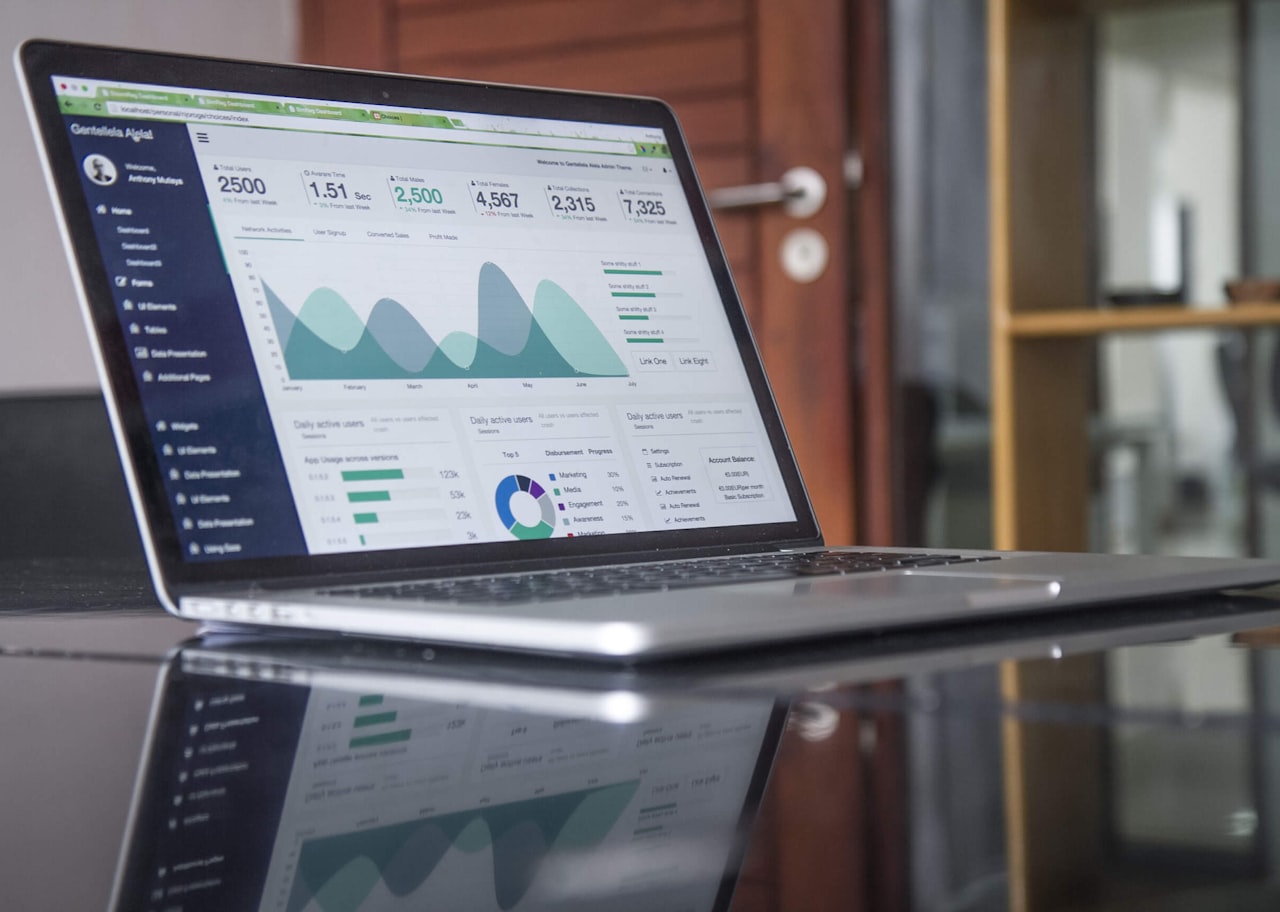
Third-party connectors extend Looker Studio to non-Google platforms. Partner connectors like Supermetrics, Funnel.io and Power My Analytics pull data from Facebook Ads, Instagram Insights, LinkedIn Ads, TikTok Ads, Mailchimp, HubSpot and dozens of other platforms. These connectors typically cost US$15-50 per month per data source, which adds up for teams using many platforms.
Google Sheets acts as a universal connector for data that does not have a dedicated integration. Export data from any platform into a Google Sheet, and Looker Studio can visualise it. While less elegant than direct connectors, this approach works for niche data sources, manual data sets and Singapore-specific platforms that lack formal Looker Studio integrations.
BigQuery integration is valuable for businesses with large data volumes or custom data warehouses. If you store marketing data, CRM records or transactional data in BigQuery, Looker Studio can query and visualise it directly. This is particularly useful for Singapore companies that need to combine marketing data with business data for comprehensive performance reporting.
Building Marketing Dashboards
The dashboard editor uses a drag-and-drop interface with charts, tables, scorecards, filters and date controls. Available chart types include bar charts, line graphs, pie charts, scatter plots, geo maps, pivot tables and treemaps. Each chart connects to a data source and can be customised with metrics, dimensions, date ranges and visual formatting.
Template reports accelerate dashboard creation. Google provides a library of starter templates for common use cases including Google Ads performance, GA4 overview, Search Console analysis and YouTube channel reporting. Third-party marketplaces offer more specialised templates. Starting from a template and customising it is faster than building from scratch for most use cases.
Interactive elements make dashboards more useful for stakeholders. Date range controls let viewers adjust the reporting period. Drop-down filters enable slicing data by campaign, channel, device or location. Drill-down pages provide summary views that link to detailed breakdowns. These interactive features transform static reports into self-service analytics tools that stakeholders can explore independently.
Blending data from multiple sources within a single chart is one of Looker Studio’s most powerful features. You can display Google Ads cost alongside Google Analytics conversion data in the same chart, or compare organic search performance from Search Console with paid search performance from Google Ads. This cross-platform view is essential for evaluating total paid search and organic performance together.
Strengths for Marketing Teams
The most significant strength is that Looker Studio is entirely free. There are no user limits, no dashboard limits and no data volume restrictions for the core platform. Third-party connectors cost money, but the platform itself is free — a remarkable value proposition for a tool of this capability. For Singapore SMEs watching costs, Looker Studio provides enterprise-grade reporting without enterprise pricing.

Real-time data refresh eliminates manual reporting. Once connected, dashboards pull the latest data whenever someone views them. This means your Monday morning performance review always shows current numbers without someone spending Friday afternoon compiling spreadsheets. The time savings compound — a weekly two-hour reporting task becomes a five-minute dashboard check.
Sharing and collaboration follow the Google Docs model. Share dashboards with specific people, generate view-only links for clients or embed dashboards in websites and intranets. Permission controls let you share results without exposing the underlying data source credentials. For agencies reporting to Singapore clients, this secure sharing model is professional and convenient.
The Google Looker Studio guide assessment is that integration with GA4 and Google Ads is best-in-class. No other free tool connects as deeply with Google’s advertising and analytics platforms. If your marketing data lives primarily within the Google ecosystem, Looker Studio is the natural reporting layer. It handles the transition from Universal Analytics to GA4 reporting smoothly.
Limitations and Workarounds
Performance degrades with complex dashboards. Reports with many charts, multiple data sources and heavy calculations can load slowly, particularly when blending data across sources. Keep individual dashboard pages focused — use five to eight charts per page maximum and split comprehensive reports across multiple pages rather than cramming everything onto one.
Data freshness varies by connector. Google-native connectors update in near-real-time. Third-party connectors may cache data with delays ranging from hours to a full day. Some connectors limit the historical data available. Understand your connector’s refresh schedule so stakeholders know whether they are viewing data from an hour ago or yesterday.
Advanced calculations and custom metrics are limited compared to purpose-built BI tools. Looker Studio supports calculated fields with basic formulas, but complex statistical analysis, predictive modelling and advanced data transformations require pre-processing in BigQuery, Google Sheets or a dedicated analytics platform before visualisation in Looker Studio.
Alert functionality is absent. Looker Studio cannot send automated notifications when metrics breach thresholds — for example, when ad spend exceeds a daily budget or conversion rate drops below a target. For automated monitoring, use Google Analytics alerts, Google Ads automated rules or a tool like Supermetrics that offers alerting alongside data connectivity.
Looker Studio Versus the Alternatives
Looker Studio versus Power BI is the main comparison for businesses already using Microsoft tools. Power BI offers more powerful data modelling, DAX calculations and enterprise features, with better performance on large data sets. Looker Studio is free, simpler to use and integrates natively with Google’s marketing ecosystem. Microsoft-heavy organisations lean toward Power BI; Google-centric marketing teams lean toward Looker Studio.
Looker Studio versus Tableau is relevant for data-heavy organisations. Tableau is significantly more powerful for complex data exploration, advanced visualisations and statistical analysis. It is also significantly more expensive and complex. For standard marketing reporting, Looker Studio provides more than enough capability. Tableau is better suited for data analyst teams doing deep exploratory analysis.
Looker Studio versus AgencyAnalytics is the comparison for marketing agencies. AgencyAnalytics is purpose-built for agency reporting with pre-built marketing connectors, white-label branding, automated report scheduling and client portals. It is simpler to set up for standard marketing reports but less flexible for custom analysis. Agencies managing many clients may find AgencyAnalytics’ workflow features worth the cost.
Looker Studio versus Databox is a comparison for teams wanting quick, mobile-friendly dashboards. Databox offers a simpler setup process, native mobile apps and pre-built metric tiles. It works well for KPI monitoring dashboards but is less flexible for custom reporting. Looker Studio’s customisation and data blending capabilities make it better for comprehensive SEO reporting and multi-channel analysis.
Best Practices for Singapore Marketing Teams
Build dashboards around decisions, not data. Start by identifying the questions stakeholders need answered — “Are we on track for this month’s lead target?” and “Which channels are delivering the best ROI?” — then design dashboards that answer those questions clearly. Resist the temptation to display every available metric.
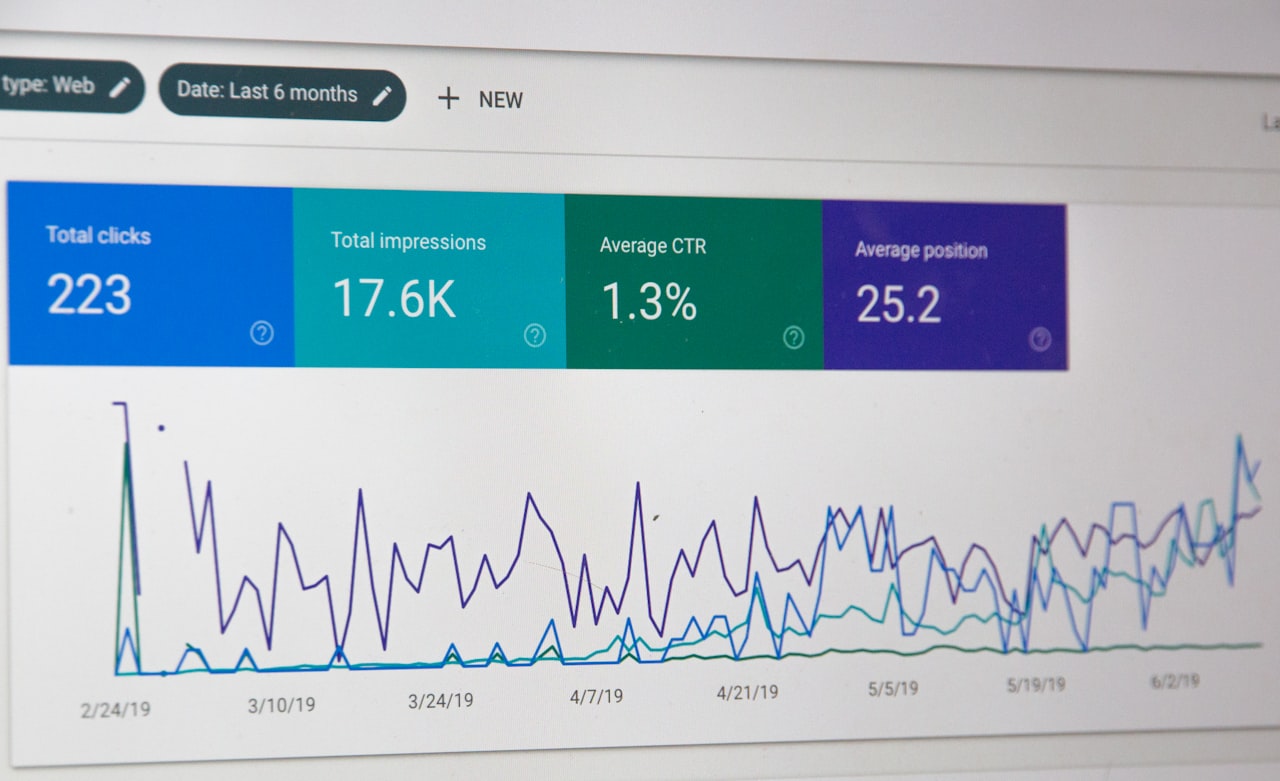
Standardise date formats and currency for Singapore reporting. Set Singapore Dollar as the default currency for revenue and cost metrics. Use the DD/MM/YYYY date format that Singapore business audiences expect. Configure fiscal year settings if your business operates on a non-calendar fiscal year.
Create a template library for recurring reports. If you produce monthly performance reports for different business units or clients, build a master template that can be cloned and connected to different data sources. This ensures consistency in formatting, metrics and branding while reducing the effort to create new reports. Maintain these alongside your broader content operations for efficiency.
Document your data sources and metric definitions. As dashboards accumulate, it becomes unclear which data source feeds each chart and how calculated metrics are defined. Add a documentation page to each dashboard explaining data sources, refresh schedules, metric definitions and known limitations. This prevents confusion when team members interpret reports independently.
Frequently Asked Questions
Is Google Looker Studio really free?
Yes. The core Looker Studio platform is completely free with no user limits, dashboard limits or data restrictions. You only pay if you use third-party data connectors from partners like Supermetrics, which charge monthly fees per data source. All Google-native connectors are free.
Can Looker Studio connect to Facebook Ads and Instagram?
Not natively. You need a third-party connector like Supermetrics, Funnel.io or Power My Analytics. These typically cost US$15-50 per month per data source. Alternatively, export Facebook and Instagram data to Google Sheets and use the free Sheets connector as a workaround.
How difficult is Looker Studio to learn?
Most marketers can build a basic dashboard within two to four hours. The drag-and-drop interface is intuitive for simple charts and scorecards. More complex features like data blending, calculated fields and parameter controls take one to two weeks of practice. Google offers free courses through Skillshop that cover the platform comprehensively.
Can I schedule automated report emails in Looker Studio?
Yes. Looker Studio supports scheduled email delivery of dashboard snapshots as PDF attachments. You can set daily, weekly or monthly schedules and specify recipients. The emailed report is a static snapshot — recipients need to open the live dashboard link for interactive features and real-time data.
How does Looker Studio handle GA4 data?
Looker Studio has a native GA4 connector that provides full access to GA4 metrics and dimensions. The connector supports custom events, user properties, e-commerce data and audience segments. Performance is generally good, though complex queries on large GA4 properties may experience slow load times.
Can multiple people edit the same dashboard?
Yes. Looker Studio supports real-time collaborative editing similar to Google Docs. Multiple editors can work on the same dashboard simultaneously. Version history is maintained so you can revert changes if needed. Share edit access with specific team members and view-only access with stakeholders.
Is Looker Studio suitable for client reporting?
Yes, with caveats. Looker Studio reports are professional and interactive, making them good for client-facing dashboards. However, the platform does not offer white-label branding — Google’s logo and branding appear. Agencies that need fully branded reports may prefer AgencyAnalytics or custom solutions. Interactive shared links work well for ongoing client access.
What are the main data limits in Looker Studio?
Reports can include up to 50 data sources and 20 pages. Individual charts display up to 5,000 rows. Data blending is limited to five data sources per blend. These limits are sufficient for virtually all marketing reporting needs but may constrain advanced analytical use cases.
Can I embed Looker Studio dashboards on my website?
Yes. Looker Studio generates embed codes for any report. You can embed live, interactive dashboards on internal wikis, client portals and websites. Embedded reports update automatically with fresh data. Control access through Google account permissions or generate public embed links for broader access.
Should I use Looker Studio or build reports in Google Sheets?
Use Looker Studio for visual dashboards, interactive reports and automated data refresh from marketing platforms. Use Google Sheets for ad-hoc analysis, custom calculations and data sets that require manual input or complex formulas. Many teams use Sheets for data preparation and Looker Studio for presentation and monitoring.